























Kick-start your app creation
Whether you’re a beginner or a pro, Dynatrace Developer has the tools and support you need to create incredible apps with minimal effort.
Go to Dynatrace Developer
 NetApp OnTap (Remote)
Remote extension that collects NetApp OnTap metrics from the OnTap 9.6+ API.
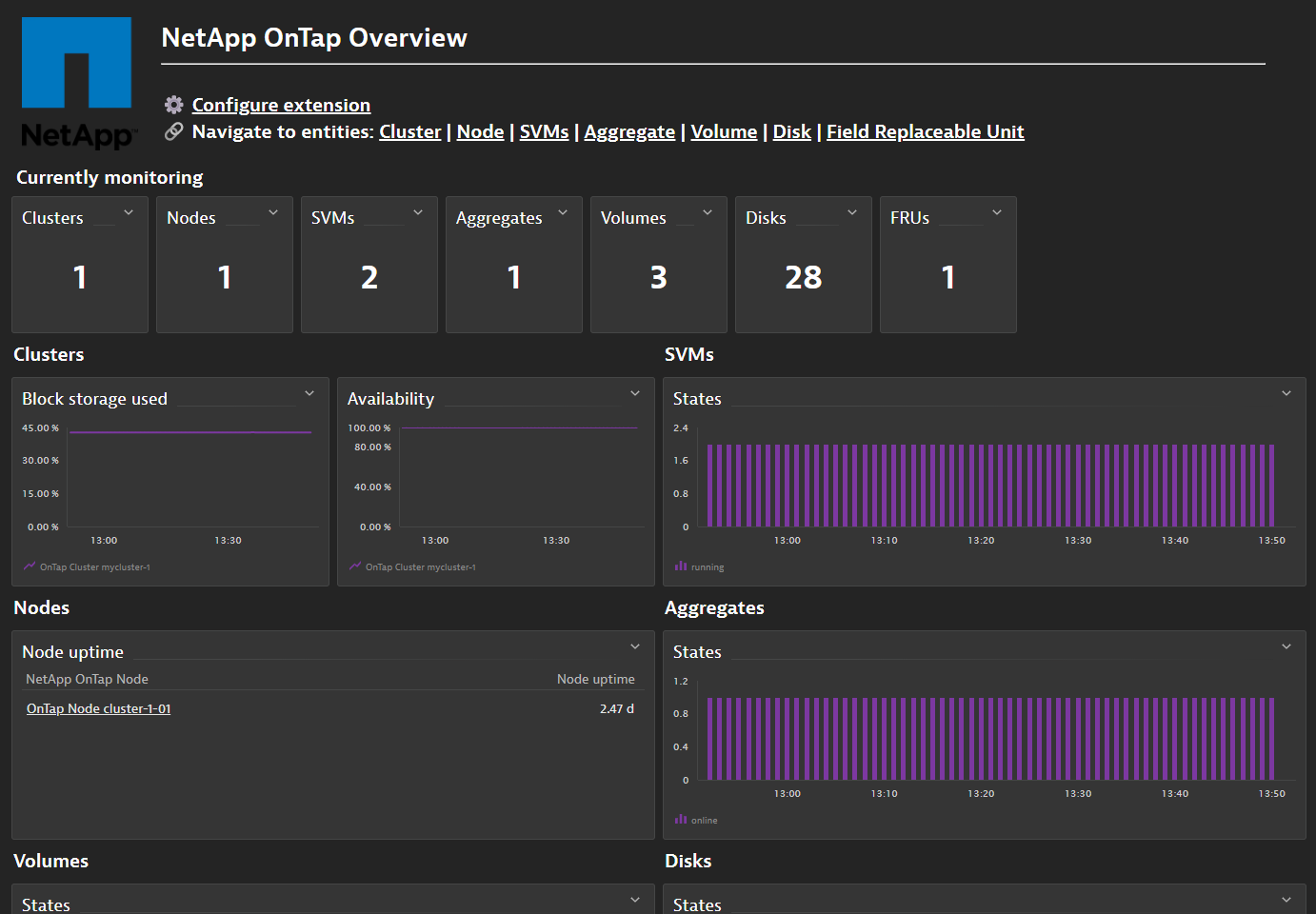
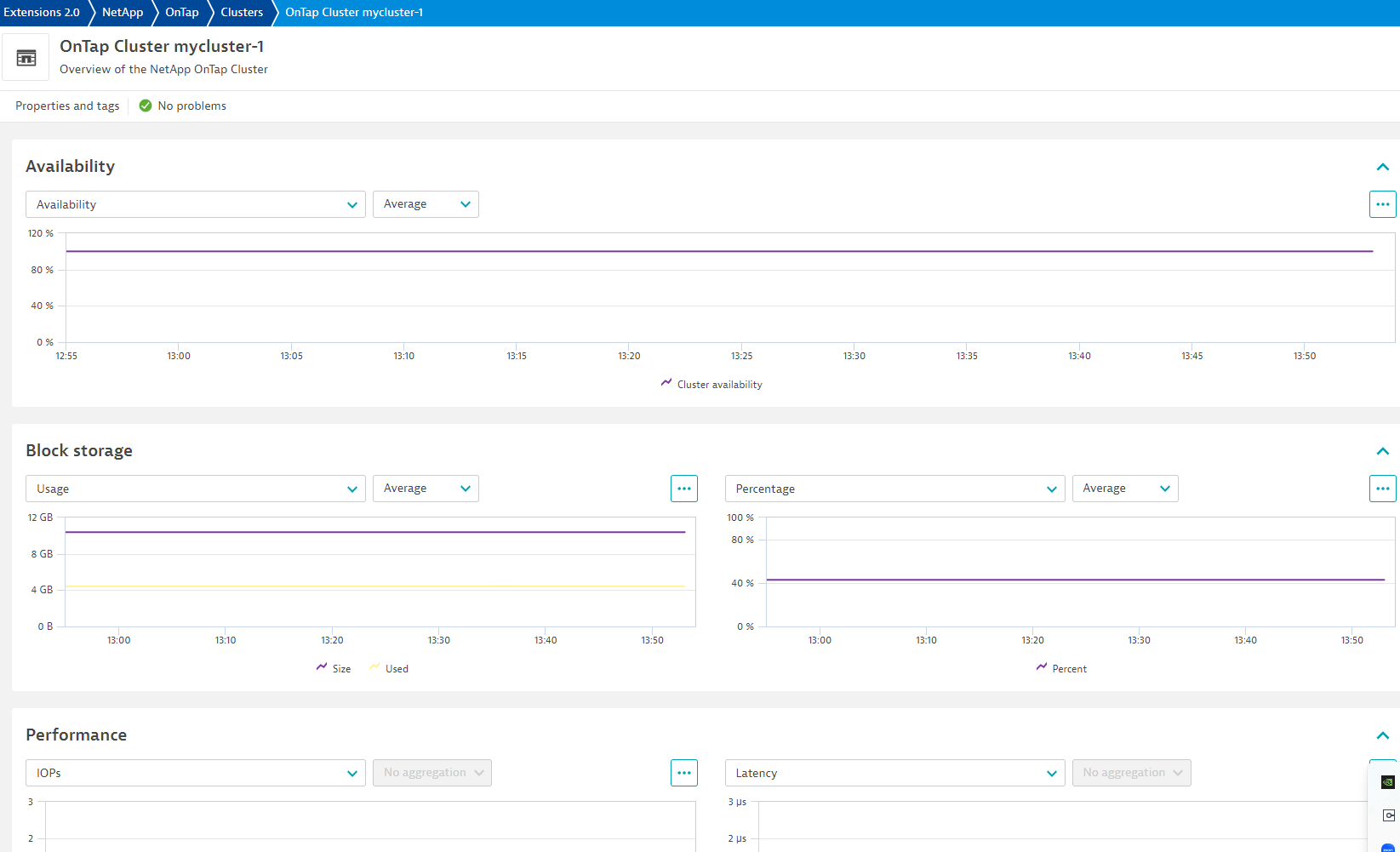
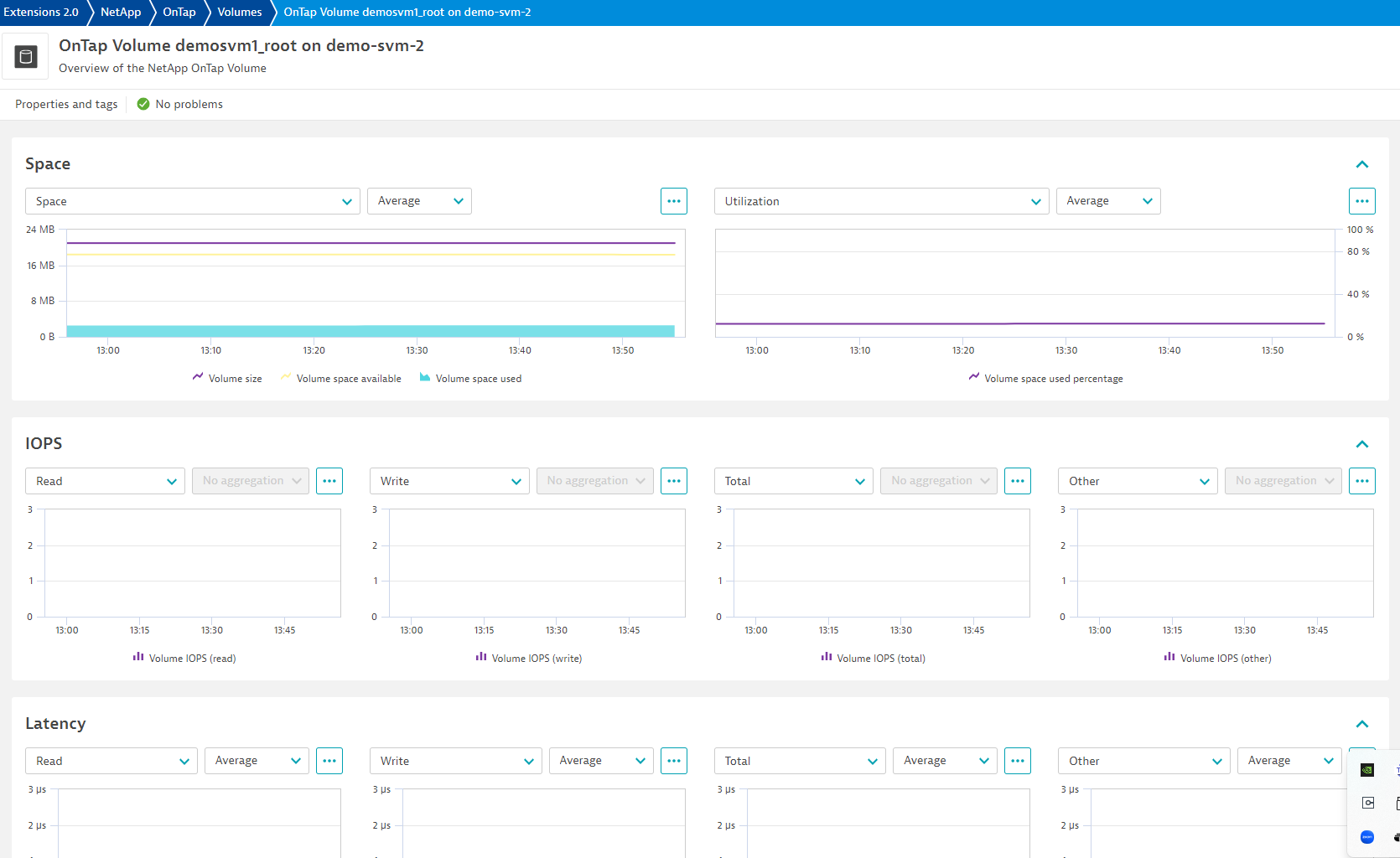
ExtensionCollect, view, and analyze metrics from your NetApp OnTap clusters in context with your hosts, applications, and services already being monitored by OneAgents. Make use of powerful charting and dashboarding capabilities as well as allow Dynatrace Intelligence to generate baselines and alert you when anomalies are detected in designated metrics. OnTap will collect metrics cluster-wide and for each of your nodes and storage virtual machines (SVMs).
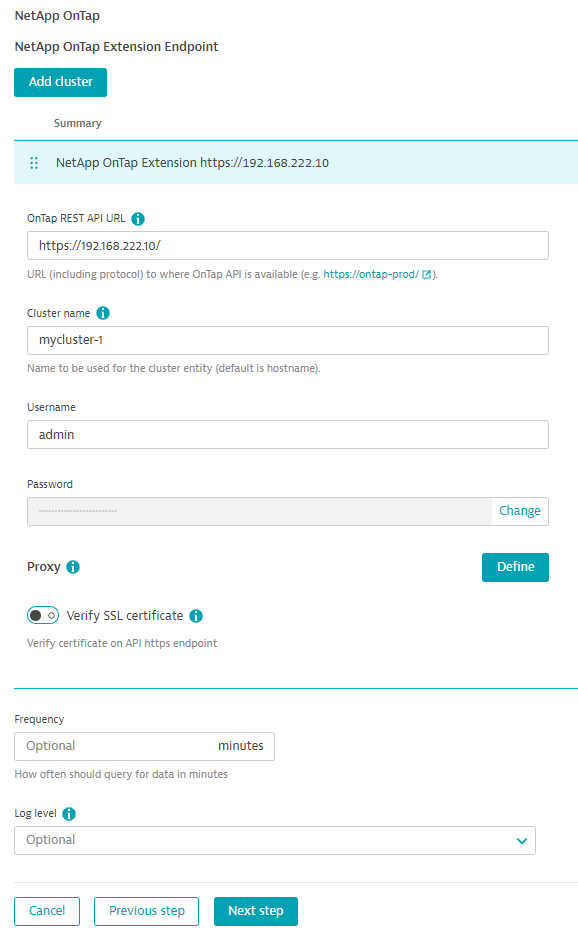
For more information in the installation and configuration, please see NetApp OnTap extension in the Dynatrace documentation.
For more information on the installation and configuration, please see NetApp OnTap (Remote) extension in the Dynatrace Documentation.
Connects to and collects data from the NetApp OnTap API. This REST API is available in OnTap 9.6+.
Below is a complete list of the feature sets provided in this version. To ensure a good fit for your needs, individual feature sets can be activated and deactivated by your administrator during configuration.
| Metric name | Metric key | Description | Unit |
|---|---|---|---|
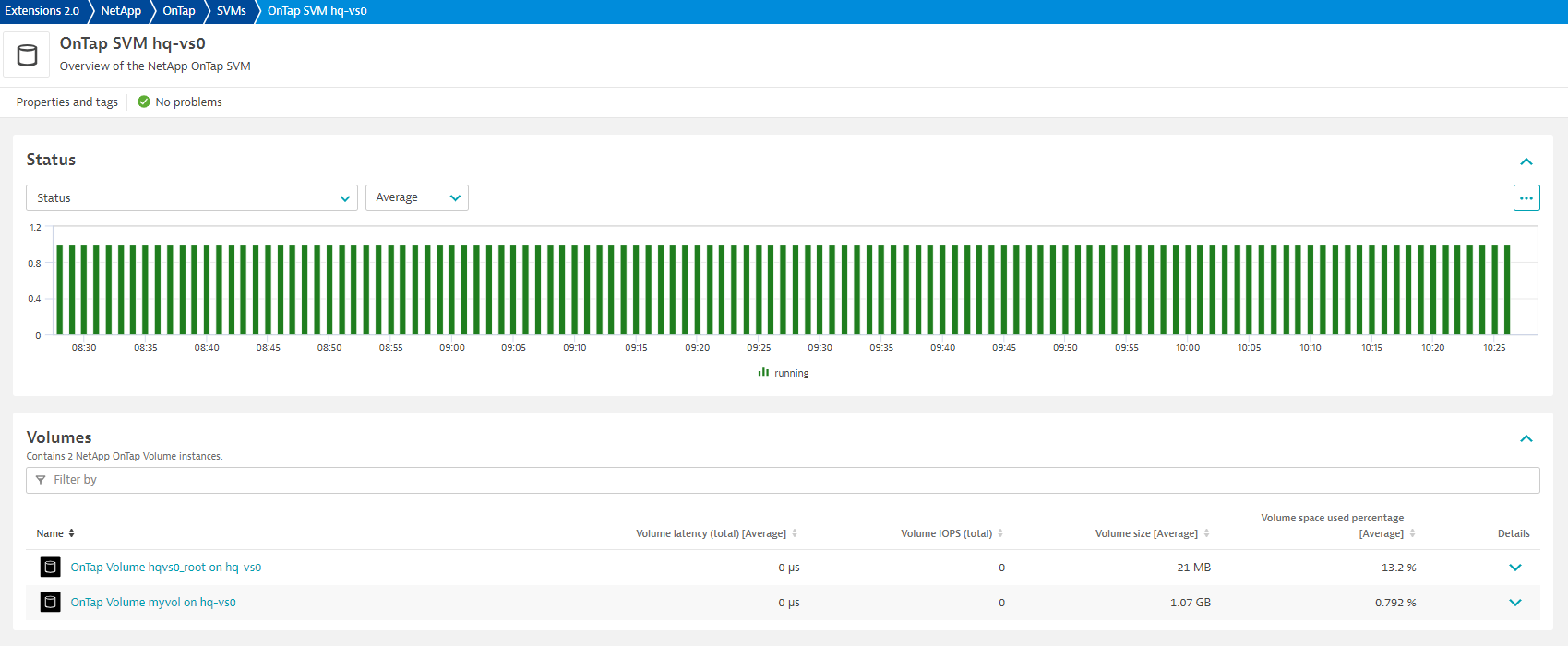
| SVM state | netapp.ontap.svm.state | Current SVM state: starting, running, stopping, stopped,or deleting | Count |
| Metric name | Metric key | Description | Unit |
|---|---|---|---|
| Volume state | netapp.ontap.volume.state | Volume state: error, mixed, offline, or online | Count |
| Volume throughput (other) | netapp.ontap.volume.throughput.other.count | The volume's rate of throughput bytes observed at the storage object (other) | Byte |
| Volume throughput (read) | netapp.ontap.volume.throughput.read.count | The volume's rate of throughput bytes observed at the storage object (read) | Byte |
| Volume throughput (write) | netapp.ontap.volume.throughput.write.count | The volume's rate of throughput bytes observed at the storage object (write) | Byte |
| Volume throughput (total) | netapp.ontap.volume.throughput.total.count | The volume's rate of throughput bytes observed at the storage object (total) | Byte |
| Volume IOPS (other) | netapp.ontap.volume.iops.other.count | The volume's number of I/O operations observed at the storage object (other) | Count |
| Volume IOPS (read) | netapp.ontap.volume.iops.read.count | The volume's number of I/O operations observed at the storage object (read) | Count |
| Volume IOPS (write) | netapp.ontap.volume.iops.write.count | The volume's number of I/O operations observed at the storage object (write) | Count |
| Volume IOPS (total) | netapp.ontap.volume.iops.total.count | The volume's number of I/O operations observed at the storage object (total) | Count |
| Volume latency (total) | netapp.ontap.volume.latency.total | The volume's raw latency in microseconds observed at the storage object (total) | MicroSecond |
| Volume latency (read) | netapp.ontap.volume.latency.read | The volume's raw latency in microseconds observed at the storage object (read) | MicroSecond |
| Volume latency (write) | netapp.ontap.volume.latency.write | The volume's raw latency in microseconds observed at the storage object (write) | MicroSecond |
| Volume latency (other) | netapp.ontap.volume.latency.other | The volume's raw latency in microseconds observed at the storage object (other) | MicroSecond |
| Volume size | netapp.ontap.volume.size | Total provisioned size | Byte |
| Volume space available | netapp.ontap.volume.available | The available space | Byte |
| Volume space used | netapp.ontap.volume.used | Volume space used (including data and metadata) | Byte |
| Volume space used percentage | netapp.ontap.volume.used_percent | Percentage of volume space used (including data and metadata) | Percent |
| - | netapp.ontap.volume.files.maxiumum | - | - |
| Files (inodes) | netapp.ontap.volume.files.used | Number of files (inodes) used for user-visible data permitted on the volume. | Count |
| Files (inodes) used percentage | netapp.ontap.volume.files.used_percentage | Percentage of the maximum number of files used on the volume. | Percent |
| Metric name | Metric key | Description | Unit |
|---|---|---|---|
| Lag time | netapp.ontap.snapmirror.relationship.lag_time | The time since the exported snapshot was created | Second |
| Relationship state | netapp.ontap.snapmirror.relationship.state | The state of the relationship | State |
| Relationship health | netapp.ontap.snapmirror.relationship.health | Is the relationship healthy? | State |
| Metric name | Metric key | Description | Unit |
|---|---|---|---|
| Volume QOS minimum throughput (IOPS) | netapp.ontap.volume.qos.min_throughput_iops | The minimum throughput in IOPS (volumes) | Count |
| Volume QOS maximum throughput (IOPS) | netapp.ontap.volume.qos.max_throughput_iops | The maximum throughput in IOPS (volumes) | Count |
| Volume QOS maximum throughput (Mbps) | netapp.ontap.volume.qos.max_throughput_mbps | The maximum throughput in Mbps (volumes) | MegaBytePerSecond |
| Volume QOS minimum throughput (Mbps) | netapp.ontap.volume.qos.min_throughput_mbps | The minimum throughput in Mbps (volumes) | MegaBytePerSecond |
| SVM QOS minimum throughput (IOPS) | netapp.ontap.svm.qos.min_throughput_iops | The minimum throughput in IOPS (svms) | Count |
| SVM QOS maximum throughput (IOPS) | netapp.ontap.svm.qos.max_throughput_iops | The maximum throughput in IOPS (svms) | Count |
| - | netapp.ontap.svm.qos.max_throughput_mbps | - | - |
| SVM QOS minimum throughput (Mbps) | netapp.ontap.svm.qos.min_throughput_mbps | The minimum throughput in Mbps (svms) | MegaBytePerSecond |
| Metric name | Metric key | Description | Unit |
|---|---|---|---|
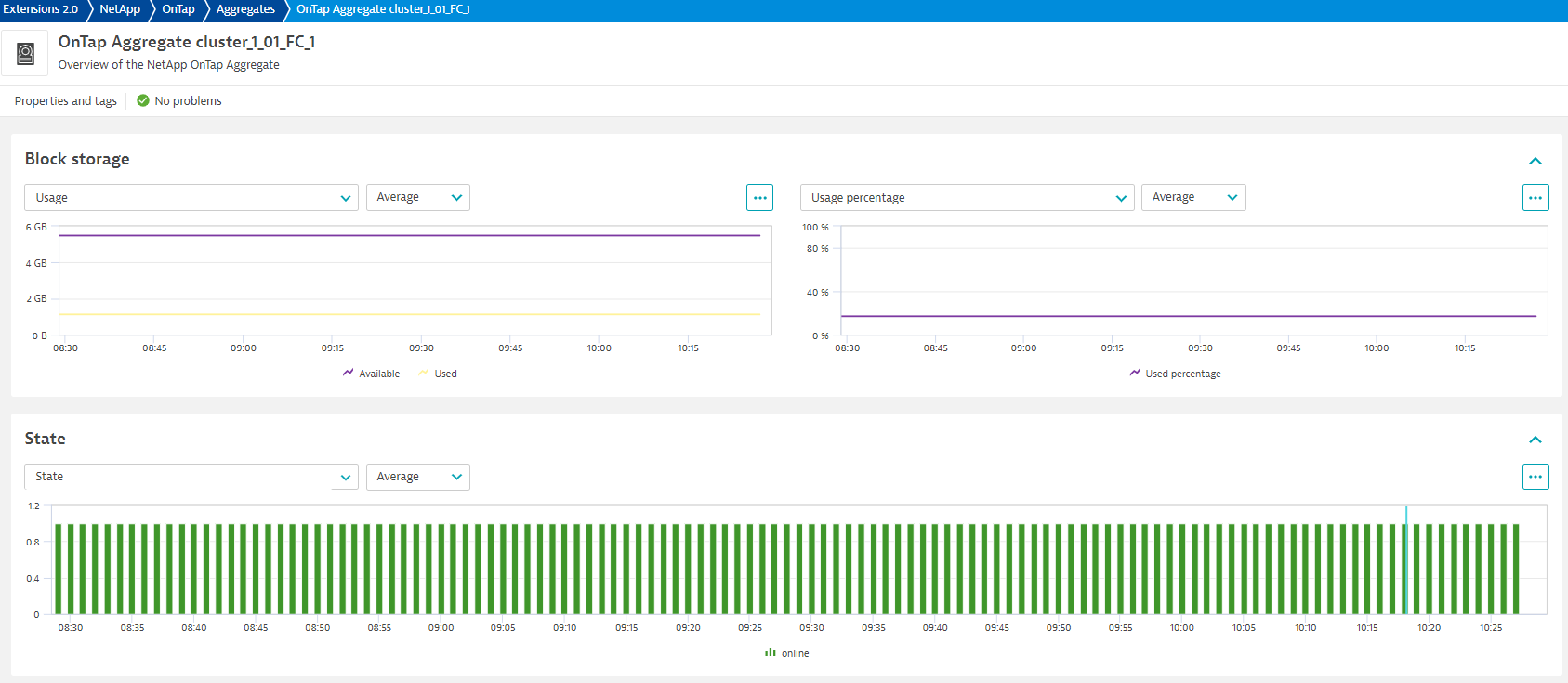
| Aggregate state | netapp.ontap.aggregate.state | Current aggregate state: online, onlining, offline, offlining, relocating, unmounted, restricted, inconsistent, failed, or unknown | Count |
| Aggregate block storage used | netapp.ontap.aggregate.block_storage_used | Space used or reserved in bytes. Includes volume guarantees and aggregate metadata. | Byte |
| Aggregate block storage available | netapp.ontap.aggregate.block_storage_available | Space available in bytes | Byte |
| Aggregate block storage size | netapp.ontap.aggregate.block_storage_size | Total usable space in bytes, not including WAFL reserve and aggregate Snapshot copy reserve. | Byte |
| Aggregate block storage used percentage | netapp.ontap.aggregate.block_storage_used_percent | Percentage of block storage used | Percent |
| Metric name | Metric key | Description | Unit |
|---|---|---|---|
| Rated life used | netapp.ontap.disk.rated_life_used_percentage | Percentage of rated life used | Percent |
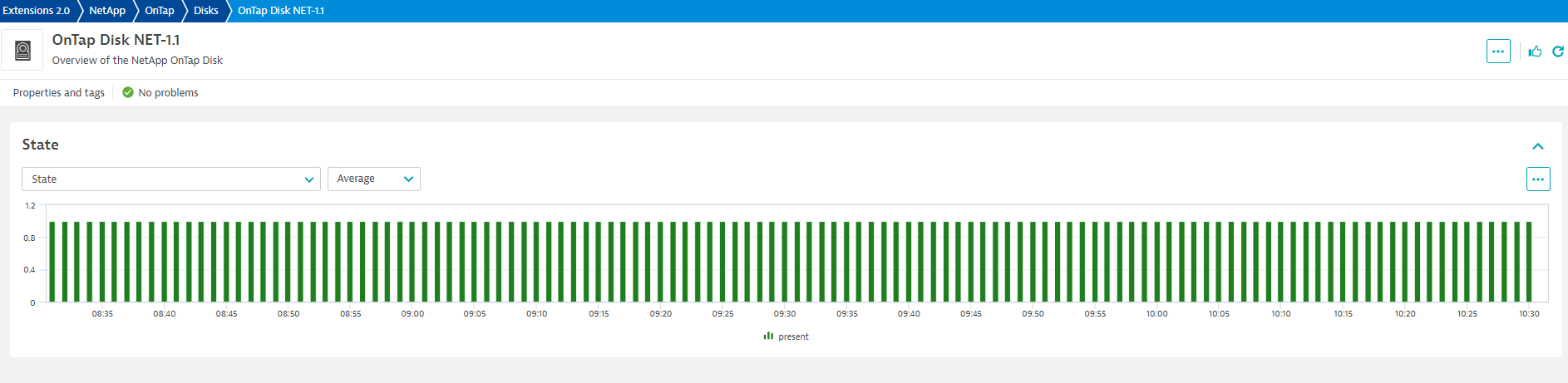
| Disk state | netapp.ontap.disk.state | Current disk state: broken, copy, maintenance, partner, pending, present, reconstructing, removed, spare, unfail, or zeroing | Count |
| Metric name | Metric key | Description | Unit |
|---|---|---|---|
| Cluster IOPS (other) | netapp.ontap.cluster.iops_other.count | The cluster's number of I/O operations observed at the storage object (other) | Count |
| Cluster IOPS (read) | netapp.ontap.cluster.iops_read.count | The cluster's number of I/O operations observed at the storage object (read) | Count |
| Cluster IOPS (total) | netapp.ontap.cluster.iops_total.count | The cluster's number of I/O operations observed at the storage object (total) | Count |
| Cluster IOPS (write) | netapp.ontap.cluster.iops_write.count | The cluster's number of I/O operations observed at the storage object (write) | Count |
| Cluster throughput (other) | netapp.ontap.cluster.throughput_other.count | The cluster's rate of throughput bytes observed at the storage object (other) | Byte |
| Cluster throughput (read) | netapp.ontap.cluster.throughput_read.count | The cluster's rate of throughput bytes observed at the storage object (read) | Byte |
| Cluster throughput (total) | netapp.ontap.cluster.throughput_total.count | The cluster's rate of throughput bytes observed at the storage object (total) | Byte |
| Cluster throughput (write) | netapp.ontap.cluster.throughput_write.count | The cluster's rate of throughput bytes observed at the storage object (write) | Byte |
| Cluster latency (other) | netapp.ontap.cluster.latency_other.count | The cluster's raw latency in microseconds observed at the storage object (other) | MicroSecond |
| Cluster latency (read) | netapp.ontap.cluster.latency_read.count | The cluster's raw latency in microseconds observed at the storage object (read) | MicroSecond |
| Cluster latency (total) | netapp.ontap.cluster.latency_total.count | The cluster's raw latency in microseconds observed at the storage object (total) | MicroSecond |
| Cluster latency (write) | netapp.ontap.cluster.latency_write.count | The cluster's raw latency in microseconds observed at the storage object (write) | MicroSecond |
| Cluster block storage size | netapp.ontap.cluster.block_storage_size | The size of the cluster's block storage | Byte |
| Cluster block storage used | netapp.ontap.cluster.block_storage_used | Amount of block storage on the cluster in use | Byte |
| Cluster block storage used percentage | netapp.ontap.cluster.block_storage_used_percentage | The percentage of the cluster's block storage that is currently in use | Percent |
| Metric name | Metric key | Description | Unit |
|---|---|---|---|
| FRU state | netapp.ontap.node.fru.state | State of the field replaceable unit (100% for OK 0% for ERROR)) | Percent |
| Metric name | Metric key | Description | Unit |
|---|---|---|---|
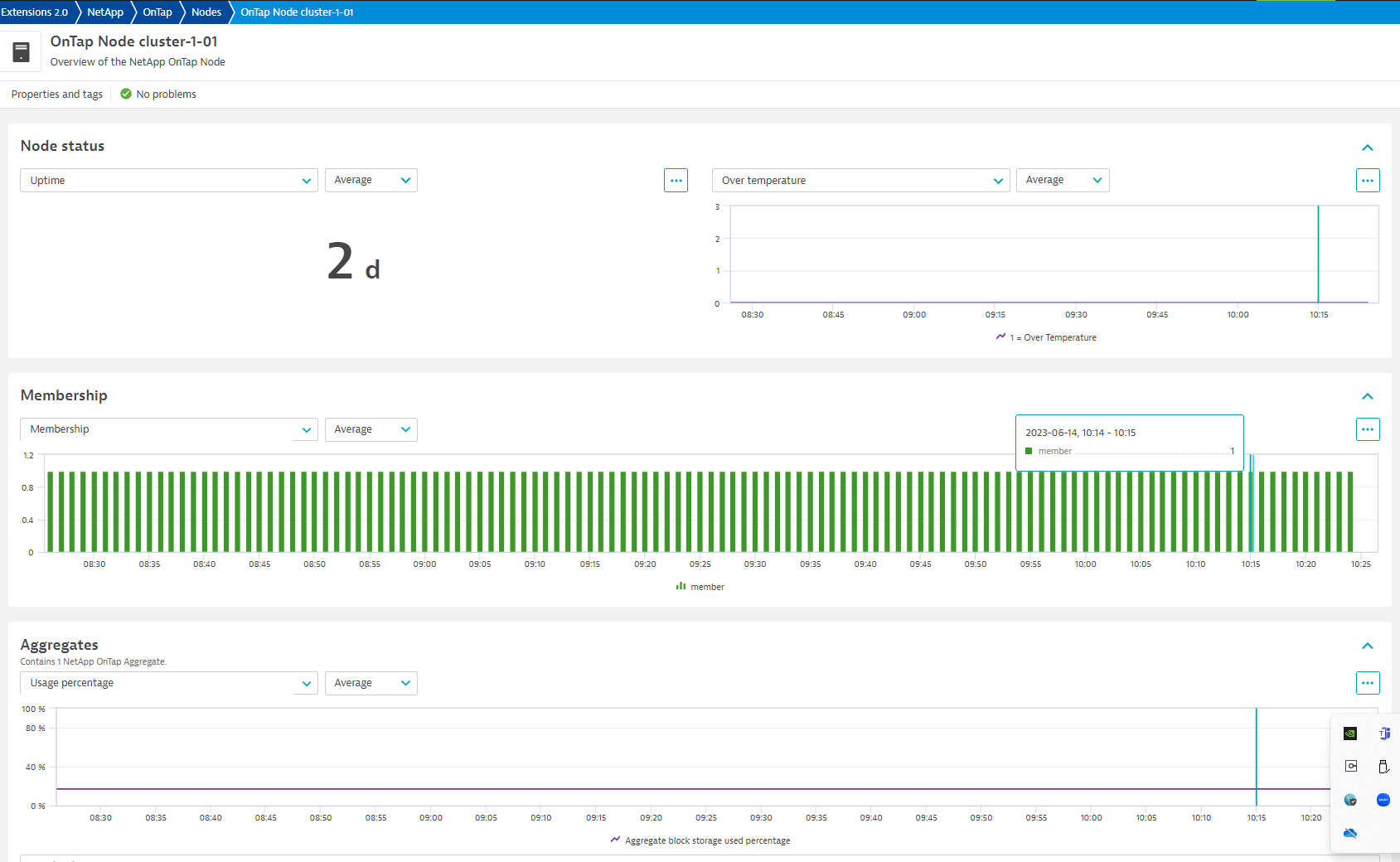
| Node uptime | netapp.ontap.node.uptime | How long the node reports it has been running | Second |
| Over temperature | netapp.ontap.node.over_temperature | Specifies whether the hardware is currently operating outside of its recommended temperature range (0 = "normal", 1 = "over"). | Count |
| Node membership | netapp.ontap.node.membership | Membership status of the cluster node | State |
| Node processor utilization | netapp.ontap.node.processor_utilization | Average CPU Utilization for the node | Percent |
| Metric name | Metric key | Description | Unit |
|---|---|---|---|
| Cluster availability | netapp.ontap.cluster.availability | Connectivity to the configured OnTap cluster URL as detected by the extension | Percent |
| Metric name | Metric key | Description | Unit |
|---|---|---|---|
| LUN state | netapp.ontap.lun.state | The state of the LUN. Normal states for a LUN are online and offline. Other states indicate errors | Count |
| LUN container state | netapp.ontap.lun.container_state | The state of the volume and aggregate that contain the LUN. LUNs are only available when their containers are available | Count |
| LUN enabled state | netapp.ontap.lun.enabled | The enabled state of the LUN. LUNs can be disabled to prevent access to the LUN. 1 = enabled, 0 = disabled | Count |
| LUN space used | netapp.ontap.lun.used | The amount of space consumed by the main data stream of the LUN | Byte |
| LUN size | netapp.ontap.lun.size | The total provisioned size of the LUN | Byte |
| LUN space used percentage | netapp.ontap.lun.used_percentage | Space used in the LUN as a percentage | Percent |
| Metric name | Metric key | Description | Unit |
|---|---|---|---|
| Storage pool total capacity | netapp.ontap.pool.total_capacity | Total size of the flash pool, in bytes. | Byte |
| Storage pool usable capacity | netapp.ontap.pool.usable_capacity | Remaining usable capacity in the flash pool, in bytes. | Byte |
| Storage pool used capacity | netapp.ontap.pool.used_capacity | Used capacity in the flash pool, in bytes. | Byte |
| Storage pool total capacity | netapp.ontap.pool.used_percentage | Percentage of capacity used in the flash pool. | Percent |
Fixes:
✨ New in this version:
NOTE:
This version of the extension requires ActiveGate version 1.313.0 or newer.
New in this version:

