


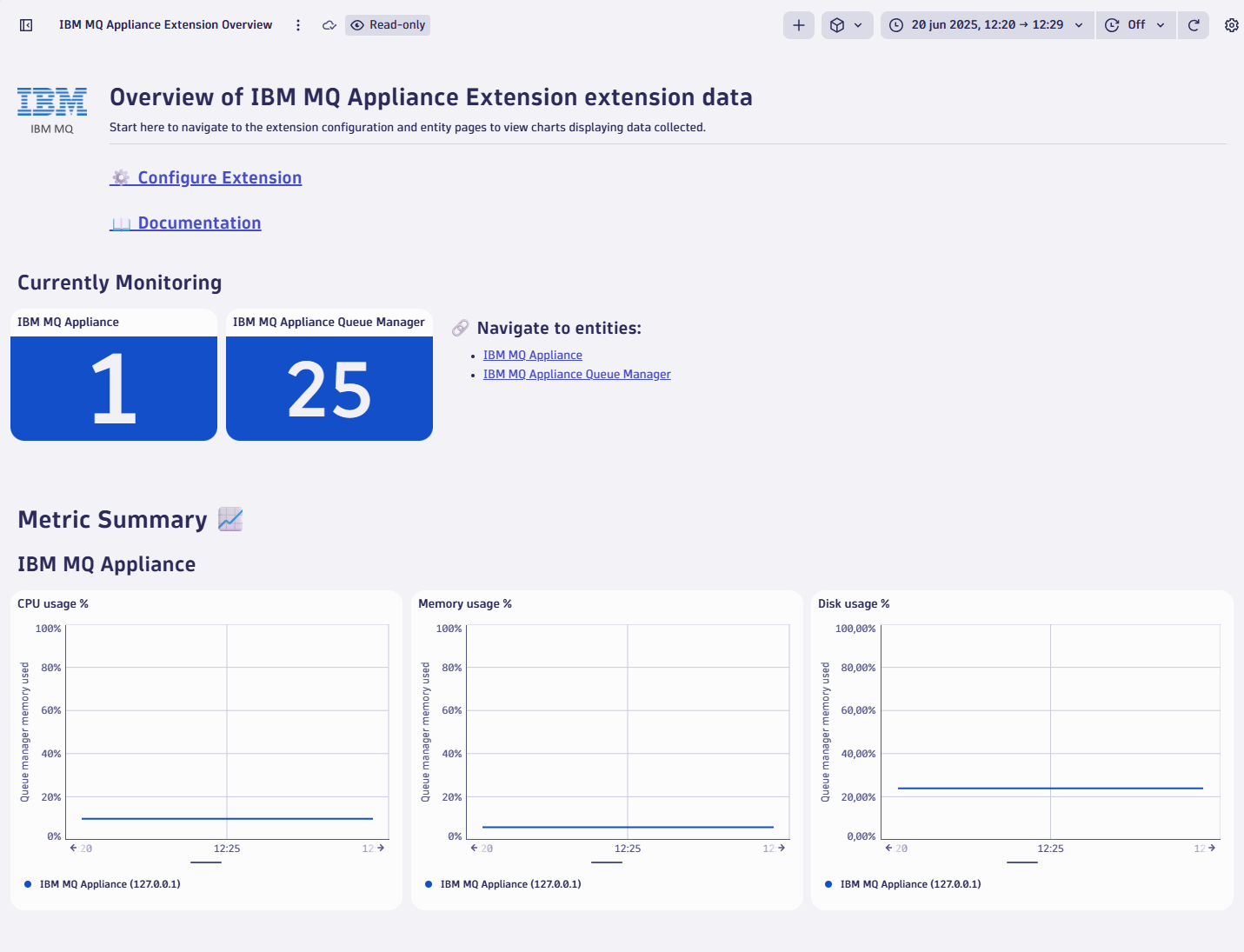
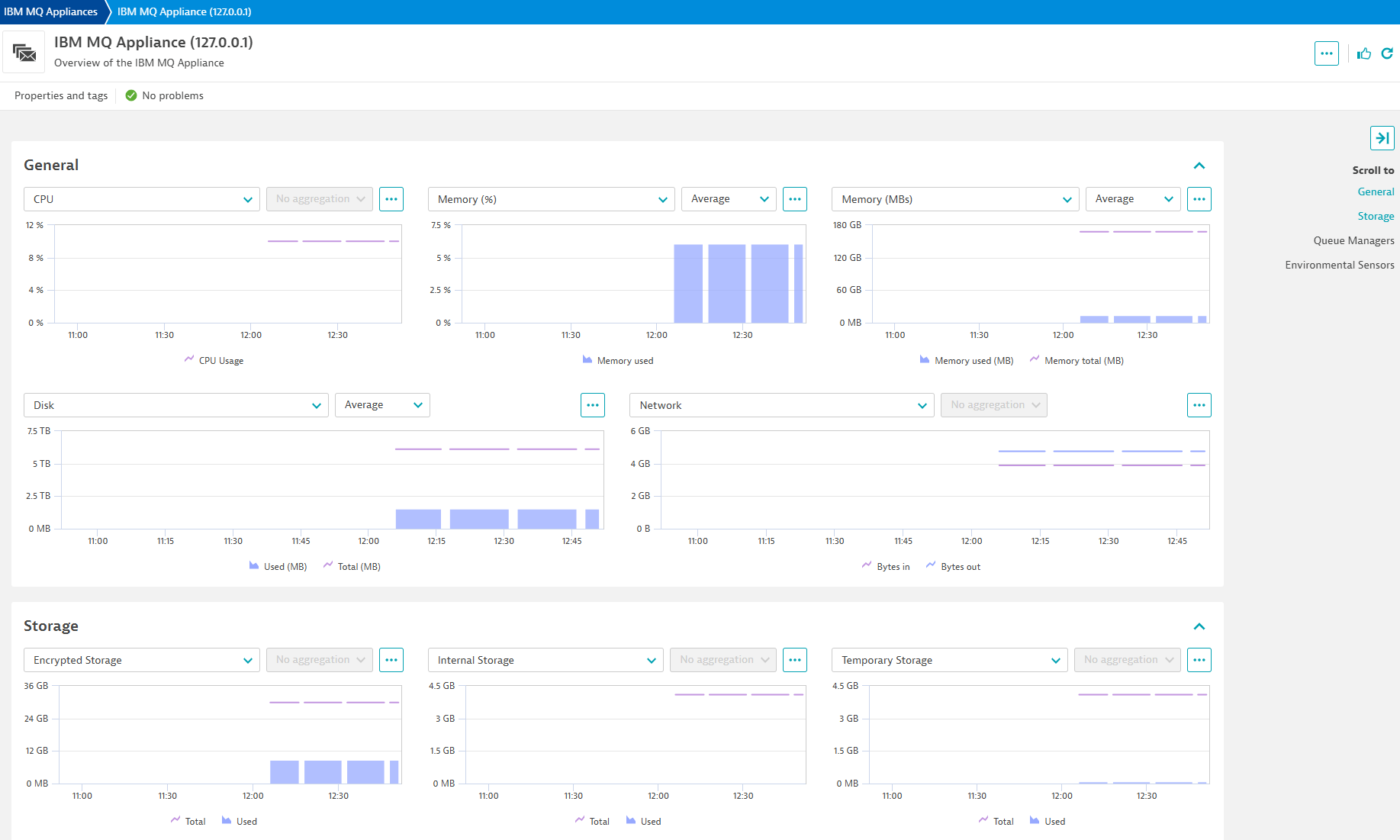
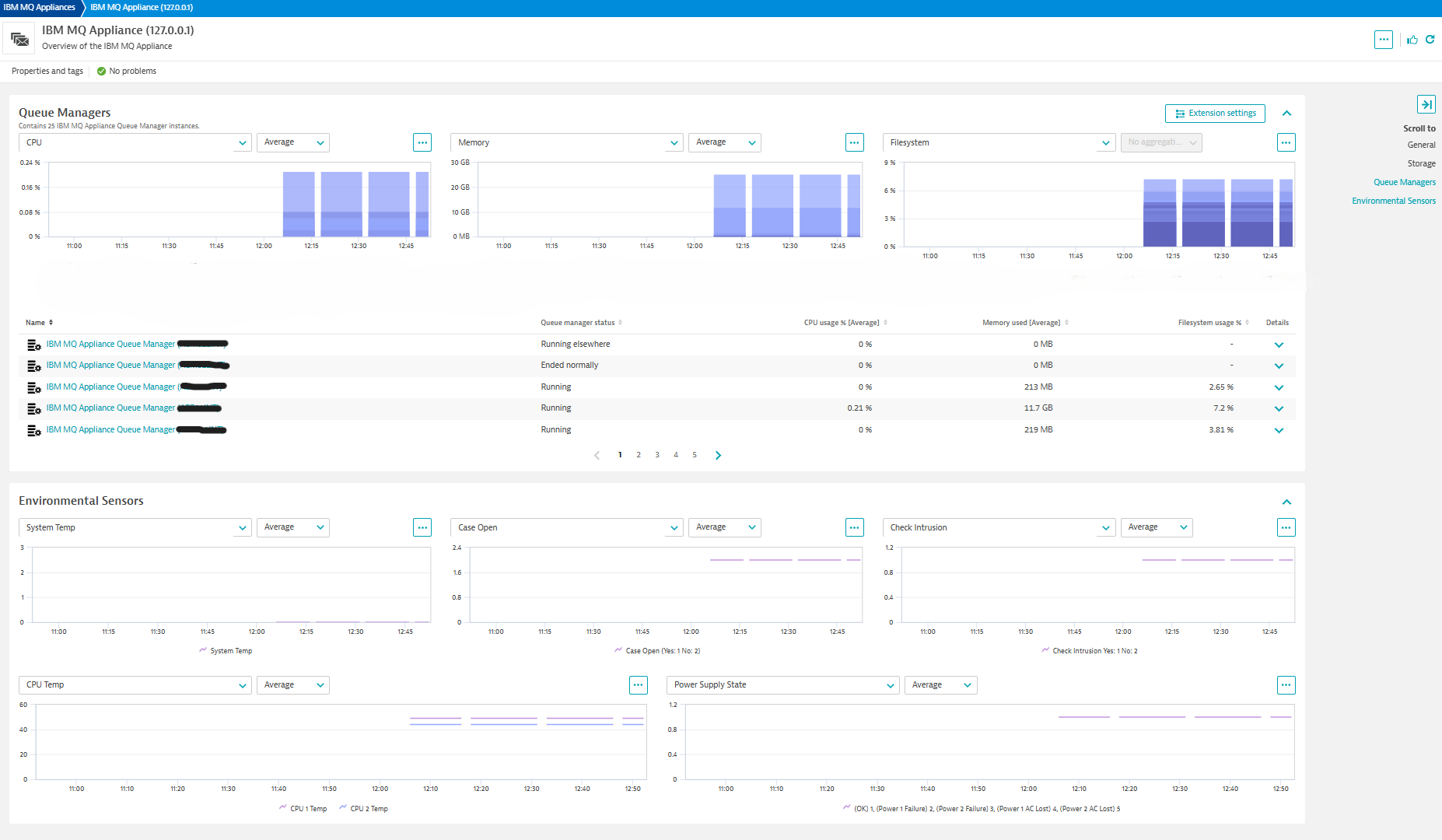






















Kick-start your app creation
Whether you’re a beginner or a pro, Dynatrace Developer has the tools and support you need to create incredible apps with minimal effort.
Go to Dynatrace Developer
 IBM MQ Appliance
This extension collects metrics to monitor the health and performance of your IBM MQ Appliances. Metrics are collected via SNMP protocol.
For more information on the installation and configuration, please see IBM MQ Appliance extension in the Dynatrace Documentation.
Below is a complete list of the feature sets provided in this version. To ensure a good fit for your needs, individual feature sets can be activated and deactivated by your administrator during configuration.
| Metric name | Metric key | Description | Unit |
|---|---|---|---|
| System Uptime (ms) | ibm_mq.sys.uptime | The time (in hundredths of a second) since the network management portion of the system was last re-initialized. | MilliSecond |
| Appliance Uptime (ms) | ibm_mq.status.uptime | The total amount of time the appliance has been up since the last reload or reboot. (hundredths of a second). | MilliSecond |
| Metric name | Metric key | Description | Unit |
|---|---|---|---|
| Free encrypted storage space | ibm_mq.filesystemstatus.freeencrypted | Free, or unused and available, encrypted storage space on the device. All files placed in encrypted storage are automatically encrypted for security by the device. | MegaByte |
| Total encrypted storage space | ibm_mq.filesystemstatus.totalencrypted | Total encrypted storage space on the device (the maximum capacity). All files placed in encrypted storage are automatically encrypted for security by the device. | MegaByte |
| Free internal storage space | ibm_mq.filesystemstatus.freeinternal | Free, or unused and available, internal storage space on the device. The device uses internal storage for import, export, firmware upgrades and debug captures. | MegaByte |
| Total internal storage space | ibm_mq.filesystemstatus.totalinternal | Total internal storage space on the device. The device uses internal storage for import, export, firmware upgrades and debug captures. | MegaByte |
| Free temporary storage space | ibm_mq.filesystemstatus.freetemporary | Free, or unused and available, temporary storage space on the device. The device uses temporary storage for processing, logging and debugging. | MegaByte |
| Total temporary storage space | ibm_mq.filesystemstatus.totaltemporary | Total temporary storage space on the device. The device uses temporary storage for processing, logging and debugging. | MegaByte |
| Metric name | Metric key | Description | Unit |
|---|---|---|---|
| Sensor case open - Status | ibm_mq.environmental_sensor.case_open | Yes: 1 No: 2 | State |
| Sensor intrusion - Status | ibm_mq.environmental_sensor.check_intrusion | Yes: 1 No: 2 | State |
| Sensor CPU 1 temp | ibm_mq.environmental_sensor.cpu.temp.1 | - | Unspecified |
| Sensor CPU 2 temp | ibm_mq.environmental_sensor.cpu.temp.2 | - | Unspecified |
| Sensor Power Supply | ibm_mq.environmental_sensor.power_supply | OK: 1, Power 1 Failure: 2, Power 2 Failure: 3, Power 1 AC Lost: 4, Power 2 AC Lost: 5 | State |
| Sensory System Temp | ibm_mq.environmental_sensor.system_temp | - | Unspecified |
| Metric name | Metric key | Description | Unit |
|---|---|---|---|
| CPU usage % | ibm_mq.cpu.usage.percent | The instantaneous CPU usage as a percentage of the CPU load. | Percent |
| CPU average load 5 min | ibm_mq.cpu.load5min.percent | The average CPU load over the last 5 minutes. | Percent |
| Metric name | Metric key | Description | Unit |
|---|---|---|---|
| Used memory percentage | ibm_mq.memory.used.percent | The instantaneous memory usage as a percentage of the total memory. | Percent |
| Free memory | ibm_mq.memory.free | The amount of memory that is currently not in use and is therefore available. The free memory value includes any hold memory that is not currently in use. | MegaByte |
| Total memory | ibm_mq.memory.total | The total memory of the system in megabytes. The total memory equals the amount of installed memory minus the amount of reserved memory. | MegaByte |
| Used memory | ibm_mq.memory.used | The amount of memory that is currently in use. The used memory equals the amount of total memory minus the amount of free memory. The used memory does not include any hold memory. | MegaByte |
| Metric name | Metric key | Description | Unit |
|---|---|---|---|
| Disk used | ibm_mq.disk.used | The amount of MQ storage in use in megabytes. | MegaByte |
| Disk total | ibm_mq.disk.total | The total storage in megabytes available for MQ data. | MegaByte |
| Used error storage space | ibm_mq.errorstorage.used | Free, or unused and available, error storage space on the device. | MegaByte |
| Total error storage space | ibm_mq.errorstorage.total | Total error storage space on the device. | MegaByte |
| Used trace storage space | ibm_mq.tracestorage.used | Free, or unused and available, trace storage space on the device. | MegaByte |
| Total trace storage space | ibm_mq.tracestorage.total | Total trace storage space on the device. | MegaByte |
| Metric name | Metric key | Description | Unit |
|---|---|---|---|
| Queue manager CPU usage % | ibm_mq.queue_manager.cpu.usage | The instantaneous CPU usage by the queue manager as a percentage of the CPU load. | Percent |
| Queue manager memory used | ibm_mq.queue_manager.memory.used | The amount of memory that is currently in use by the queue manager. | MegaByte |
| Queue manager filesystem used | ibm_mq.queue_manager.filesystem.used | The amount of filesystem space that is currently in use by the queue manager. | MegaByte |
| Queue manager filesystem total | ibm_mq.queue_manager.filesystem.total | The total amount of filesystem space that is available for the queue manager. | MegaByte |
| Metric name | Metric key | Description | Unit |
|---|---|---|---|
| Total network bytes in | ibm_mq.network.bytes.in.count | The number of bytes received in the network interface of the device. | Byte |
| Total network bytes out | ibm_mq.network.bytes.out.count | The number of bytes sent by the network interface of the device. | Byte |
device.address and queue_manager.name as required dimensions for generic entities.(IMPORTANT!: You will have to re-create your configurations to toggle the new feature sets when upgrading.)
ibm_mq.network.bytes.in and ibm_mq.network.bytes.out renamed to ibm_mq.network.bytes.in.count and ibm_mq.network.bytes.out.count to fit naming standards.ibm_mq_appliance:device and ibm_mq_appliance:queue_manager.(IMPORTANT!: Any existing settings dependent upon these names will have to be changed accordingly after upgrading to this version.)
30+ metrics in 8 feature sets 2 entities Gen 2 / Gen 3 dashboards and screens

