




























Kick-start your app creation
Whether you’re a beginner or a pro, Dynatrace Developer has the tools and support you need to create incredible apps with minimal effort.
Go to Dynatrace Developer
 Apache ActiveMQ Classic
Automatic and smart observability for ActiveMQ with trace and metric insights.
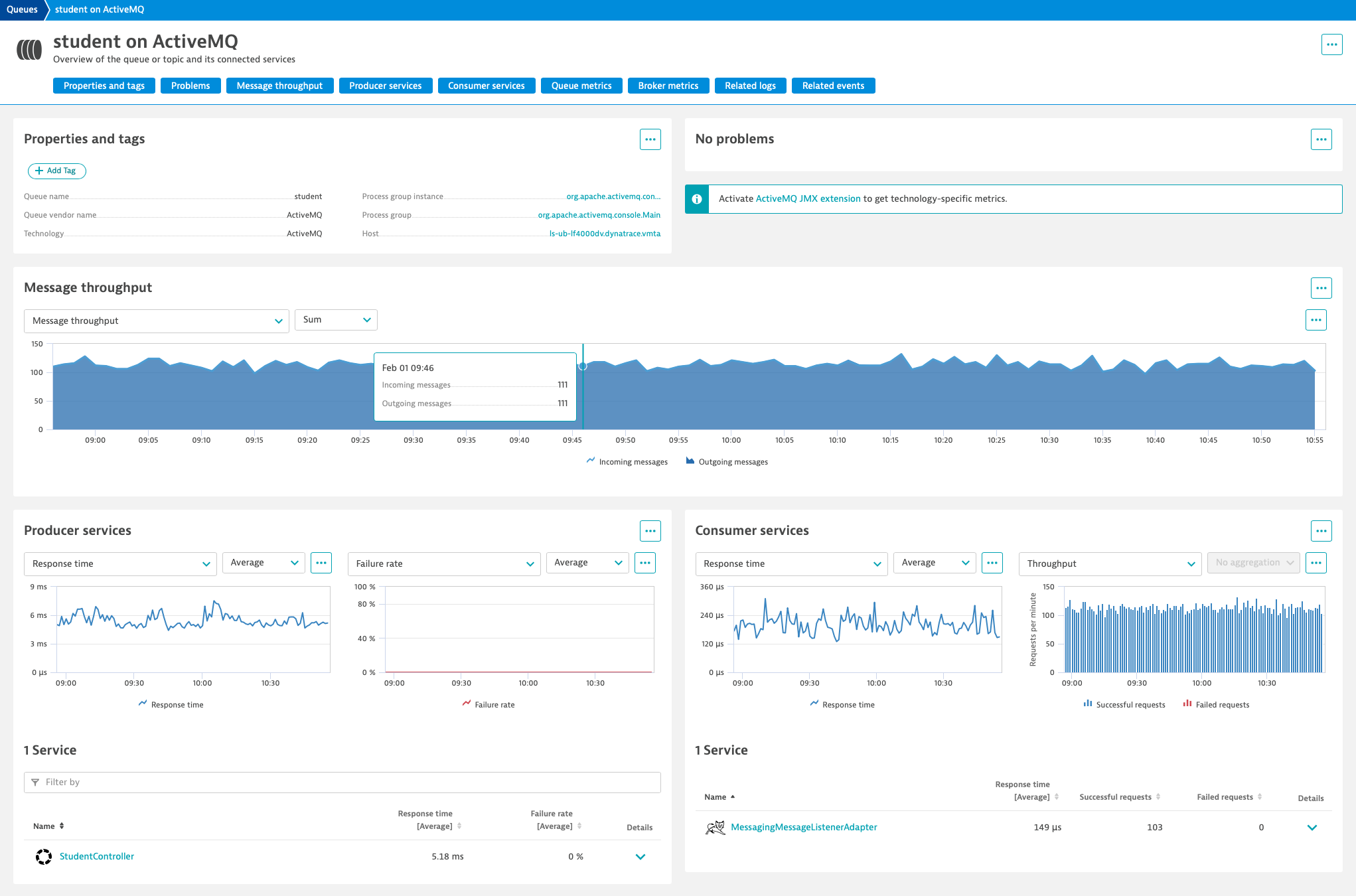
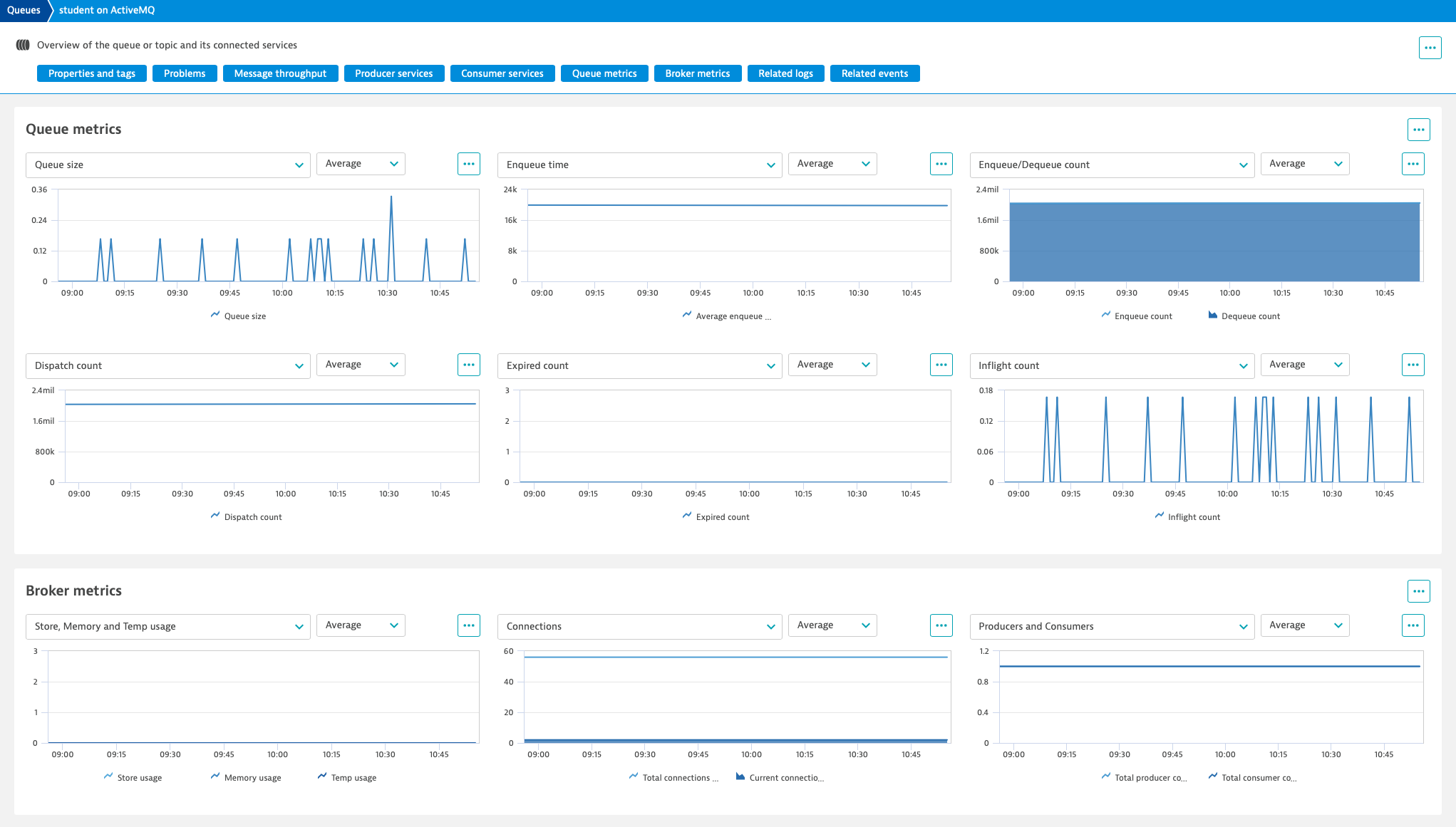
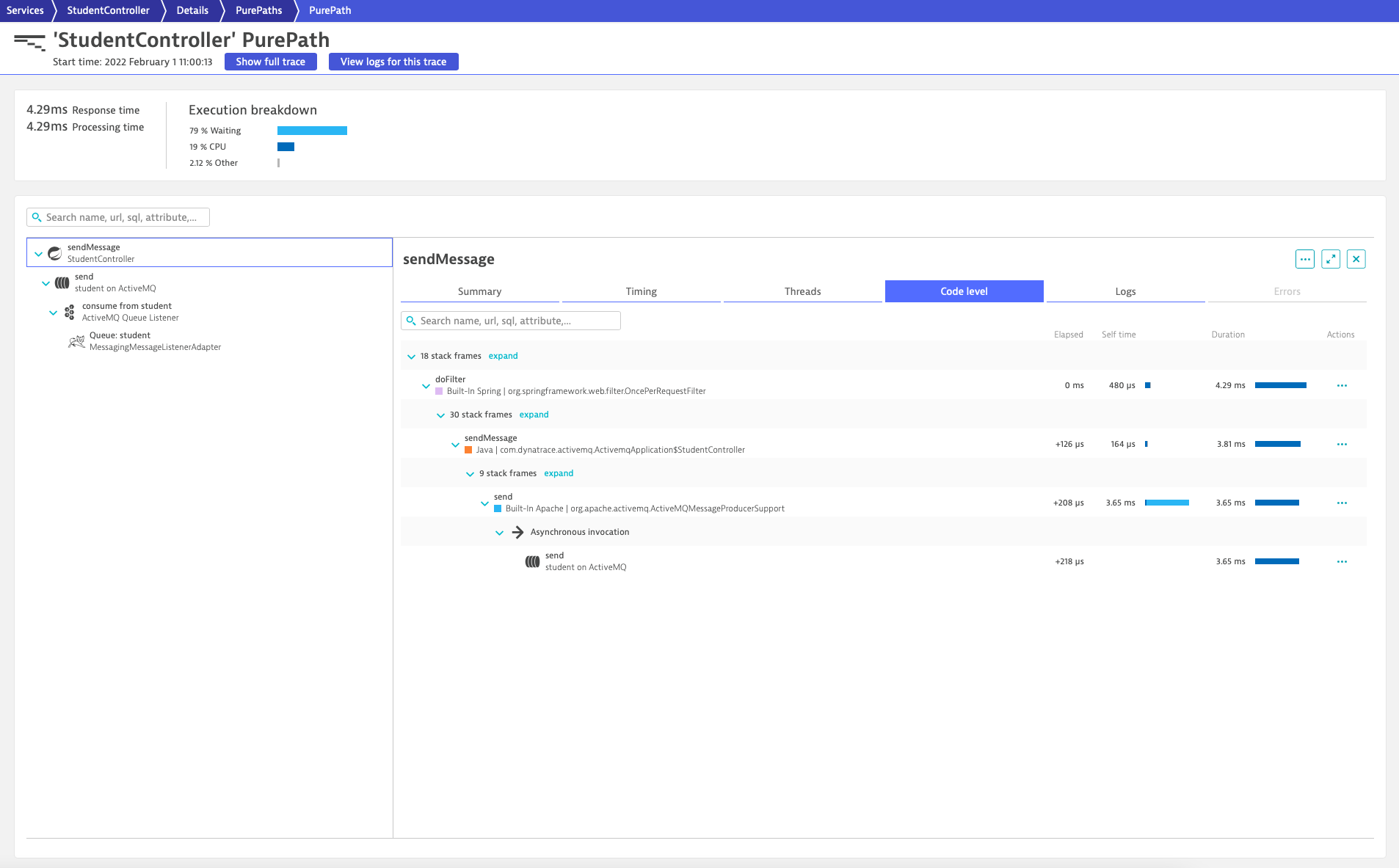
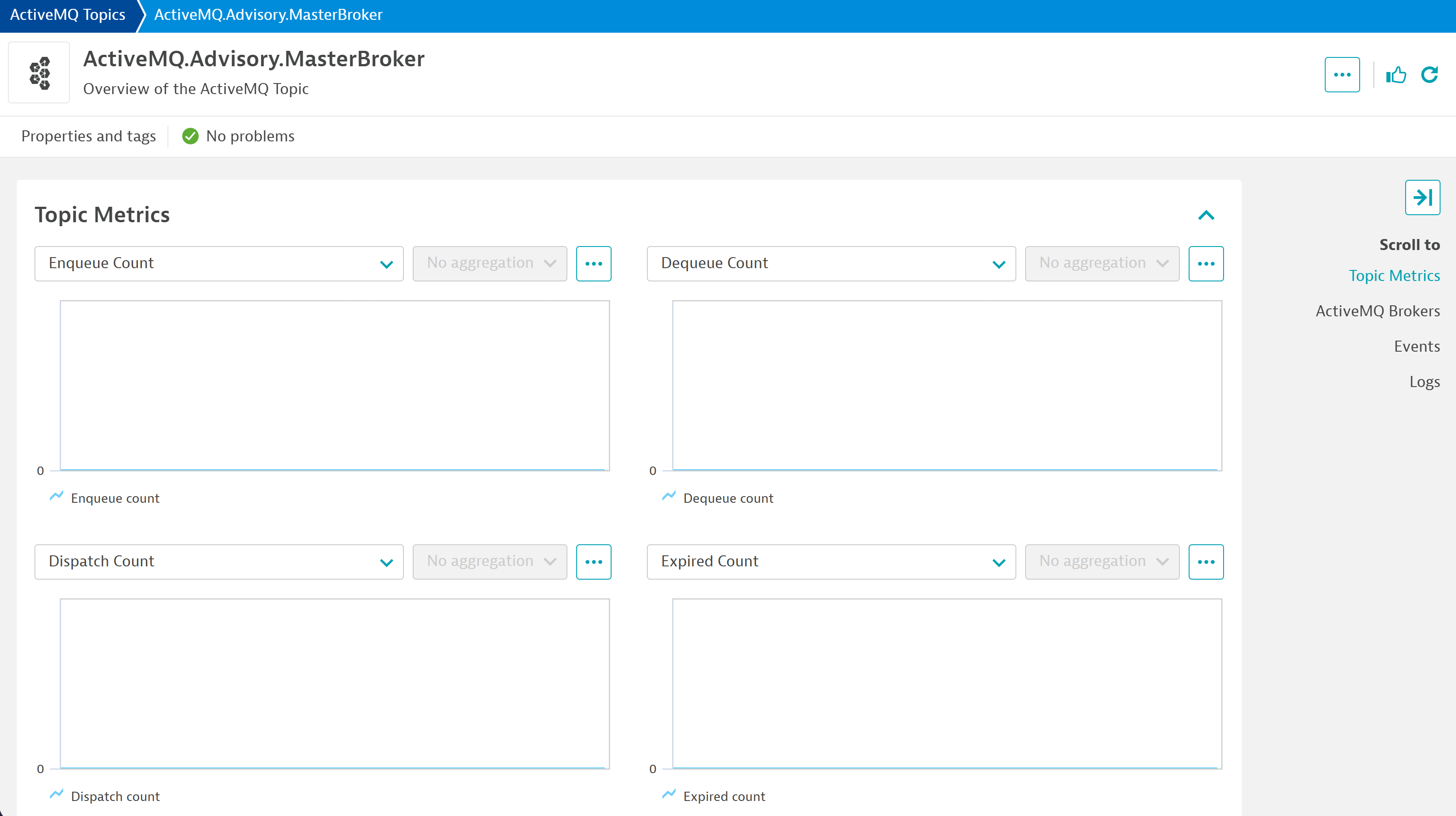
ExtensionWith Dynatrace, you can get observability for ActiveMQ without touching any code, thanks to automatic monitoring. Seamless end-to-end traces for connected producer and consumer services allow you to diagnose anomalies and pinpoint the root cause of the broken code before your customers are affected. Comprehensive metrics give you insight into the health and performance of your ActiveMQ brokers, queues, and topics. Events point you to critical anomalies, reducing the mean time to repair.
For more information on the installation and configuration, please see Apache ActiveMQ Classic extension in the Dynatrace Documentation.
Below is a complete list of the feature sets provided in this version. To ensure a good fit for your needs, individual feature sets can be activated and deactivated by your administrator during configuration.
| Metric name | Metric key | Description | Unit |
|---|---|---|---|
| Broker health | activeMQ.BrokerHealthStatus | The health status of the broker. It has a constant calue of 1, check the status dimension for details. | Count |
| Metric name | Metric key | Description | Unit |
|---|---|---|---|
| Total consumer count | activeMQ.TotalConsumerCount | The total number of consumers connected to the broker. | Count |
| Total producer count | activeMQ.TotalProducerCount | The total number of producers connected to the broker. | Count |
| Total connections count | activeMQ.TotalConnectionsCount | The total number of connections to the broker. | Count |
| Current connections count | activeMQ.CurrentConnectionsCount | The current number of active connections to the broker. | Count |
| Metric name | Metric key | Description | Unit |
|---|---|---|---|
| Memory usage | activeMQ.MemoryPercentUsage | The percentage of memory usage by the broker. | Percent |
| Store usage | activeMQ.StorePercentUsage | The percentage of store usage by the broker. | Percent |
| Temp usage | activeMQ.TempPercentUsage | The percentage of temporary storage usage by the broker. | Percent |
| Metric name | Metric key | Description | Unit |
|---|---|---|---|
| Average enqueue time | activeMQ.AverageEnqueueTime | The average time in milliseconds that a message has been in the queue. | MilliSecond |
| Average enqueue time increase | activeMQ.AverageEnqueueTimeIncrease.count | The increase in average time in milliseconds that a message has been in the queue. | MilliSecond |
| Dequeue count | activeMQ.DequeueCount.count | The total number of messages that have been dequeued from the queue. | Count |
| Consumer count | activeMQ.ConsumerCount | The number of consumers currently connected to the queue. | Count |
| Dispatch count | activeMQ.DispatchCount.count | The total number of messages that have been dispatched from the queue. | Count |
| Enqueue count | activeMQ.EnqueueCount.count | The total number of messages that have been enqueued to the queue. | Count |
| Expired count | activeMQ.ExpiredCount.count | The total number of messages that have expired in the queue. | Count |
| Inflight count | activeMQ.InFlightCount.count | The number of messages that are currently in-flight (dispatched but not yet acknowledged). | Count |
| Queue size | activeMQ.QueueSize | The number of messages currently in the queue. | Count |
.count. Any App that makes use of DQL to query ActiveMQ metrics will break if they reference these monotonic metrics by key.activeMQ.BrokerHealthStatus to capture the broker's health status. Important: Previous to versions 1.313 of the OneAgent, this metric would display an immutable value that does not reflect the reality. To correctly display this metric over time, please update your OneAgent to version 1.313+No release notes

