


Skip to technology filters Skip to main content
Dynatrace Hub

Extend the platform,
empower your team.

Popular searches:
Home hero bg
Anomaly DetectionAnomaly Detection
Anomaly Detection

Anomaly Detection

Detect and alert on anomalies and custom patterns using any DQL time series.

App
Try in PlaygroundDocumentation
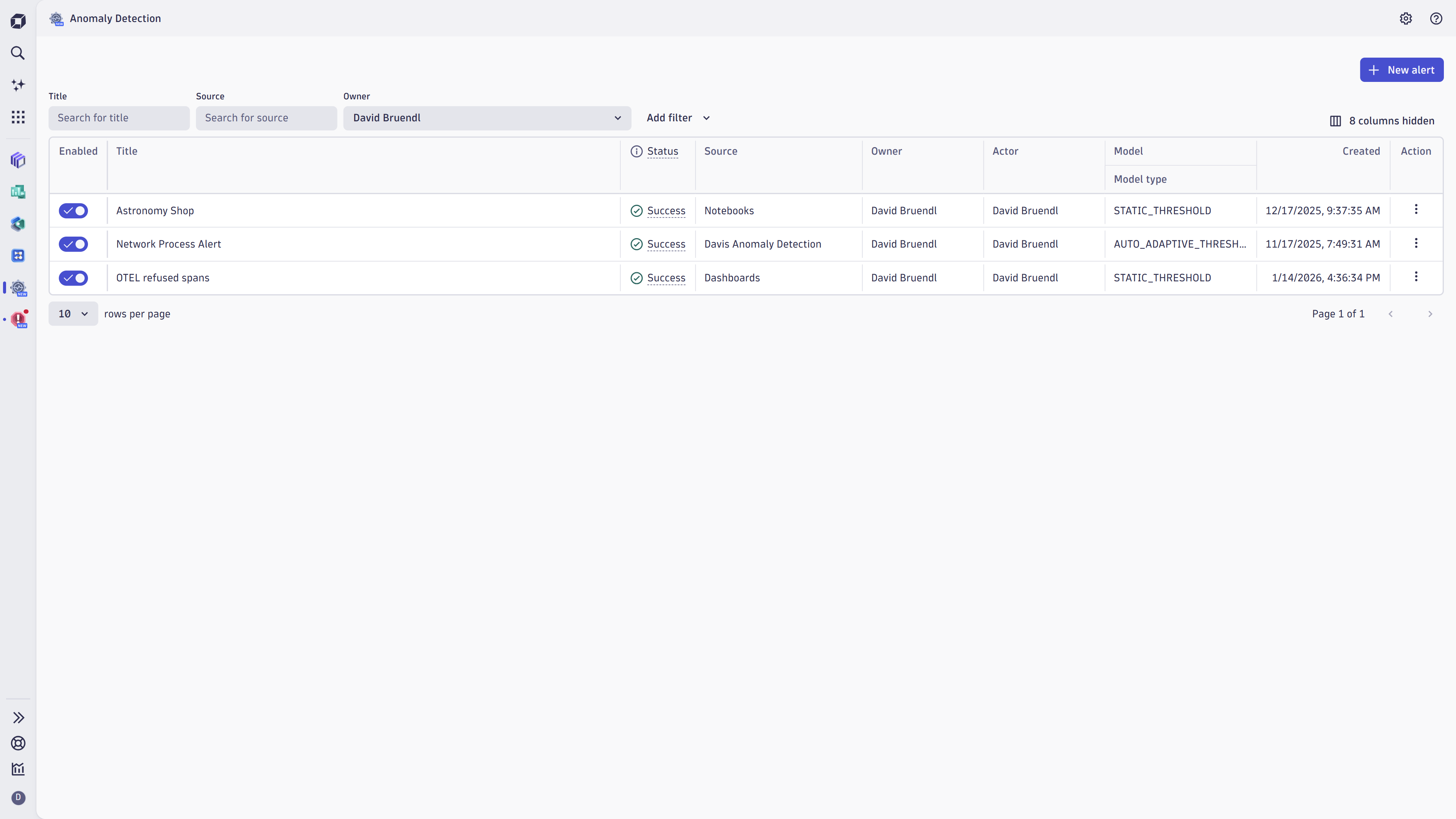
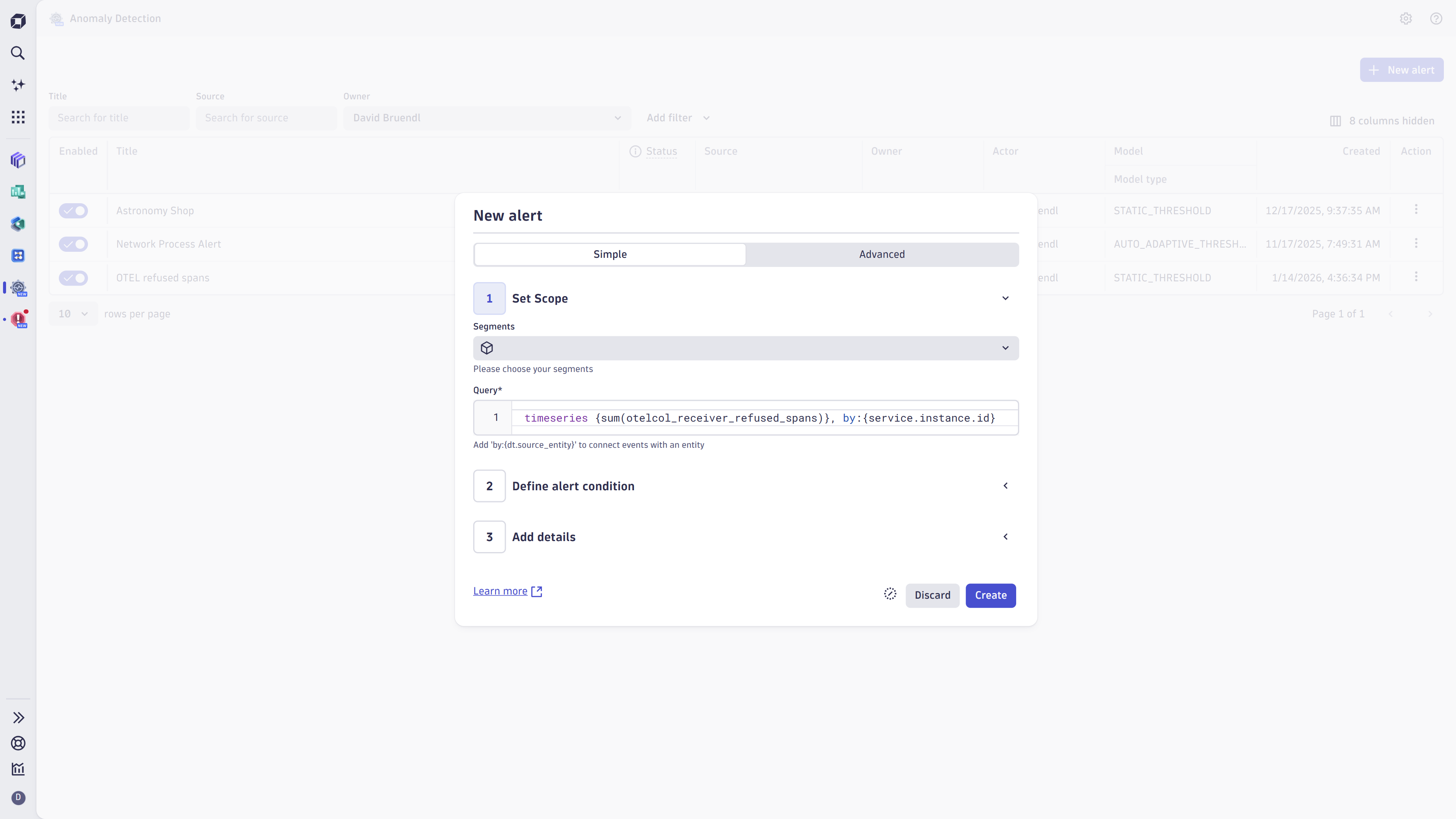
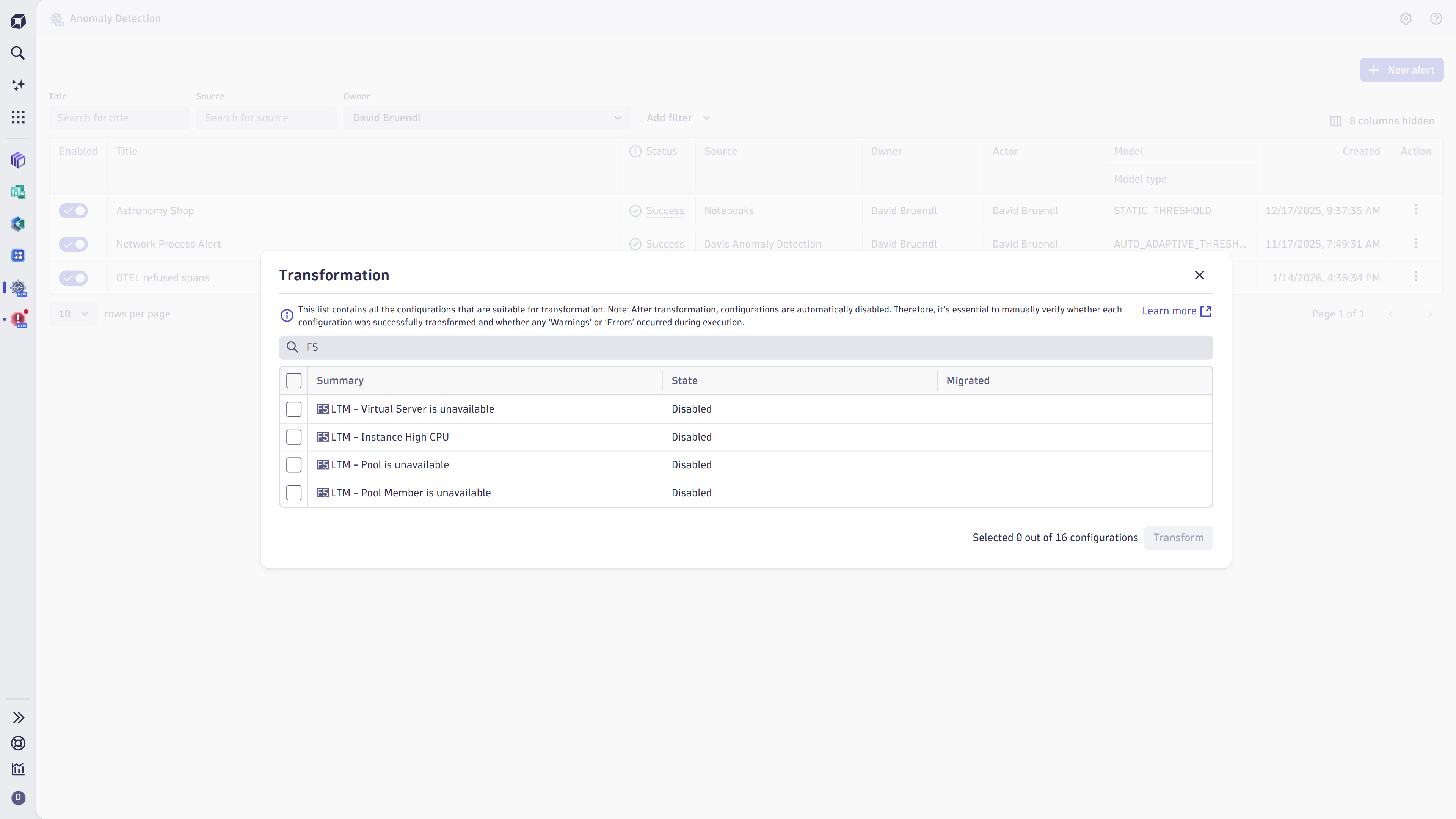
Get an overview of all available anomaly detectors.Create anomaly detectors according to your business requirements.Start to verify convertible metric selector configurations from metric events and transform it to an anomaly detector.
  • Product information
  • Release notes

Overview

Build precise alerts on any custom pattern across your entire data landscape — observability, security, AI systems, or business processes.
Anomaly Detection creates domain‑specific rules for DQL time series from any source and spots anomalies with accuracy, reduces alert noise, and triggers automations where you need them.

Your custom alerts can:

  • Trigger automations and Dynatrace workflows
  • Be embedded in Dynatrace Notebooks and Dynatrace Dashboards
  • Appear in Dynatrace Problems
  • Integrate seamlessly with the overall Dynatrace platform

Capabilities

Analyzers

  • Static thresholds: Set hard limits for well-known boundaries
  • Auto-adaptive thresholds: Reference values adjust dynamically over time based on recent history; sensitivity can be tuned to avoid over-alerting
  • Seasonal baselines: Detect anomalies in recurring patterns

Flexible data sources

Alert on any DQL time series: metrics, logs, events, bizevents, joined series, or custom metrics available from Grail.

Noise control & precision

  • Sliding window violations in advanced settings (e.g., 3 of 5 breaches trigger an alert)
  • Advanced properties for missing data handling
  • Predefined segments to scope detection by dimension

Notebook preview

Experiment with configurations, visualize thresholds, and simulate alert volume before deploying.

Use cases

  • Ensure end-to-end data observability by monitoring the key pillars of observability: freshness, distribution, volume, schema, and lineage.

  • Elevate security posture: detect threat patterns and identify unusual behavior, such as unusual login behavior or brute‑force attempts.

  • Observe AI systems: Monitor LLM and generative AI stacks to detect user behavior changes, predict increases from token‑consumption spikes, or improve response time.

  • Track business‑critical processes: Observe the health and performance of order fulfillment, payment flows, and inventory updates.

Get started

Anomaly Detector is preinstalled in all Dynatrace SaaS environments. Open the app and complete the Getting Started walkthrough (accessible anytime via the ? menu). For configuration guidance and best practices, see the documentation

Dynatrace
DocumentationMore Information
By Dynatrace
Dynatrace support center
Subscribe to new releases
Copy to clipboard

Related to Anomaly Detection

Workflows logo

Workflows

Automate tasks in your IT landscape and move towards autonomous operations.

Dashboards logo

Dashboards

Transform complex data into clear visualizations with custom dashboards.

Notebooks logo

Notebooks

Create powerful, data-driven documents for custom analytics and collaboration.

More resources

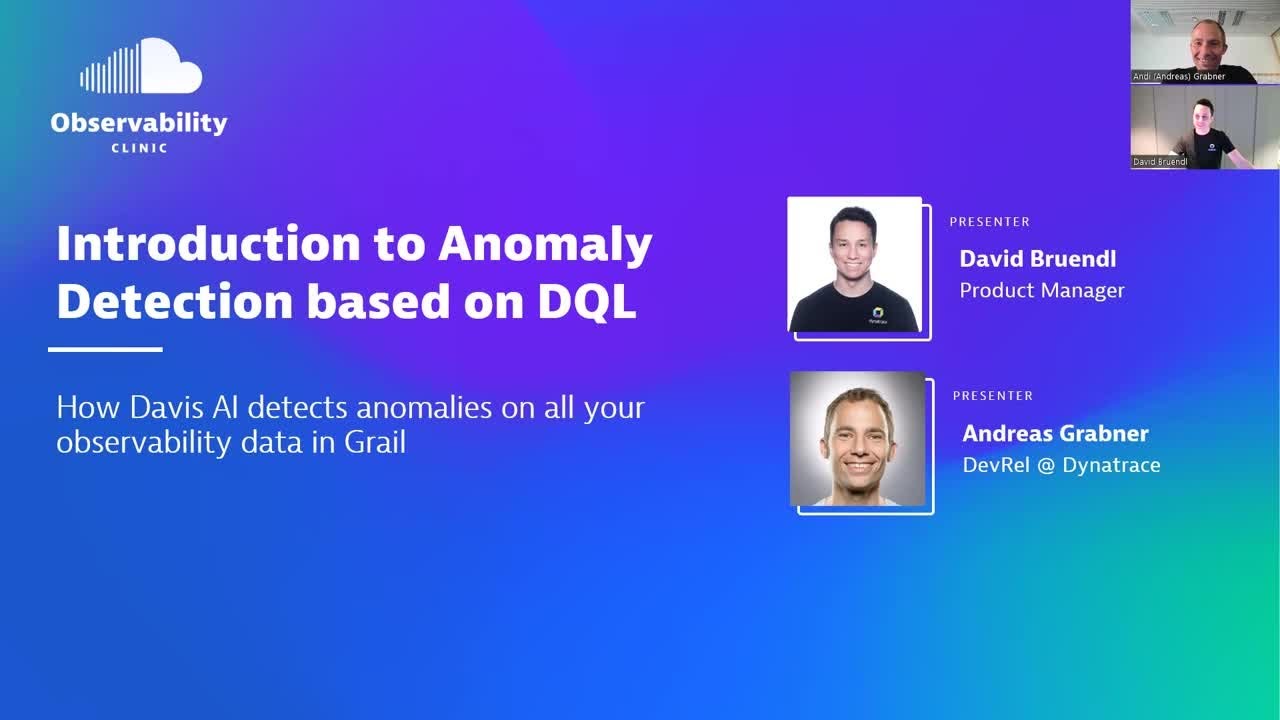
Observability Clinic: Introduction to Anomaly Detection based on DQL

Observability Clinic: Introduction to Anomaly Detection based on DQL

David walks you through a full end-to-end scenario of leveraging the Davis AI Analyzer and configuring custom anomaly detection events.
Watch video

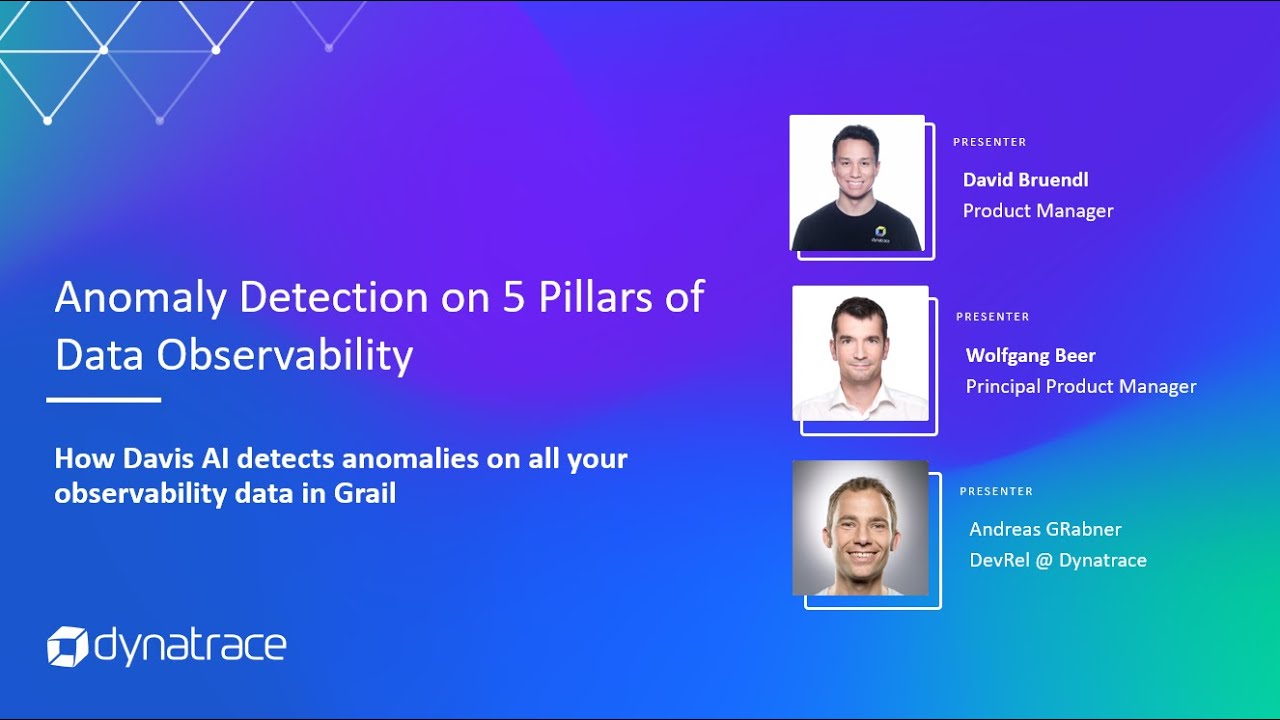
Observability Clinic: Anomaly Detection on 5 Pillars of Data Observability

Observability Clinic: Anomaly Detection on 5 Pillars of Data Observability

In this Observability Clinic, David and Wolfgang explain how Davis Anomaly Detection can be applied to the 5 Pillars of Data Observability: Freshness, Distribution, Volume, Schema, and Lineage.
Watch video
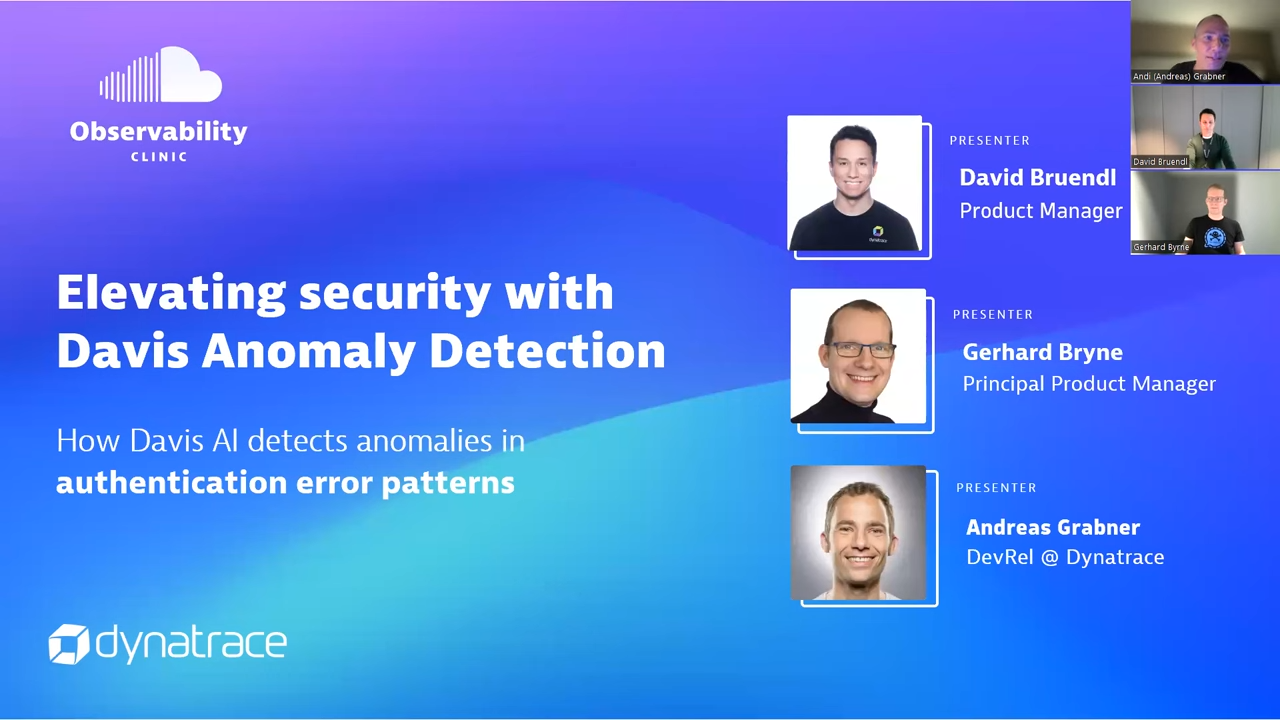
Observability Clinic: Elevating Security with Dynatrace Davis Anomaly Detection

Observability Clinic: Elevating Security with Dynatrace Davis Anomaly Detection

In this episode, David and Gerhard share how to use Davis Anomaly Detection for Security use cases such as threat detection or identifying unusual behavior.
Watch video

Full version history

ReleaseDate

Full version history

1.24.0

Minor Changes

  • Added "Delay" as a configurable property in the Anomaly Detection App
  • Change intent modal titles to "New alert" and "Edit alert" from a generic "Alert"
  • Don't support migration when custom metric events are not supported anymore

Patch Changes

  • Fix node package vulnerability

Full version history

1.23.1

Patch Changes

  • Fix typos and app reference

Full version history

1.23.0

Minor Changes

  • AI rebranding

Full version history

1.22.0

Minor Changes

  • Filtersegment support changes behind feature flag

Patch Changes

Full version history

1.21.0

Minor Changes

  • Fallback to user email and then UUID if Firstname Lastname could not be resolved
  • Improved 403 error message in authorization modal
  • Support davis:analyzer:execute consent
  • Support lookup table permission

Patch Changes

  • Fix that DavisAnalyzer could not handle anyOf/oneOf schemas
  • Fix codemirror version
  • Fix that DavisAnalyzer could not handle anyOf/oneOf schemas

Full version history

1.20.0

Patch Changes

  • Fix uppercasing for UUID/ID for table actions
  • Fixed that old requests were not properly aborted when changing filter too fast

Full version history

1.19.0

Minor Changes

  • Add copy uuid context menu action for owner and actor
  • Remove support for old anomaly detector wizard modal

Patch Changes

  • Fixed that owner/actor filter with non-accessible uuid did not show anything as the filter
  • Fix that scanned bytes abbreviation was using the wrong postfix notation

Full version history

1.18.2

Minor Changes

  • Prepare japanese translation support
  • Make all AD table columns resizable
  • Updated Ready-made dashboard to allow examining contents of an alerting config without navigating away
  • Query validation now ignores scalar values when checking for multi metric queries
  • Local FF override is not only available for DT users

Patch Changes

  • Fix CVE-2025-7783
  • Update dt logger library
  • Change column header alignment for status column from center to left
  • Fixed that table filter had spacing between it and table
  • Fixed that execution status was reloaded when adding empty filter

Full version history

1.16.0

Minor Changes

  • Add possibility to copy config and object id from title column action
  • Add vertical dividers to datatable to better seperate columns
  • Migrated to DataTableV2 in MetricsEventModal

Patch Changes

  • Fix that event template would be empty in addon intent
  • Change log level of user state errors
  • Fix e2e test with new Open With modal
  • Fix that sonar did not get test coverage report
  • Fix error handling when policy request fails in modal intent
  • Fix that pressing the Suggest Value Button would crash the page
  • Fix that source entity extraction did not run in addon intent

Full version history

1.15.0

Minor Changes

  • Show actor update warning modal when editing AD in addon intent
  • Enabled multi column sort by using shift when sorting columns
  • Show source app in "scope disabled" message in addon intents
  • Show edit successful message when editing an AD in addon intent
  • Automatically set smartscape source based on dimension splitting

Patch Changes

  • Fixed that title in addon intent summary popup could be empty
  • Fixed typo in first page of the micro guide
  • Fixed that DQL query in preview was not properly synced to dql query in AD
  • Fixed that you could not open the same AD twice in a row

Full version history

1.14.1

Minor Changes

  • Introduced a ready-made dashboard to show an overview of Anomaly Detector health
  • Added possibility to pass title, description, and event template to create intent
  • Add routing and wizard to addon intent
  • Restyle addon intent to get rid of the modal in modal
  • Add link to health dashboard from execution status popup
  • Mark query as readonly when opening addon intent
  • Show "Not everything will be saved" alert when leaving the intent modal after AD is created
  • Show appropriate toast message on duplicate when AD limit reached
  • Added queryOffset as an input property for create intent
  • Open preview in new tab when opening from modal intent
  • Update microguide pictures to new AD wizard
  • Replaced occurrences of 'alert' in auth and confirmation modal of the addon intent

Patch Changes

  • Fixed that execution state PENDING was shown as ERROR
  • Use the correct ('accent') variant for save button in V2 modal
  • Update strato-components and starto-components-preview
  • Fixed dashboard error when loading AD data for the whole week
  • Added summary popup to create AD addon intent
  • Add authorization missing warning modal to addon intent
  • Fixed missing permission error handling when setting user app state
  • Fixed that Jenkins was unable to deploy PR preview because source maps were too big

Full version history

1.12.0

Minor Changes

  • Introduced new Anomaly Detector modal for viewing/editing/creating. Learn more
  • Changed pagination page sizes to be in line with DataTable guideline
  • Adapted default event description to contain some markdown text

Full version history

1.11.1

Minor Changes

  • Added copy/open-with cell actions to table
  • Opening wizard is now available from interactive row
  • Update message of 1 minute interval validation
  • Added default event.description when creating new anomaly detectors
  • Fixed that status column was not capitalized in visibility menu
  • Update app header to comply with guidelines
  • Added possibility to enable more scopes for app

Patch Changes

  • Updated @dynatrace/testing-platform-playwright to solve CORS related vulnerability
  • Fixed analyzer validation failing if generalParameters are set in intent
  • Fixed that validation could crash after updating query when no sourceEntity was set
  • Fix missing error catch when parsing filters from url
  • Make fixed threshold sdk test more robust
  • Improved logging in useHandleOpenExistingIntent handler when id is not set

Full version history

1.10.0

Minor Changes

  • Enable "storage:spans:read" permisssion for span queries in anomaly detectors

Patch Changes

  • Fix settings endpoint error handling

Full version history

1.9.1

Patch Changes

  • Event template suggestion now only starts after typing {
  • Show IAM policy statement to gain access to anomaly detectors

1.9.0

Minor Changes

  • Add information to all available execution status
  • Added aria-label and roles to improve a11y

Full version history

1.9.0

Minor Changes

  • Add information to all available execution status
  • Added aria-label and roles to improve a11y

Full version history

1.8.0

Minor Changes

  • Don't show {threshold} & {baseline} placeholder for seasonal model
  • Highlight anomaly detector row in data table when hovering over it
  • Validate for mulitple metrics
  • Persistent filters across sessions
  • Showing execution status failures now summarizes the result
  • Added possibility to copy missing permissions for settings object read and write

Patch Changes

  • fix multiple metric query validation
  • Do not consider .name for source property auto update
  • Fix snyk vulnerability
  • Switch to DataTableV2
  • fix filter persisting update problems
  • fix multiple metric query validation
  • fix source entity replacing

Full version history

1.6.1

Minor Changes

  • Set source entity based on entity splittings
  • Allow "Open with" with for read only user
  • Use green icon for successful status
  • Update davis icon used in the banner

Patch Changes

  • Remove unused permission
  • Fix invisible value suggestions for event template

Full version history

1.4.1

Minor Changes

  • 3e3bb47 Fix actor save/change when modifying config
  • e4c0b6e: Fixed for davis merge field when migrating ME to AD

1.4.0

Minor Changes

  • b7fd76d: Do not allow span queries in anomaly detectors
  • c7649ca: Not found page added
  • 7276c5e: Support service users as actors and show warnings when actor changes

Full version history

1.3.0

Minor Changes

  • 86e8344: Update micro guide screenshots

Patch Changes

  • eea0aaf: Extend the AD app settings intent to listen on the schema id
  • cdacb52: fix readonly workaround not working as expected
  • 6387ad7: Dont log warnings for microguide requests failed with 5xx
  • 3dd89c5: Improve log when validation result does not have a message property
  • 912c226: Refine bulk transpile query error handling
  • 88cfaeb: fix intent bug

Full version history

1.2.1

Minor Changes

  • Show scanned bytes estimation in creation wizard
  • Show scanned bytes in anomaly detector table
  • Anomaly detector status considers last modification
  • Open status events in a notebooks preview

Full version history

1.1.2

Patch Changes

  • Fixed when query validation would not detect sub 1 minute intervals

Full version history

1.1.1

Patch Changes

  • 0aaa411: Fix that consent modification can affect other users consents
  • a0bb1f2: Fix multiple bindings handling: cleanup duplicates after query
  • 3cca716: Limit filter fields lengths to avoid settings object query to fail

Minor Changes

  • 5d10393: Lower log level for failed cancelled query validations

Full version history

1.0.0

Initial release of Anomaly Detection App

Dynatrace Hub
Get data into DynatraceBuild your own app
Dynatrace Intelligence - Agentic Operations SystemAgentic AI ecosystem
All (865)Log Management and AnalyticsKubernetesAI and LLM ObservabilityInfrastructure ObservabilitySoftware DeliveryApplication ObservabilityApplication SecurityBusiness ObservabilityDigital Experience
Filter
Type
Built and maintained by
Deployment model
SaaS
  • SaaS
  • Managed
Partner FinderBecome a partnerDynatrace Developer

Discover recent additions to Dynatrace

Problems logo

Problems

Detect, explain and triage problems automatically using Dynatrace Intelligence.

Logs logo

Logs

Explore all your logs without writing a single query.

Investigations logo

Investigations

Fast and precise incident response on Grail data with DQL queries.

Business Flow logo

Business Flow

Track, analyze, and optimize your critical business processes.

Cost & Carbon Optimization logo

Cost & Carbon Optimization

Track, analyze, and optimize your IT carbon footprint and public cloud costs.

Anomaly Detection logo

Anomaly Detection

Detect and alert on anomalies and custom patterns using any DQL time series.

Analyze your data

Understand your data better with deep insights and clear visualizations.

Notebooks logo

Notebooks

Create powerful, data-driven documents for custom analytics and collaboration.

Dashboards logo

Dashboards

Transform complex data into clear visualizations with custom dashboards.

Automate your processes

Turn data and answers into actions, securely, and at scale.

Workflows logo

Workflows

Automate tasks in your IT landscape and move towards autonomous operations.

Jira logo

Jira

Create, query, comment, transition, and resolve Jira tickets within workflows.

Slack logo

Slack

Automate Slack messaging for security incidents, attacks, remediation, and more.

Secure your cloud application

See vulnerabilities and attacks in your environment.

Security Posture Management logo

Security Posture Management

Detect, prioritize, and remediate security and compliance findings with SPM.

Threats & Exploits logo

Threats & Exploits

Understand, triage, and investigate detection findings and alerts.

More resources

Observability for Developers on Cursor logo

Observability for Developers on Cursor

Get Real time Code-Level data directly to your Cursor IDE

GitHub CoPilot Coding Agent logo

GitHub CoPilot Coding Agent

Automate vulnerability remediation and boost developer productivity

GitHub Copilot Custom Agent logo

GitHub Copilot Custom Agent

Automate your development workflows with specialized agent definitions

Observability for Developer on JetBrains logo

Observability for Developer on JetBrains

Get real-time code-level data directly to your Jetbrains IDE

Pagerduty for Dynatrace Workflows logo

Pagerduty for Dynatrace Workflows

Streamline incident management with automated Pageruty workflows

Cursor IDE logo

Cursor IDE

Boost developer productivity and get real-time, code-level insights into Cursor

Observability for Developers on Windsurf logo

Observability for Developers on Windsurf

Get real-time code-level data directly to your Windsurf IDE

Are you looking for something different?

We have hundreds of apps, extensions, and other technologies to customize your environment

Leverage our newest innovations of Dynatrace Saas

Kick-start your app creation

Kick-start your app creation

Whether you’re a beginner or a pro, Dynatrace Developer has the tools and support you need to create incredible apps with minimal effort.
Go to Dynatrace Developer
Upgrading from Dynatrace Managed to SaaS

Upgrading from Dynatrace Managed to SaaS

Drive innovation, speed, and agility in your organization by seamlessly and securely upgrading.
Learn More
Log Management and Analytics

Log Management and Analytics

Innovate faster and more efficiently with unified log management and log analytics for actionable insights and automation.
Learn more