



Unlocking actionable insights from data is no longer just a security concern—it’s essential for any team that needs to make sense of large, complex data sets. The recently renamed “Investigations” app (previously known as “Security Investigator”) empowers you to analyze logs, events, metrics, and traces using DQL, transforming raw information into actionable insights that drive business outcomes.
Transform how you derive actionable insights from data
Have you ever struggled to make sense of a massive data set or turn raw data into actionable business insights? Investigations handles all this for you—and more—at the scale modern organizations demand.
Whether you’re troubleshooting API call throttling, debugging AWS integration issues, or accelerating root cause analysis, the Investigations app provides a flexible toolkit for exploring your data, allowing you to:
- Analyze large DQL results in their original form at a detailed level
- Maintain your entire investigation flow and historical queries in context via the query tree
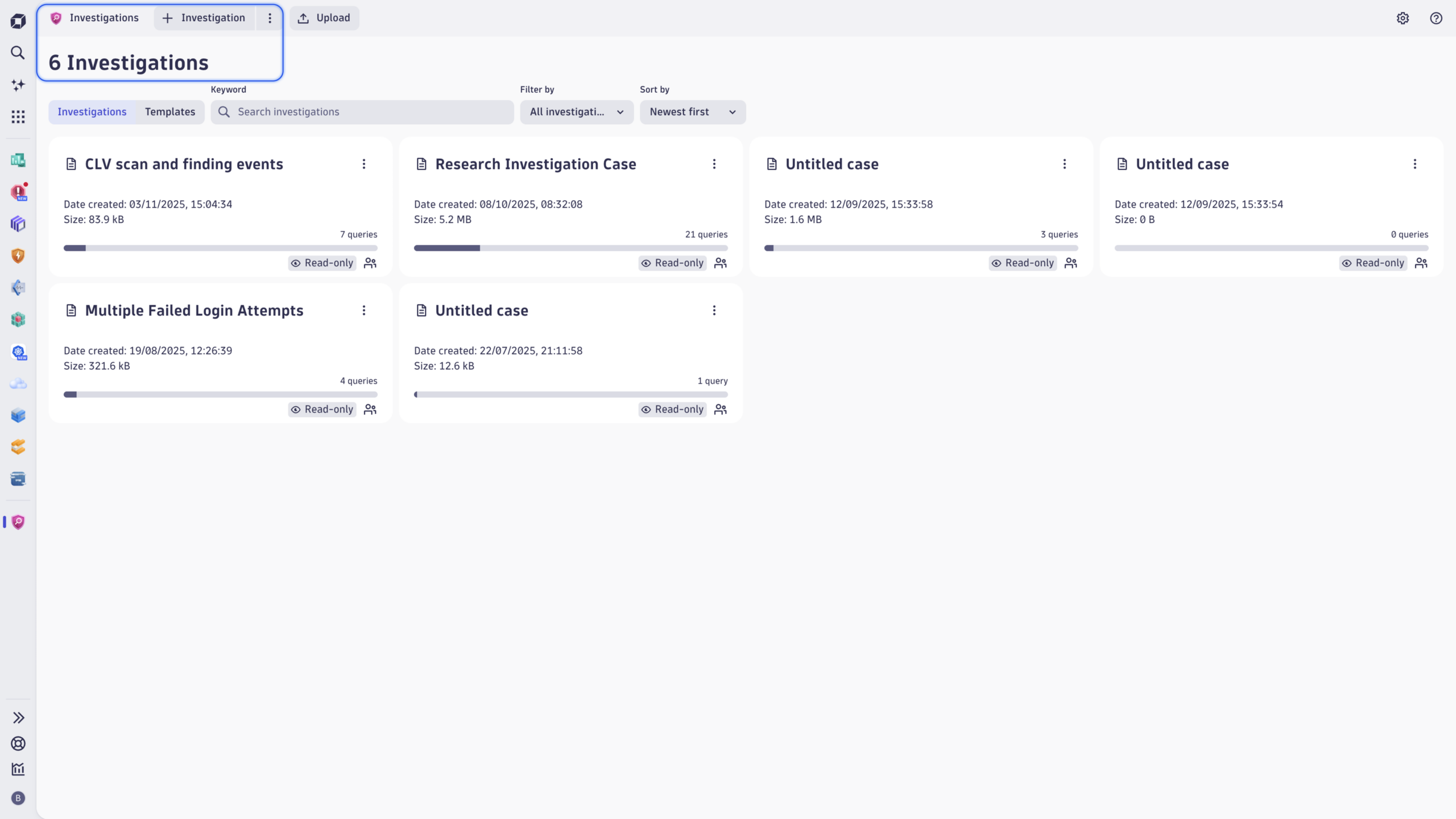
- Perform complex investigations on data stored in Dynatrace Grail®
- Build DQL queries quickly and efficiently based on your findings
- Save and reuse evidence to refine queries and uncover answers
- Pivot your queries based on the metainformation attached to log records
- Analyze the observability metrics connected to your log sources
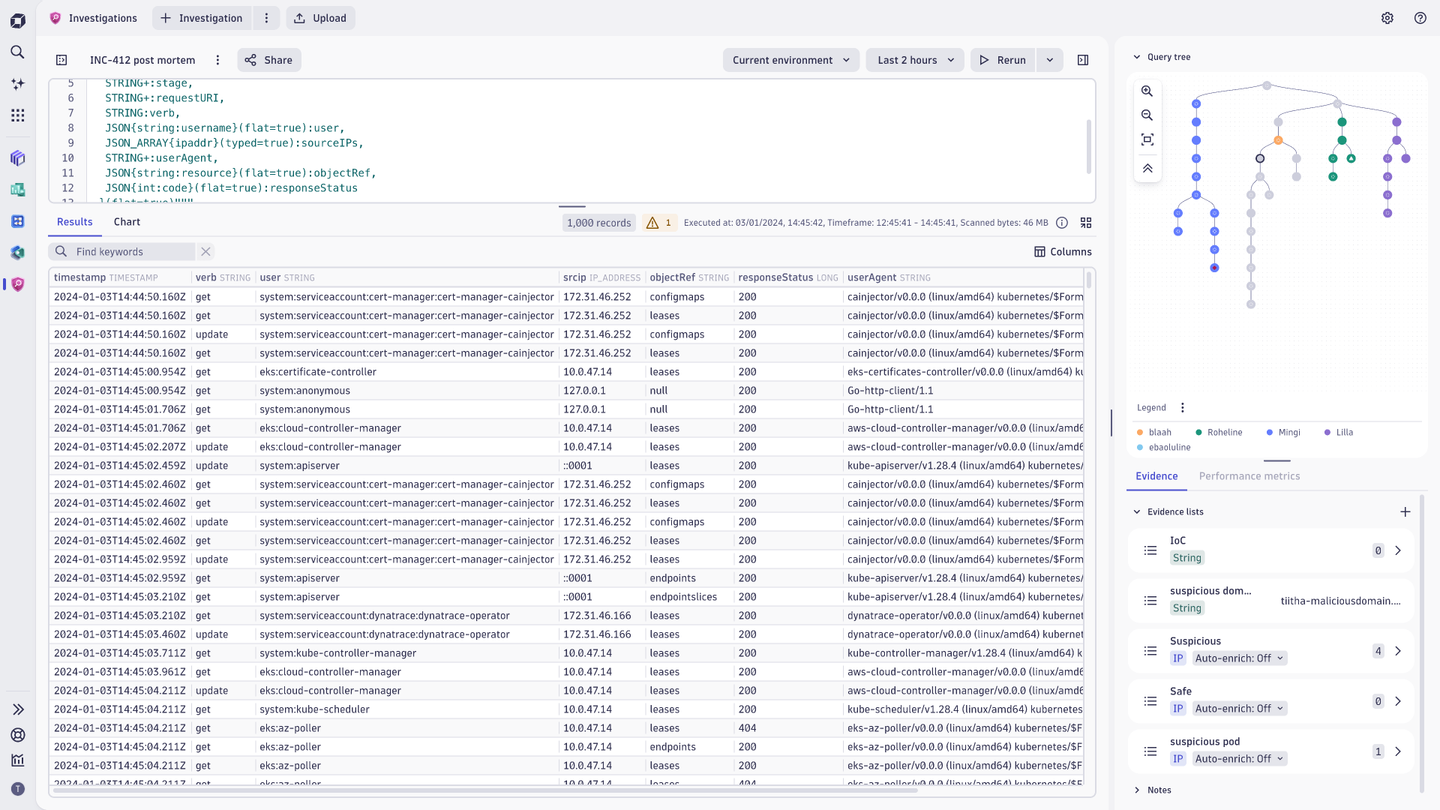
With Investigations, you can easily navigate through investigation history to review queries and results—streamlining incident response, accelerating root cause analysis, and delivering deeper contextual insights from your data.
Get started with practical use cases
As strong advocates of “learning by doing,” we understand you may be curious about how to start using the Investigations app more broadly. You don’t need to start from scratch—there are plenty of documented scenarios you can customize for your own purposes. To help you get started, explore these informative tutorials:
- Investigate API call throttling using DQL and Investigations
- Debug AWS Integration issues
- Creating faster filters for DQL queries to speed up any investigation
If threat hunting is more your style, you can start with these tutorial-style investigation challenges:
There are, of course, many more use cases to explore—Investigations can be used with any data in Grail: logs, events, metrics, traces, and even performance data.
Drive insights across all your data
Since its launch, the recently renamed Investigations app has been key to unlocking insights in Grail, allowing teams to analyze metrics alongside logs and connect traces during incident response—this is a game-changer for both security and observability. Over time, the capabilities of the Investigations app were extended well beyond security, supporting a wide range of analytical scenarios.
Despite the name change, all the app’s existing features, including application IDs, which are used in intents and in the browser address bar, remain unchanged, so no updates to integrations or bookmarks are needed. And the roadmap will continue to prioritize incident response and accelerations of investigations.
For ease of use, Investigations will remain listed under “Security” on the Dynatrace platform and in Dynatrace Hub.
For complete details, please see Investigations documentation.
Ready to get started?
Investigations is a built-in app available in all SaaS environments beginning with Dynatrace SaaS version 1.330. Best of all, this app requires no additional subscriptions or privileges—so you can start using it immediately without waiting for access permissions and unlock deeper insights for your business.



Looking for answers?
Start a new discussion or ask for help in our Q&A forum.
Go to forum