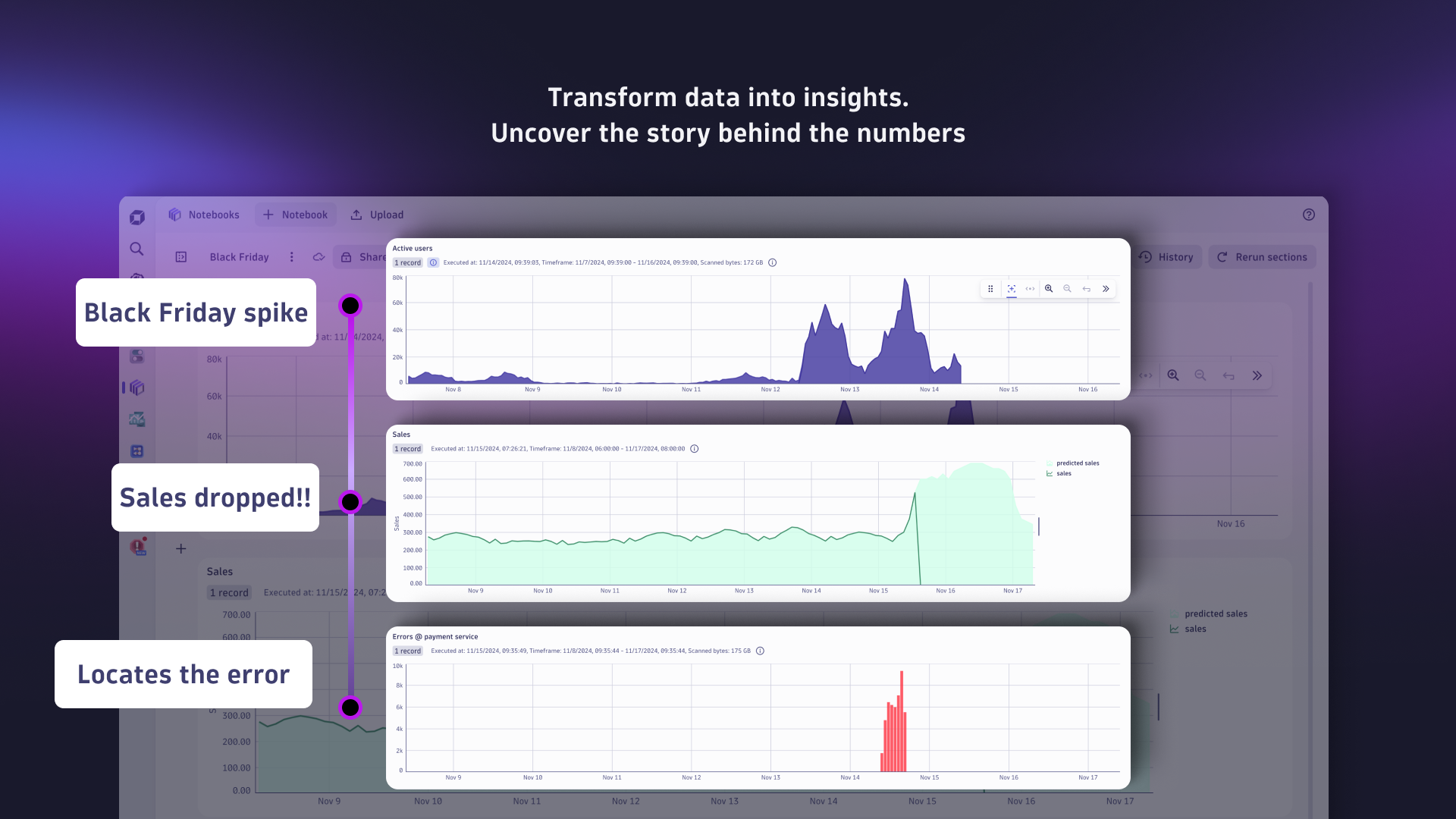
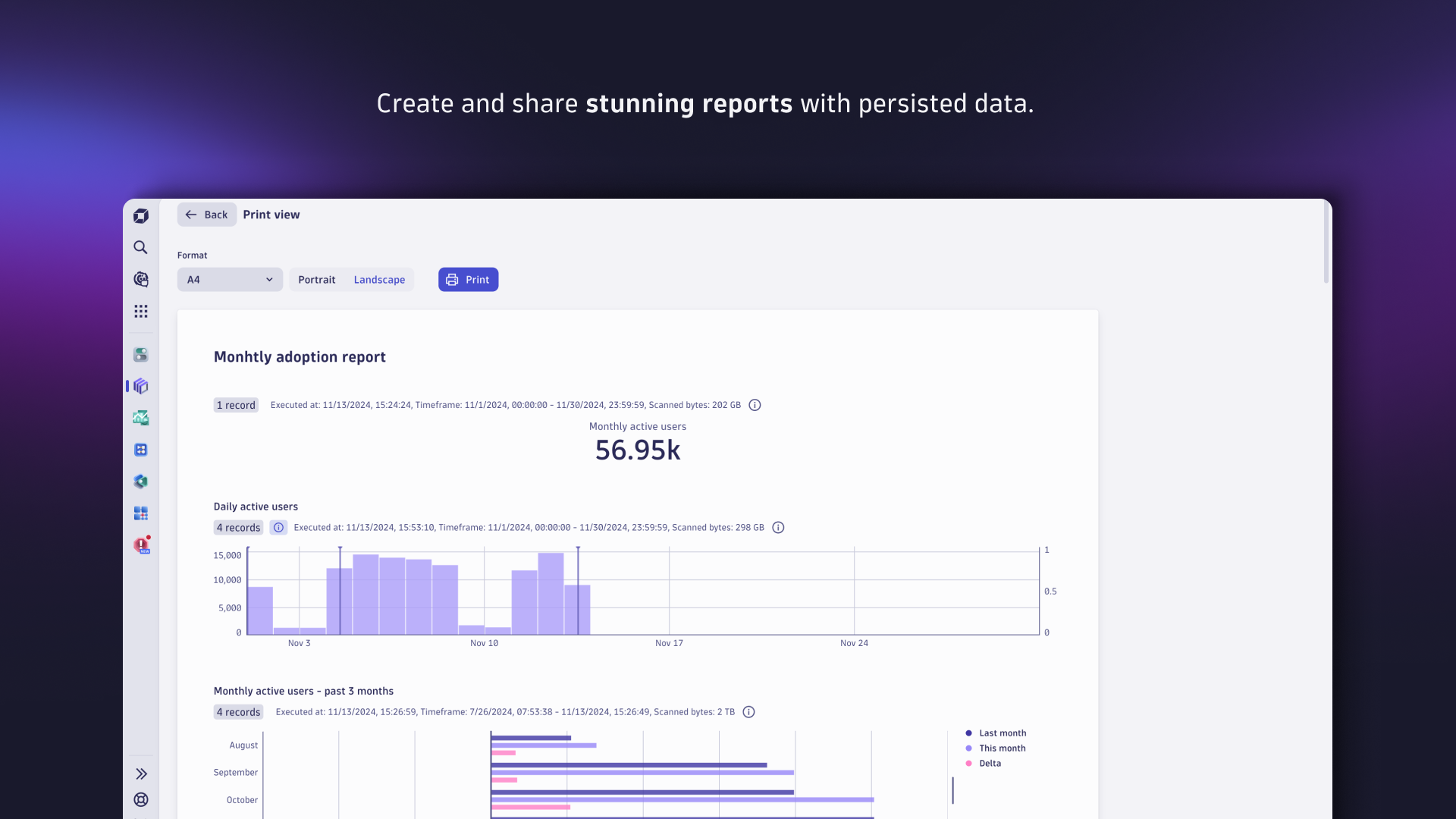
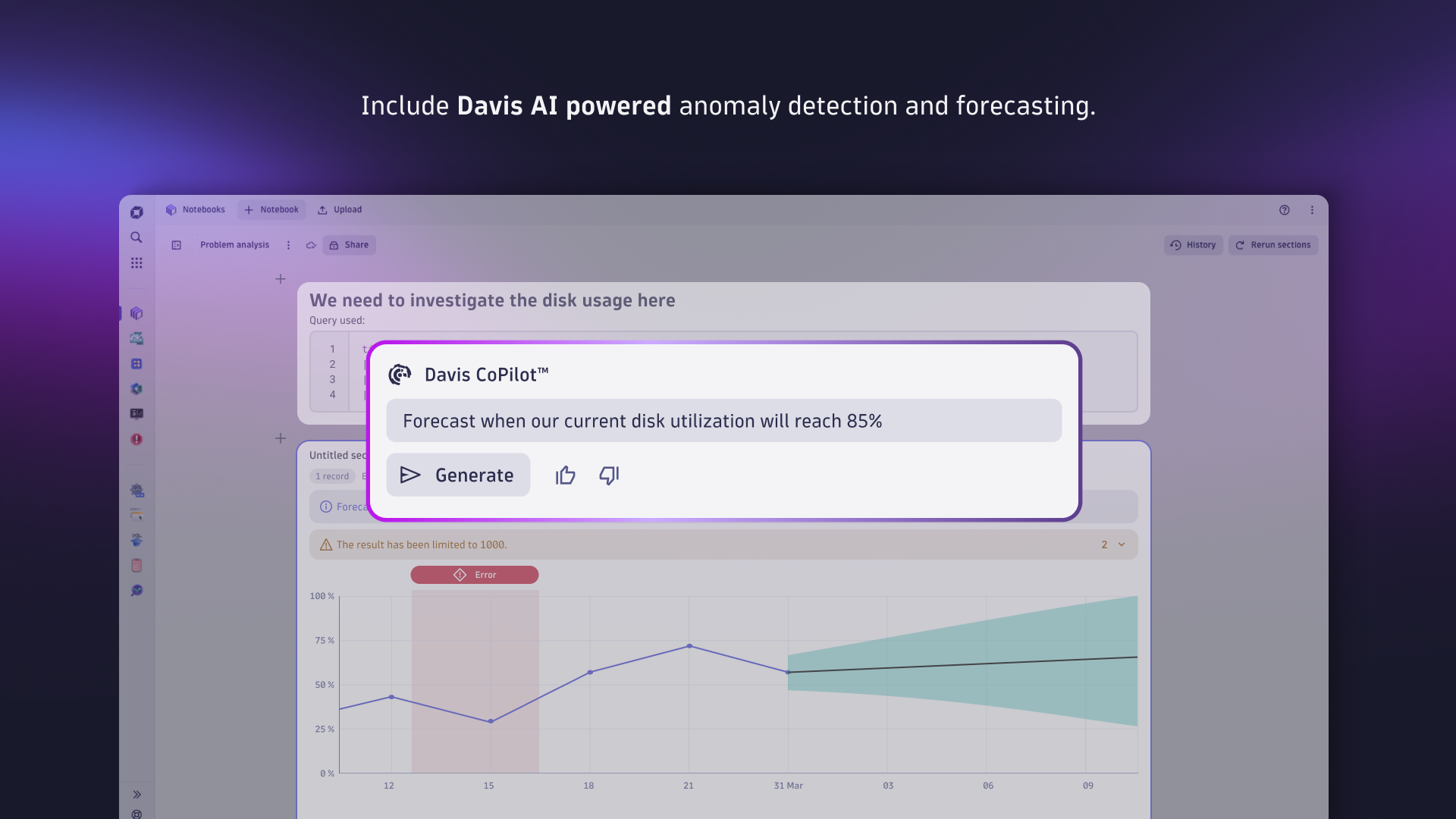



Transform data into insights with Dynatrace Dashboards and Notebooks
Dive deeper into how to quickly create notebooks, utilize Davis CoPilot, and start exploring data.
Read blog post
 Notebooks
Create powerful, data-driven documents for custom analytics and collaboration.
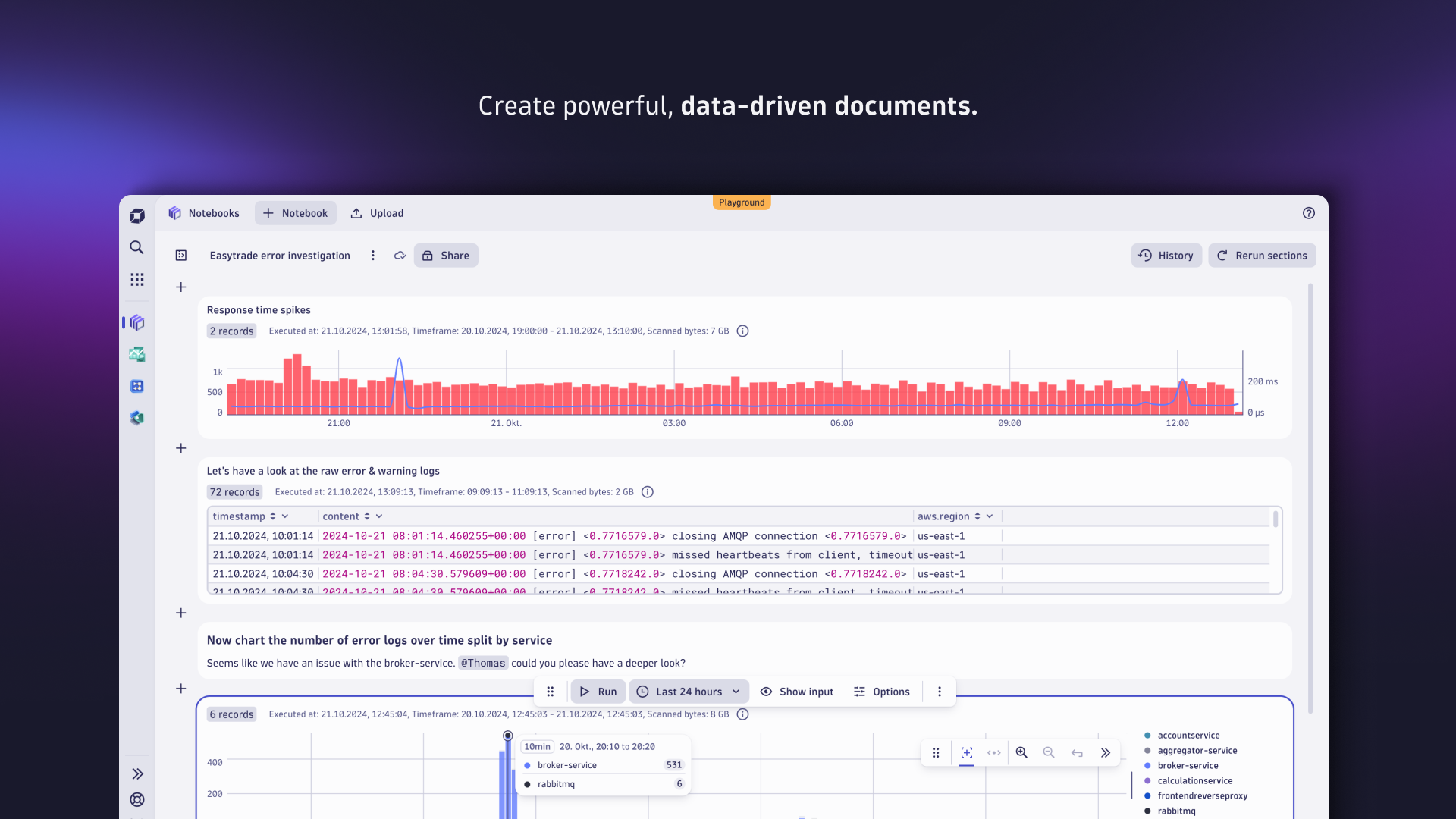
AppNotebooks is one of the built-in apps shipped with Dynatrace. It allows you to create powerful, data-driven documents for custom analytics. A notebook can hold different kinds of sections containing and instantly visualizing any data from Grail or external sources.
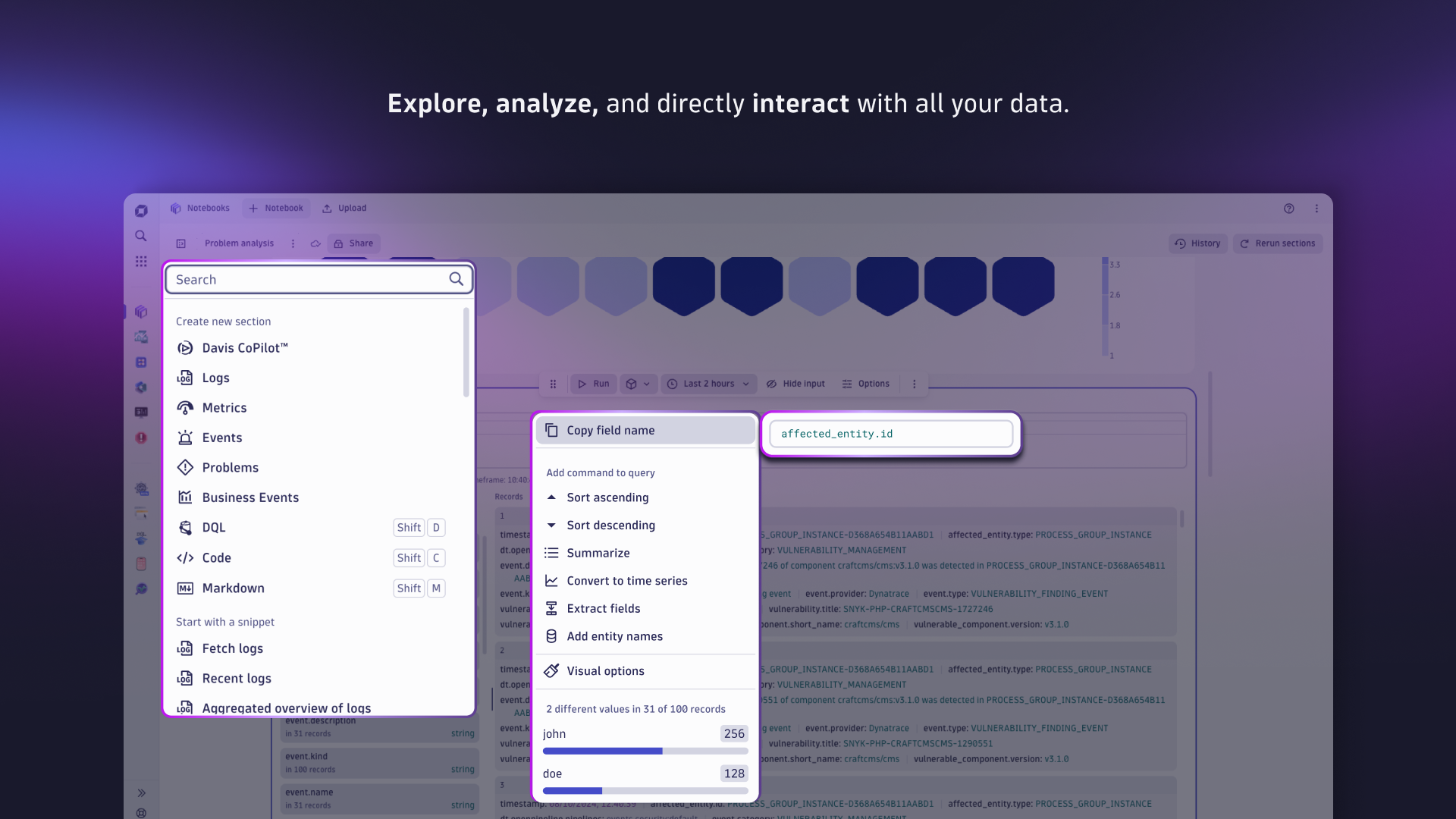
Because of its interactive nature, it’s easy to explore logs, metrics, and events based on DQL queries or even fetch external data via Dynatrace functions. Any insights can be annotated and documented with the help of markdown. Furthermore, notebooks can be shared with other Dynatrace users to enable successful collaboration.
This is intended for users who:
Want to explore their security, observability and business data and run custom, exploratory analytics.
Quickly prototype DQL queries and Dynatrace functions.
Notebooks enables you to:
Query, analyze, and visualize all your security, observability, and business data such as logs, metrics, and events powered by Grail.
Predict future trends with embedded Davis forecast capabilities.
Create and collaborate on interactive, data-driven, and persistent documents.
Fetch and incorporate external data by running Dynatrace Functions.
Interact with data; start drill-downs by sorting, filtering, and aggregation, or even trigger workflows.
Annotate and add context with markdown.
Notebooks comes preinstalled with all Dynatrace SaaS environments.
We recommend that you open Notebooks and run through the Getting started notebook to become familiar with Dynatrace Notebooks. The Getting started notebook appears when you open Notebooks for the first time. You can return to this notebook anytime by selecting the help menu (?) in the upper-right corner of the app.


CategoricalChart. PAPA-31526DT.value on heatmap. PAPA-31520duration being selected automatically as name fields. PAPA-30875duration being selected automatically as name fields. PAPA-30875dt.segments for ChartIntents. PAPA-30213dt.segments for ChartIntents. PAPA-30213fetch type Explore tiles. PAPA-27588fetch type Explore tiles. PAPA-27588enable-multi-section-select feature flag. PAPA-27338DetailView being cut off on the left side. PAPA-26992enable-multi-section-select feature flag. PAPA-27338DetailView being cut off on the left side. PAPA-26992dt-client-context header to DQL query calls originating from Davis CoPilot NL2DQL sections. PAPA-26516DocumentBrowser columns settings are now persisted. PAPA-25807fieldAdd command from the DQL created by Explore Metric tiles, to avoid wrongly displayed legend labels. (PAPA-23297)fieldAdd command from the DQL created by Explore Metric tiles, to avoid wrongly displayed legend labels. (PAPA-23297)fieldAdd command from the DQL created by Explore Metric tiles, to avoid wrongly displayed legend labels. (PAPA-23297)boolean, string, double, long, ip_address, uid, and timestamp. (PAPA-22991)boolean, string, double, long, ip_address, uid, and timestamp. (PAPA-22991)dt.nl2dqlPrompt. (PAPA-19787)dt.nl2dqlPrompt. (PAPA-19787)dt.nl2dqlPrompt. (PAPA-19787)@dynatrace/copilot-components package. (PAPA-10263)@dynatrace/copilot-components package. (PAPA-10263)messageToken provided by CoPilot NL2DQL calls is now visible in the Analytics Workflow statistics popup. (PAPA-10129)messageToken provided by CoPilot NL2DQL calls is now visible in the Analytics Workflow statistics popup.@dynatrace/copilot-components package. (PAPA-9885)Escape key when used inside of menu. (PAPA-17289)data-exploration@1.7.2, includes EXA-9627, EXA-9348, EXA-9628 EXA-9348, EXA-9555 and EXA-9526. (NO-ISSUE)data-exploration@1.7.2, includes EXA-9627, EXA-9348, EXA-9628 EXA-9348, EXA-9555 and EXA-9526. (NO-ISSUE)0.2. (EXA-8748)No release notes
No release notes
No release notes