MongoDB (local or remote monitoring)
MongoDB (local or remote monitoring)
Monitor your MongoDB servers either locally or remotely!
Extension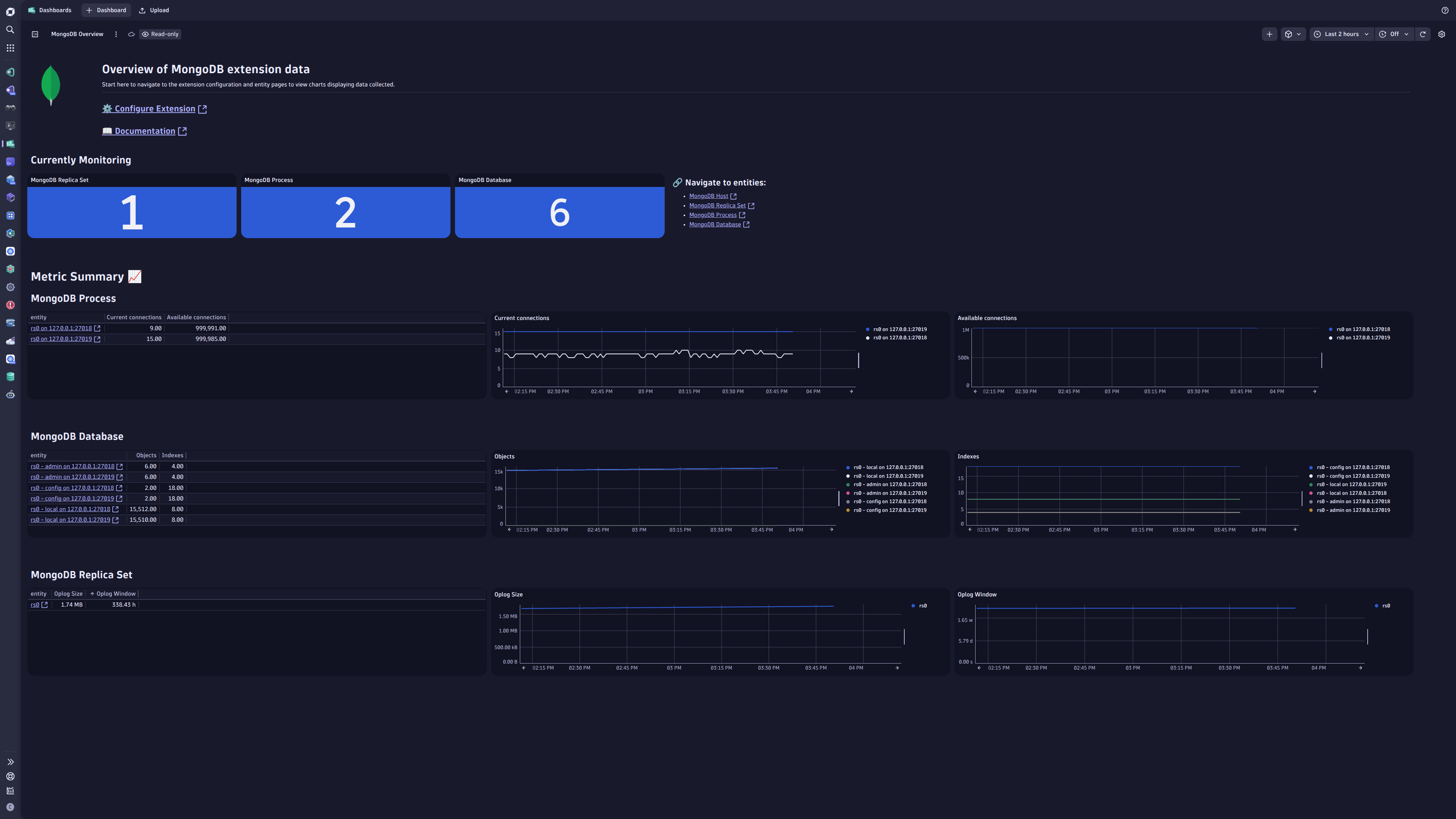
- Product information
- Release notes
Overview
The MongoDB Extension connects to your MongoDB servers either remotely and locally.
Collective batch of data is gathered every minute by this extension and sent to the Dynatrace platform for detailed analysis.
This is intended for users, who:
- Would like to monitor database traffic for optimization plan
This enables you to:
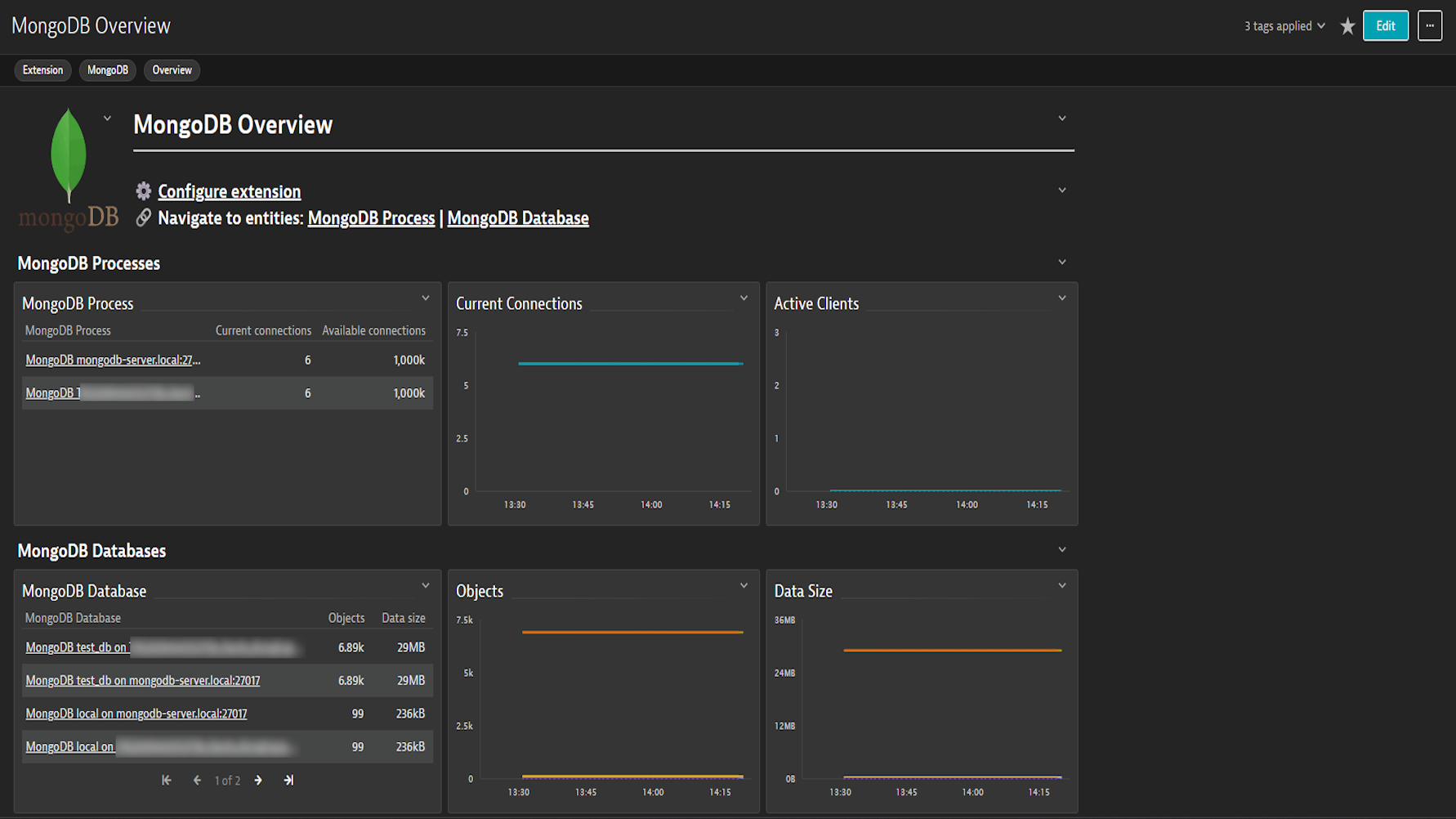
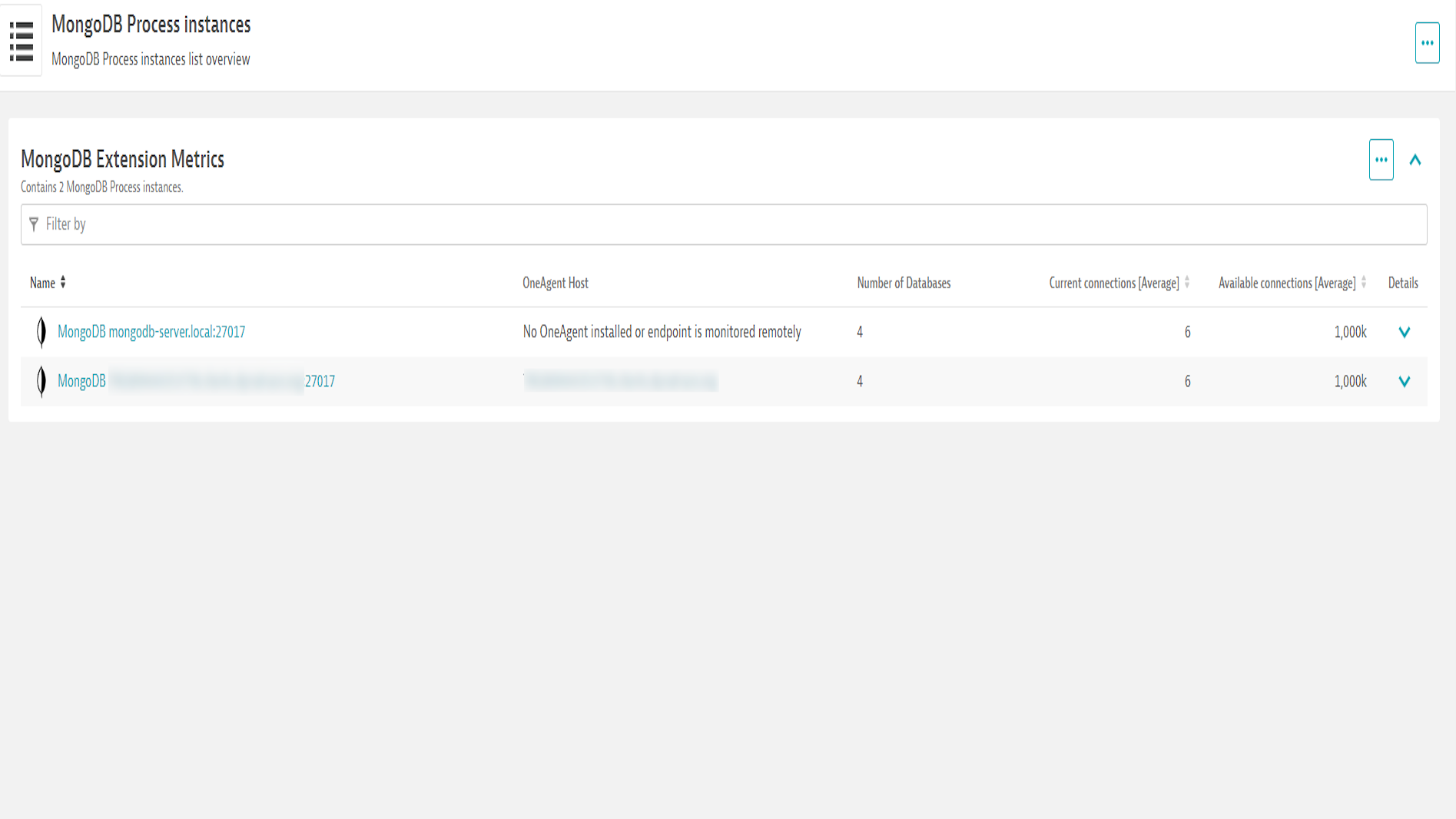
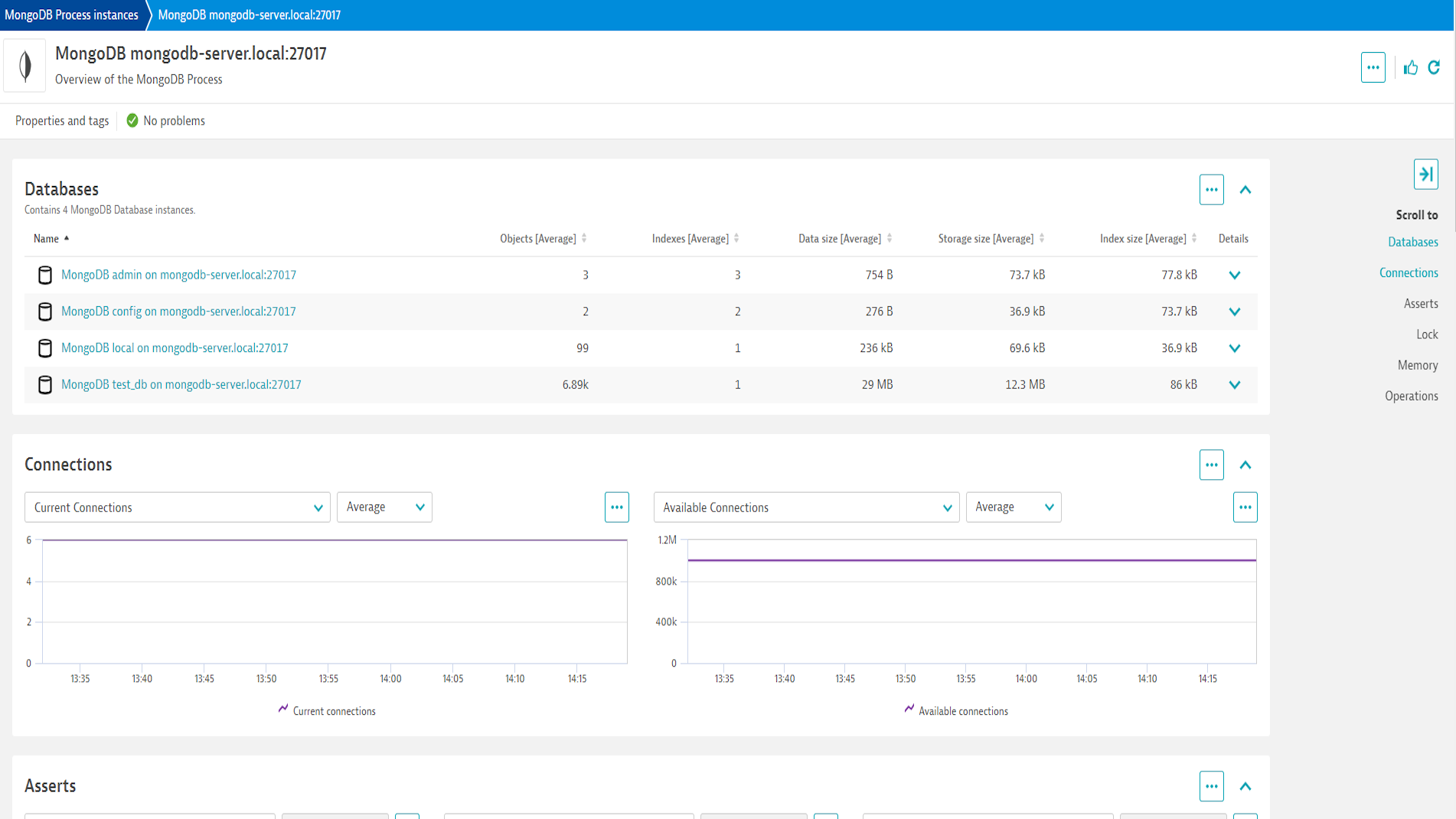
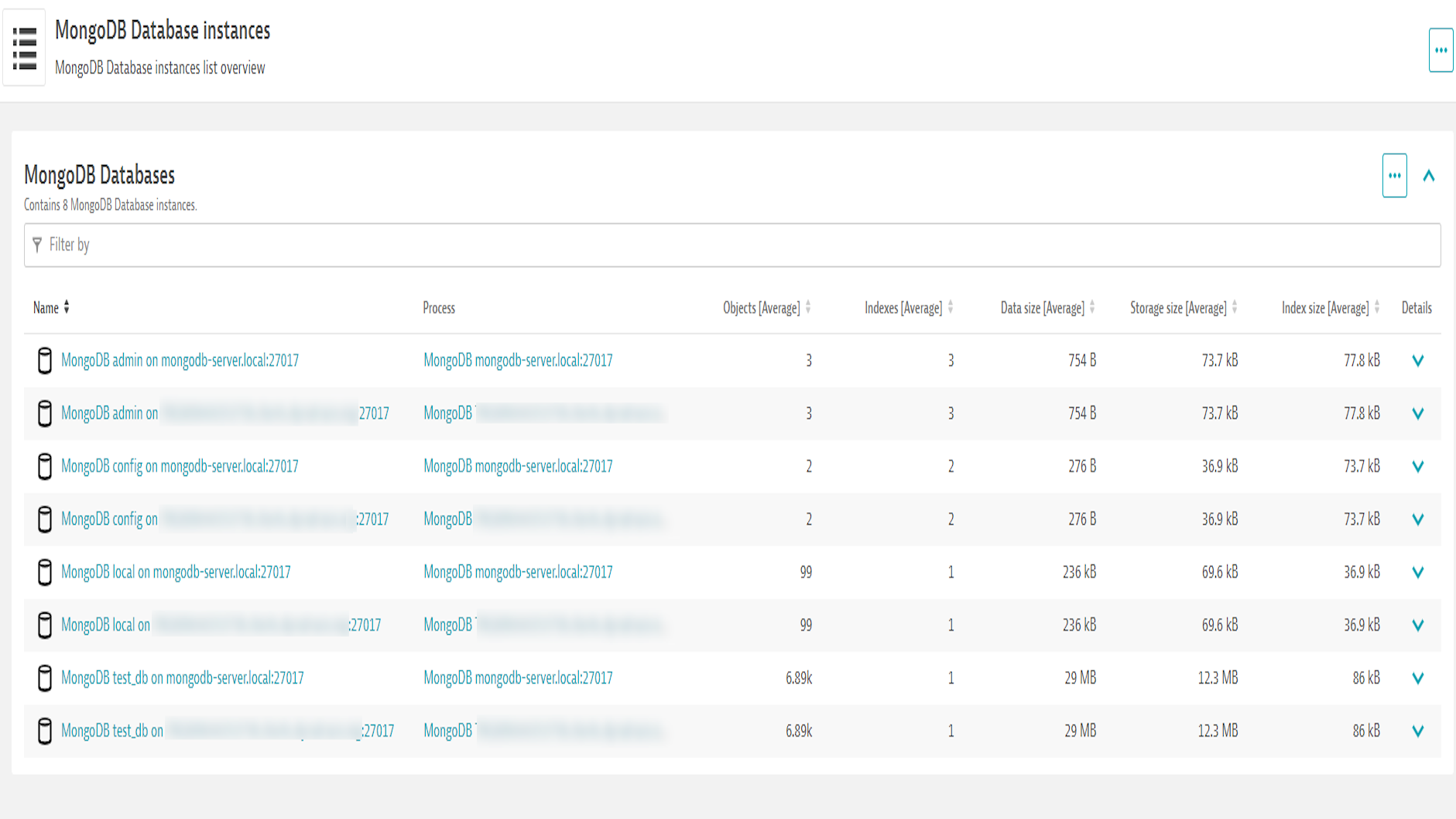
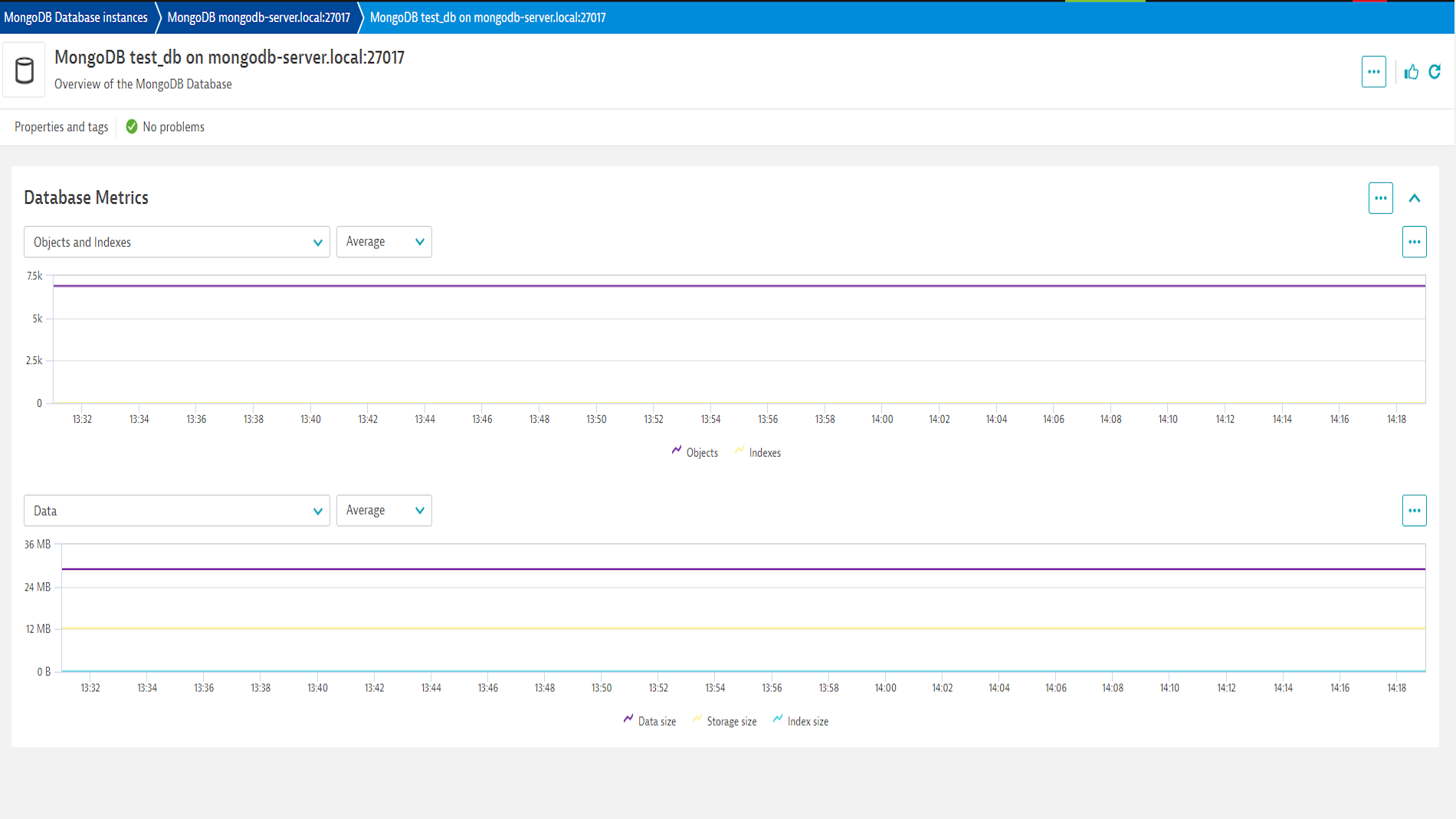
- Monitor database operations with a comprehensive dashboard
- Take pre-emptive measures to avoid service degradations
Get started
For more information on the installation and configuration, please see MongoDB (local or remote monitoring) extension in the Dynatrace Documentation.
Feature sets
Below is a complete list of the feature sets provided in this version. To ensure a good fit for your needs, individual feature sets can be activated and deactivated by your administrator during configuration.
Feature setsNumber of metrics included
| Metric name | Metric key | Description | Unit |
|---|---|---|---|
| Cache - Pages Requested | mongodb.cache.pages_requested | Number of pages reqeusted from the cache | Count |
| Cache - Pages Read | mongodb.cache.pages_read | Number of pages read into the cache | Count |
| Metric name | Metric key | Description | Unit |
|---|---|---|---|
| Current connections | mongodb.current_connections | - | Count |
| Available connections | mongodb.available_connections | - | Count |
| Insert operations | mongodb.insert_operations2.count | - | Count |
| Query operations | mongodb.query_operations2.count | - | Count |
| Update operations | mongodb.update_operations2.count | - | Count |
| Delete operations | mongodb.delete_operations2.count | - | Count |
| Getmore operations | mongodb.getmore_operations2.count | - | Count |
| Command operations | mongodb.command_operations2.count | - | Count |
| Resident memory | mongodb.resident_memory | - | MegaByte |
| Virtual memory | mongodb.virtual_memory | - | MegaByte |
| Current queue | mongodb.current_queue | - | Count |
| Active clients | mongodb.active_clients | - | Count |
| Regular asserts | mongodb.regular_asserts2.count | - | Count |
| Warning asserts | mongodb.warning_asserts2.count | - | Count |
| Message asserts | mongodb.message_asserts2.count | - | Count |
| User asserts | mongodb.user_asserts2.count | - | Count |
| Rollover asserts | mongodb.rollover_asserts2.count | - | Count |
| Page Faults | mongodb.page_faults | The total number of page faults | Count |
| Uptime | mongodb.uptime | The number of seconds that the MongoDB process has been active. | Second |
| Objects | mongodb.db.objects | - | Count |
| Indexes | mongodb.db.indexes | - | Count |
| Data size | mongodb.db.db_data_size | - | Byte |
| Storage size | mongodb.db.db_storage_size | - | Byte |
| Index size | mongodb.db.db_index_size | - | Byte |
| Metric name | Metric key | Description | Unit |
|---|---|---|---|
| Replica Set - Oplog Size | mongodb.rs.oplog_size | The range between the earliest and latest oplog entires | Byte |
| Replica Set - Oplog Window | mongodb.rs.oplog_window | The time window covered by the oplog (Replication headroom) | Second |
| Metric name | Metric key | Description | Unit |
|---|---|---|---|
| Locks - Current Global Queue | mongodb.locks.global_current_queue | The number of operations queued because of a lock. | Count |
| Locks - Global Total Time | mongodb.locks.global_total_time | The time, in microseconds, since the database last started and created the globalLock. This is roughly equivalent to total server uptime. | MicroSecond |
| Locks - Current Global Acquired Locks | mongodb.locks.global_acquire | Number of times the lock was acquired in the specified mode. | Count |
| Locks - Current Global Aqcuired Waits | mongodb.locks.global_acquire_wait | Number of times the lock acquisitions encountered waits because the locks were held in a conflicting mode. | Count |
| Locks - Global Time Acquired (Microseconds) | mongodb.locks.global_time_acquire | Cumulative wait time in microseconds for the lock acquisitions. | MicroSecond |
| Locks - Current Global Deadlocks | mongodb.locks.global_deadlocks | Number of times the lock acquisitions encountered deadlocks. | Count |
Full version history
To have more information on how to install the downloaded package, please follow the instructions on this page.
ReleaseDate
Full version history
2.1.5
What's New:
- Added keyword key value pairs to extension
- Update metric metadata for
.countmetrics to have count unit
Full version history
NOTE:
- This version requires ActiveGate version 1.313 or newer.
Improved in this version:
- Improved error handling (Dynatrace Error Codes) and Endpoint Statuses.
Full version history
New in this version
- Updated screens for the latest Dynatrace.
Full version history
⚠️ NOTICE:
- Requires minimum Dynatrace version of 1.309
✨ New in this version:
Metrics
- Page Faults (
mongodb.page_faults) The total number of page faults (as Count) - Uptime (
mongodb.uptime) The number of seconds that the MongoDB process has been active. (as Second) - Cache - Pages Requested (
mongodb.cache.pages_requested) Number of pages reqeusted from the cache (as Count) - Cache - Pages Read (
mongodb.cache.pages_read) Number of pages read into the cache (as Count) - Locks - Current Global Queue (
mongodb.locks.global_current_queue) The number of operations queued because of a lock. (as Count) - Locks - Global Total Time (
mongodb.locks.global_total_time) The time, in microseconds, since the database last started and created the globalLock. This is roughly equivalent to total server uptime. (as MicroSecond) - Locks - Current Global Acquired Locks (
mongodb.locks.global_acquire) Number of times the lock was acquired in the specified mode. (as Count) - Locks - Current Global Deadlocks (
mongodb.locks.global_deadlocks) Number of times the lock acquisitions encountered deadlocks. (as Count) - Locks - Current Global Aqcuired Waits (
mongodb.locks.global_acquire_wait) Number of times the lock acquisitions encountered waits because the locks were held in a conflicting mode. (as Count) - Locks - Global Time Acquired (Microseconds) (
mongodb.locks.global_time_acquire) Cumulative wait time in microseconds for the lock acquisitions. (as MicroSecond) - Replica Set - Oplog Size (
mongodb.rs.oplog_size) The range between the earliest and latest oplog entires (as Byte) - Replica Set - Oplog Window (
mongodb.rs.oplog_window) The time window covered by the oplog (Replication headroom) (as Second)
Authentication Mechanism
- Added support for
MONGODB-X509
Dashboard
- Added New Dashboard
Full version history
- Fixed a bug when setting a custom hostname.
Full version history
- Fix for setting custom hostname in monitoring configuration.
Full version history
⚠️ BREAKING CHANGE ⚠️
Upgrading existing monitoring configurations from previous versions to this version will not be possible and will require recreating those monitoring configurations. New monitoring configurations will not be affected.
In this version:
- Added Support for TLS client certificate file (tlsCertificateKeyFile)
- Fixed issue where credentials were not able to be retrieved from credential vault for additional monitored processes
Full version history
Version 1.5.13
- Removed the OCSP dependency, which made the extension not be able to connect to certain mongo instances
Full version history
Version 1.5.12
🐛 Bug fixes
- Fix an issue where the extension could not retry a connection after failure.
Full version history
- Fixed issue with cryptography library version requirement
Full version history
- Added toggle to enable debug logging
- Added support for Credential Vault
Full version history
v1.5.2
- DXS-1351
- Added support for Replica Sets
- Added support for multiple MongoDB Processes (ports) in a single monitoring configuration
- DXS-1601
- Added support for Insecure TLS connections via the configuration
- DXS-1762
- Fix how IP address is reported for MongoDB Host entities when using the Remote Activation
Full version history
v1.2.0
- #277460
- Changes to how entity names are captured, to avoid showing DBs as localhost
Full version history
v1.1.0
- Updates to correctly encode User and Password
Full version history
v1.0.0
- Initial Version of the Extension