


All
0 Results filtered by:

We couldn't find any results
You can search all listings, or try a different spelling or keyword. Still nothing? Dynatrace makes it easy to create custom apps.
 Microsoft Message Queuing (MSMQ)
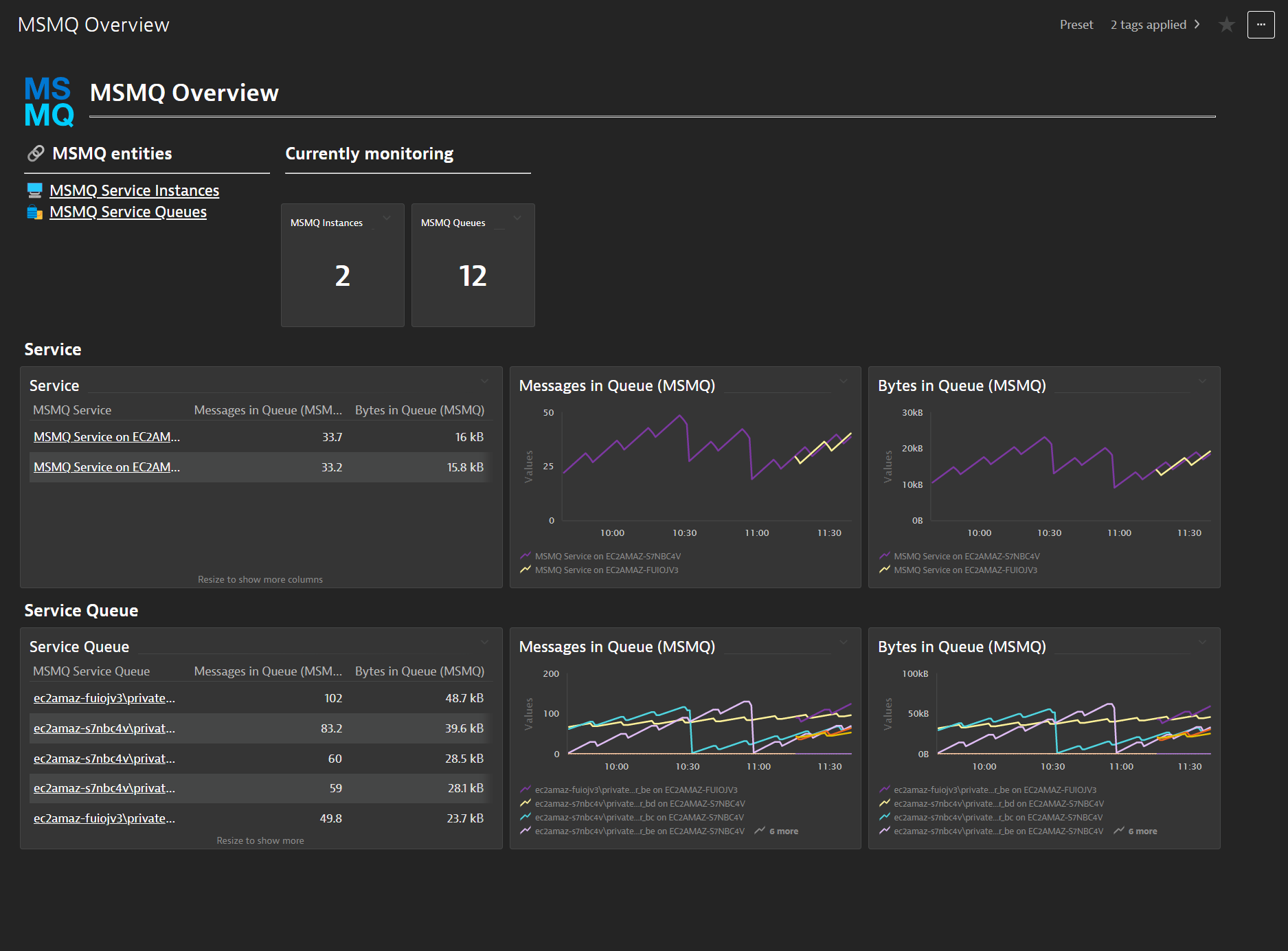
Observability for MSMQ with end-to-end traces of connected producers/consumers.
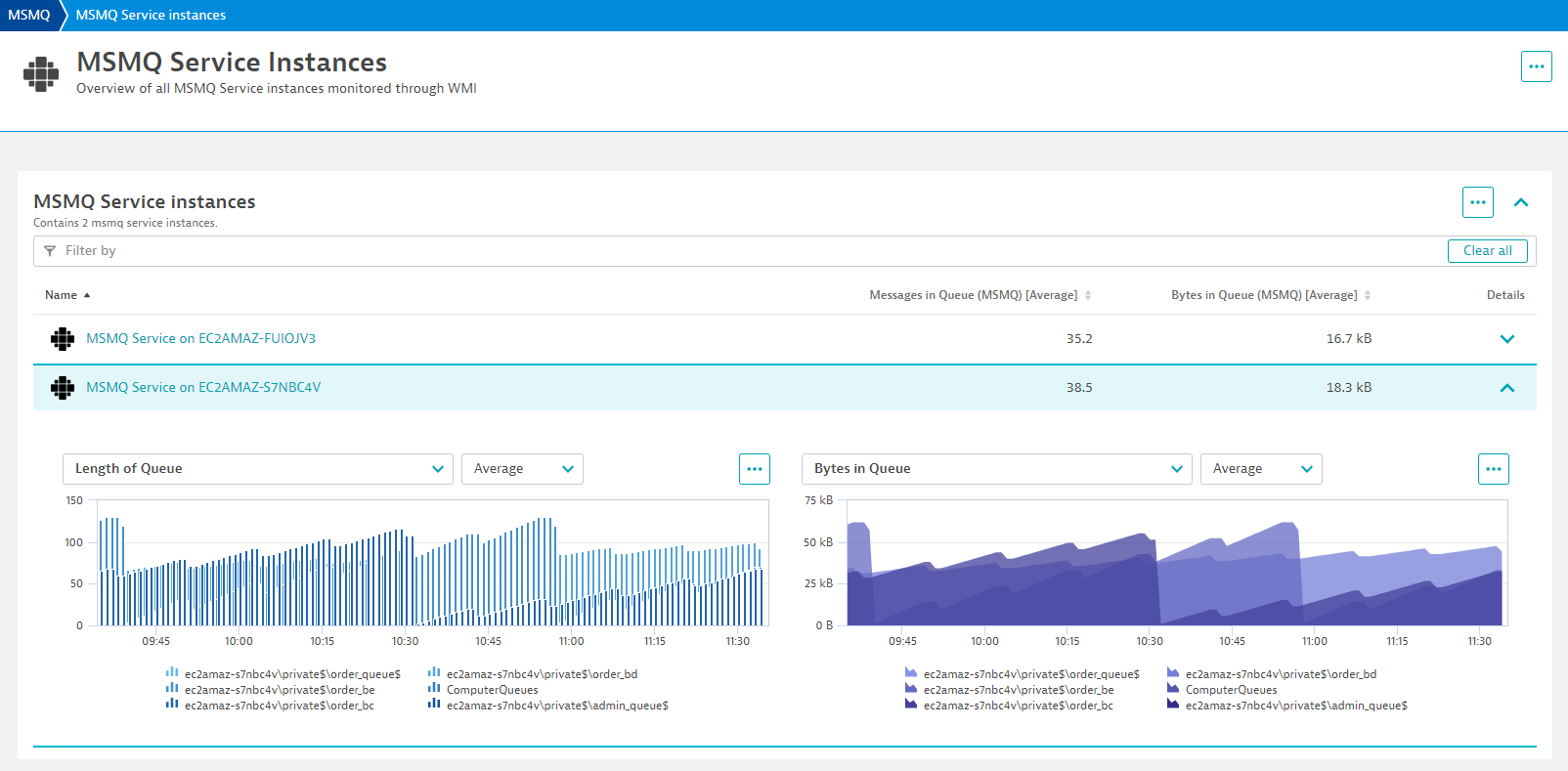
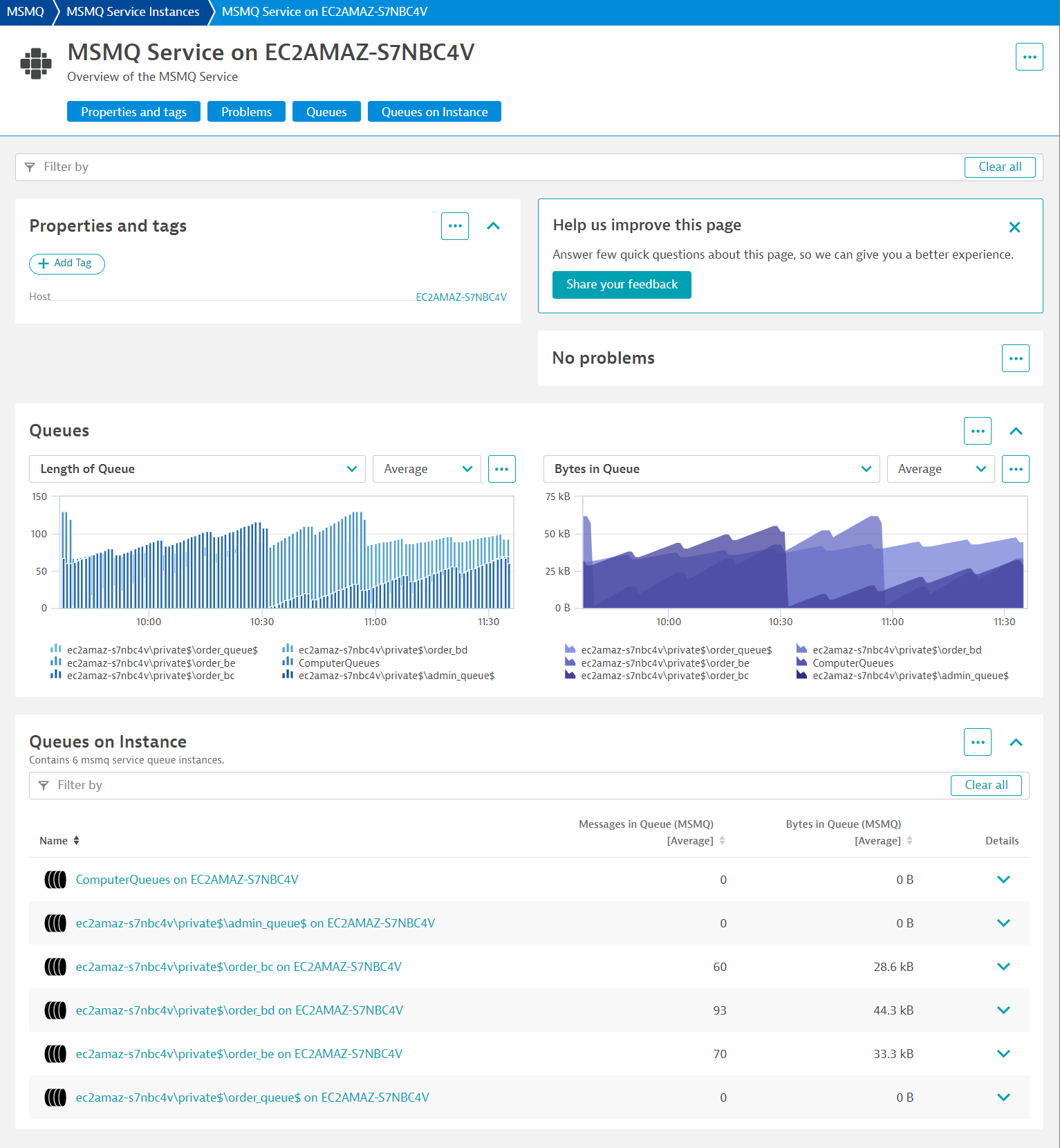
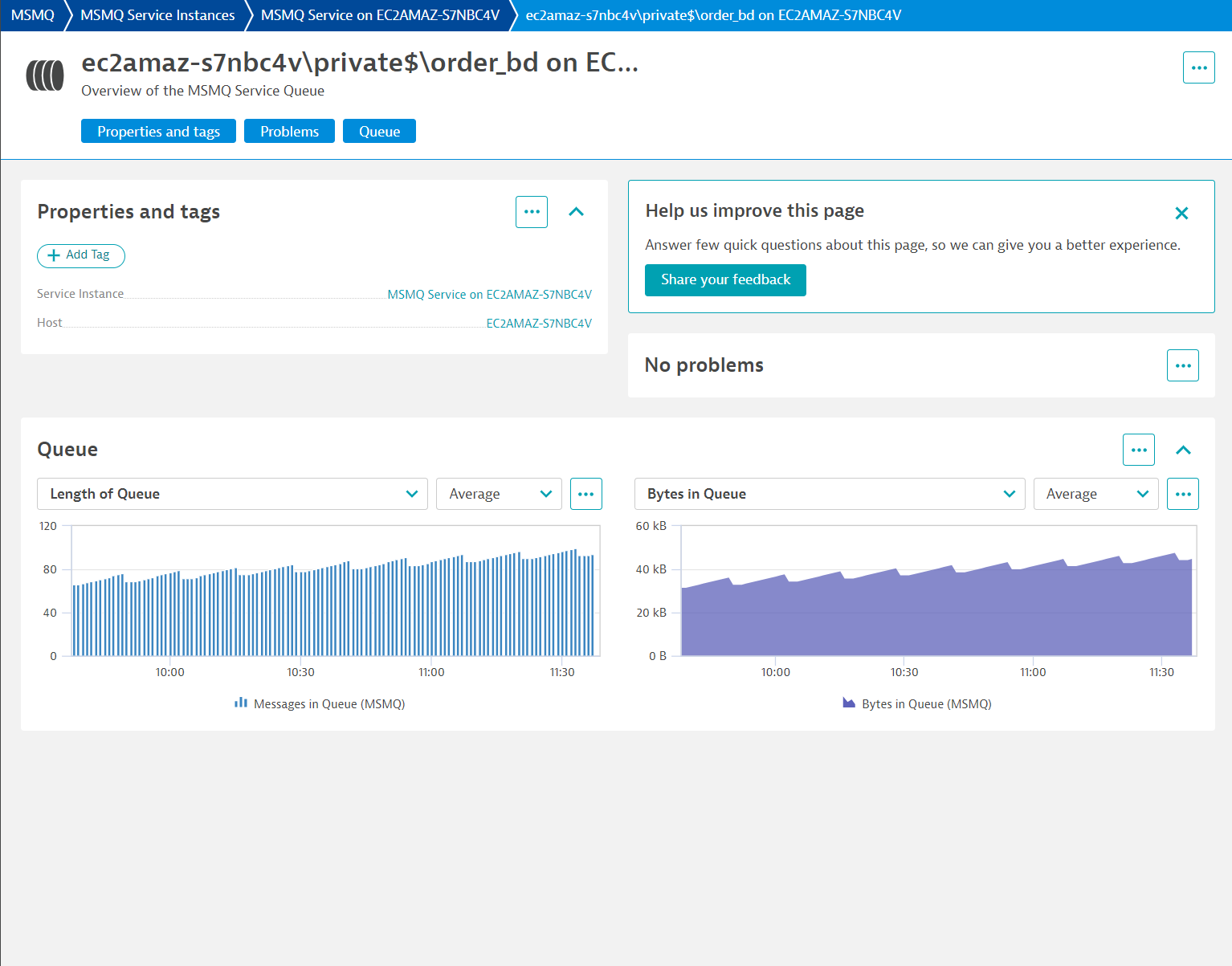
ExtensionWith Dynatrace you can get observability for the MSMQ without touching any code thanks to auto-instrumentation. Seamless end-to-end traces for connected producer and consumer services will help you to better understand the potential anomalies that may impact your mission-critical applications. Comprehensive metrics give you insights about the performance of queues.
For more information on the installation and configuration, please see Microsoft Message Queuing (MSMQ) extension in the Dynatrace Documentation.
Below is a complete list of the feature sets provided in this version. To ensure a good fit for your needs, individual feature sets can be activated and deactivated by your administrator during configuration.
| Metric name | Metric key | Description | Unit |
|---|---|---|---|
| Bytes in Journal Queue | msmq.MSMQQueue.BytesinJournalQueue | The total number of bytes in all Message Queuing messages that currently reside in the selected journal. For the Computer Queues instance, this counter represents the computer journal. | Byte |
| Bytes in Queue (MSMQ) | msmq.BytesInQueue | The total number of bytes in all Message Queuing messages that currently reside in the selected queue. For the Computer Queues instance, this counter represents the dead-letter queue. | Byte |
| Messages in Journal Queue | msmq.MSMQQueue.MessagesinJournalQueue | The total number of Message Queuing messages that currently reside in the selected journal. For the Computer Queues instance, this counter represents the computer journal. | Byte |
| Messages in Queue (MSMQ) | msmq.MessagesinQueue | The total number of Message Queuing messages that currently reside in the selected queue. For the Computer Queues instance, this counter represents the dead-letter queue. | Count |
| Metric name | Metric key | Description | Unit |
|---|---|---|---|
| Incoming messages per second | msmq.MSMQService.IncomingMessagesPersec | The rate at which incoming Message Queuing messages are placed in queues on the selected computer by the Message Queuing service. | PerSecond |
| IP sessions | msmq.MSMQService.IPSessions | The number of open IP sessions involving the selected computer. | Count |
| MSMQ incoming messages | msmq.MSMQService.MSMQIncomingMessages | The total number of incoming Message Queuing messages placed in queues on the selected computer by the Message Queuing service. | Count |
| MSMQ outgoing messages | msmq.MSMQService.MSMQOutgoingMessages | The total number of outgoing Message Queuing messages sent from the selected computer by the Message Queuing service. | Count |
| Outgoing messages per second | msmq.MSMQService.OutgoingMessagesPersec | The number of open outgoing HTTP sessions involving the selected computer. | PerSecond |
| Sessions | msmq.MSMQService.Sessions | The total number of open network sessions involving the selected computer. | Count |
| Total bytes in all queues | msmq.MSMQService.Totalbytesinallqueues | The total number of bytes in all Message Queuing messages residing in active queues on the selected computer. | Byte |
| Total messages in all queues | msmq.MSMQService.Totalmessagesinallqueues | The total number of Message Queuing messages residing in active queues on the selected computer. | Count |
This version requires a minimum cluster version 1.318.
dt.security_context to wmi:msmq_service_instance and wmi:msmq_service_instance_queue entities.