 Filesystem monitoring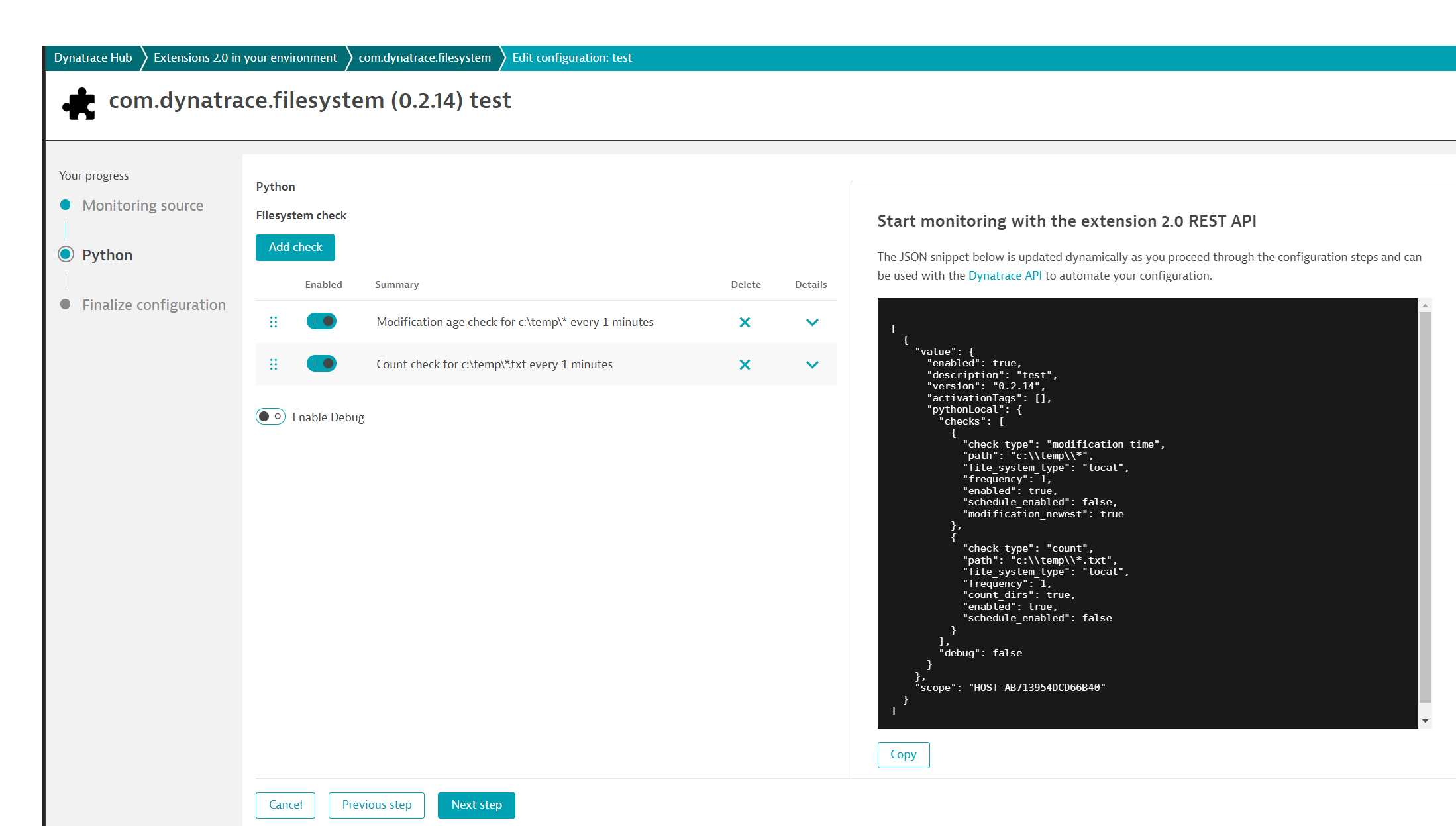
- Product information
- Release notes
Overview
filesystem extension, monitor your files on Windows and Linux OneAgent installations.
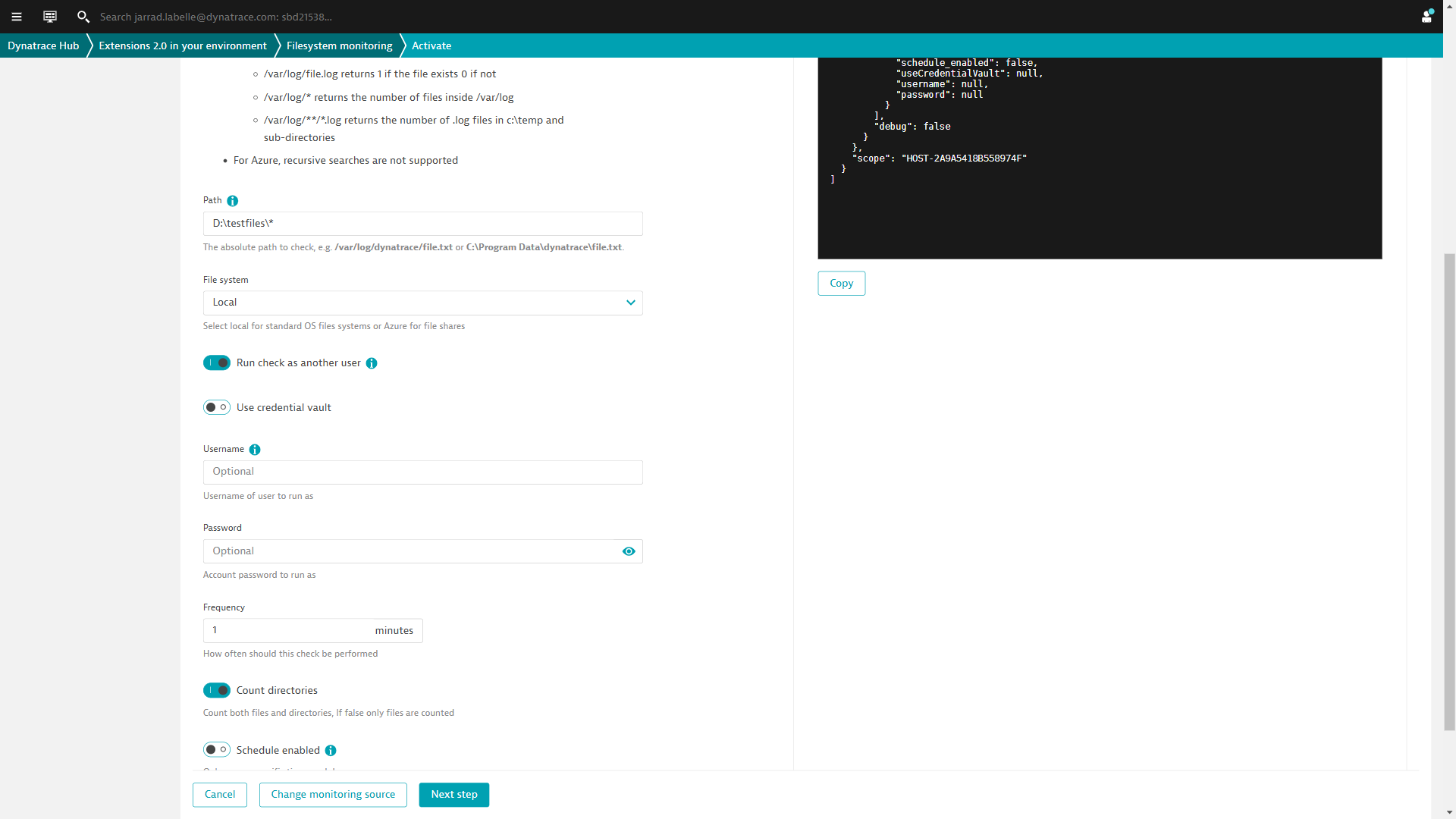
Targeting can be done by host, host group, management zone or environment. Tags can be applied to segregate your configurations (100 configurations maximum).
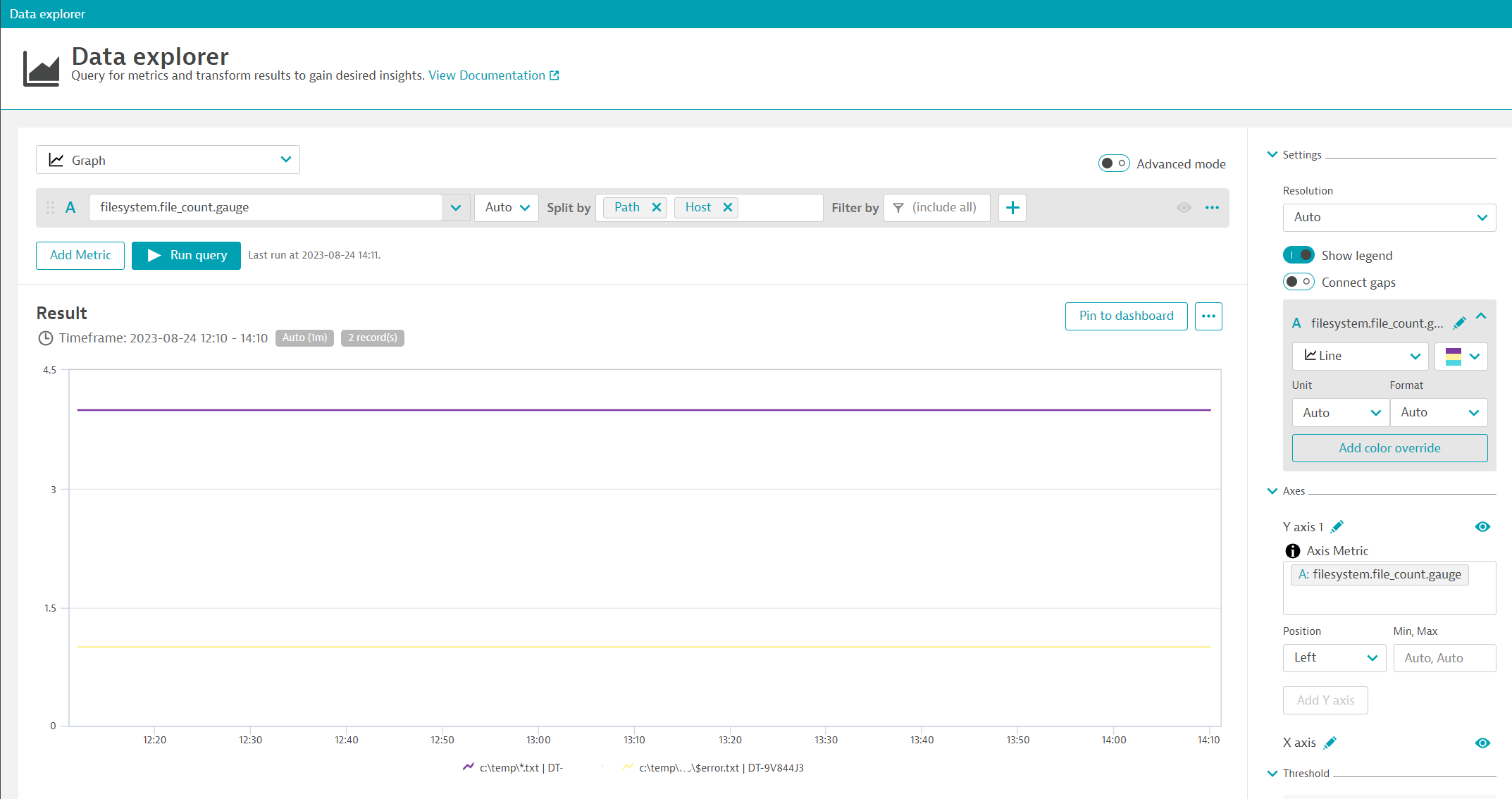
For each path check, Dynatrace will create an entity and link it to the matching host. This way, extension filtering and tagging is possible to view your data. The same can be done with alerts.
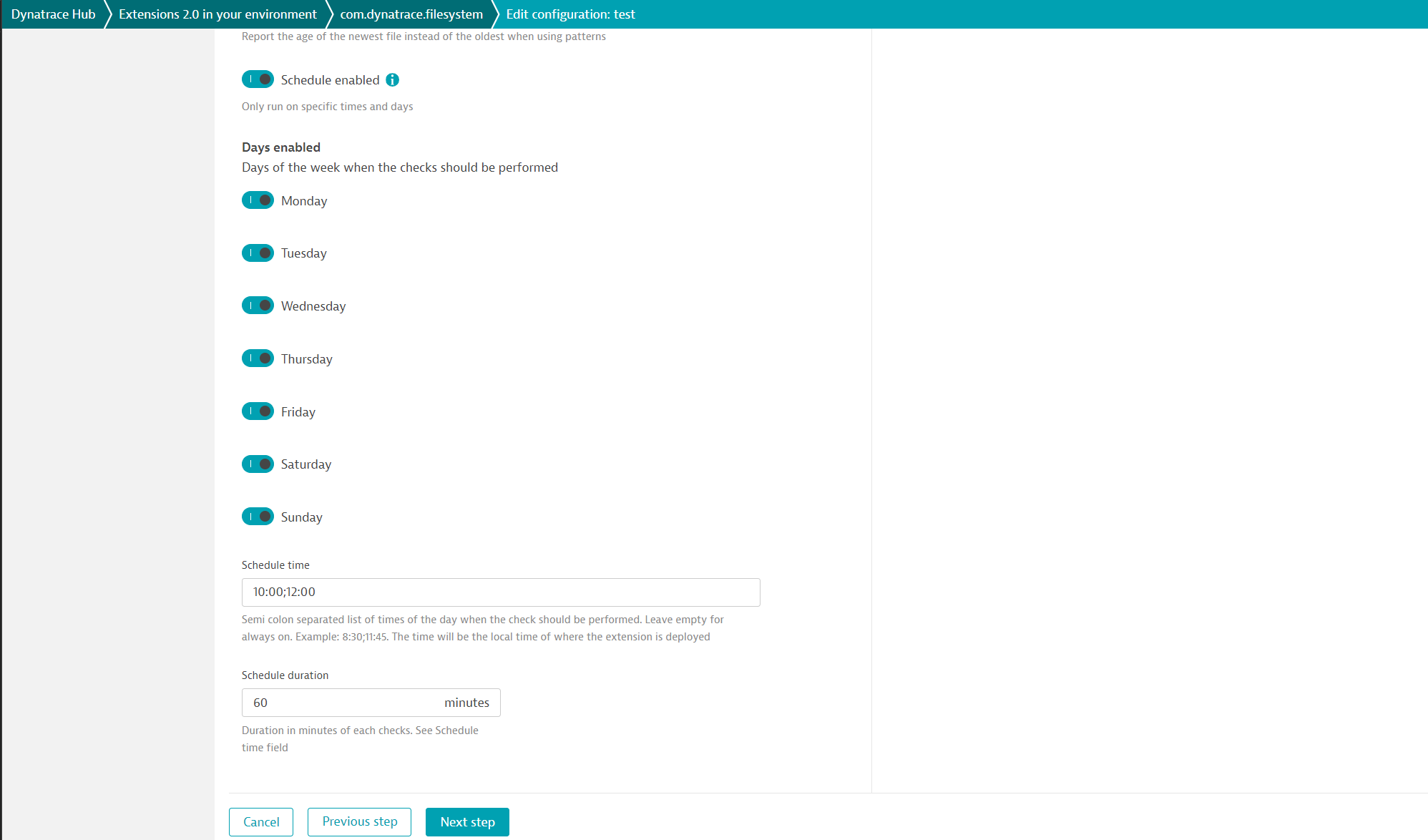
Checks can be disabled for specific days and at specific times.
Metrics:
-
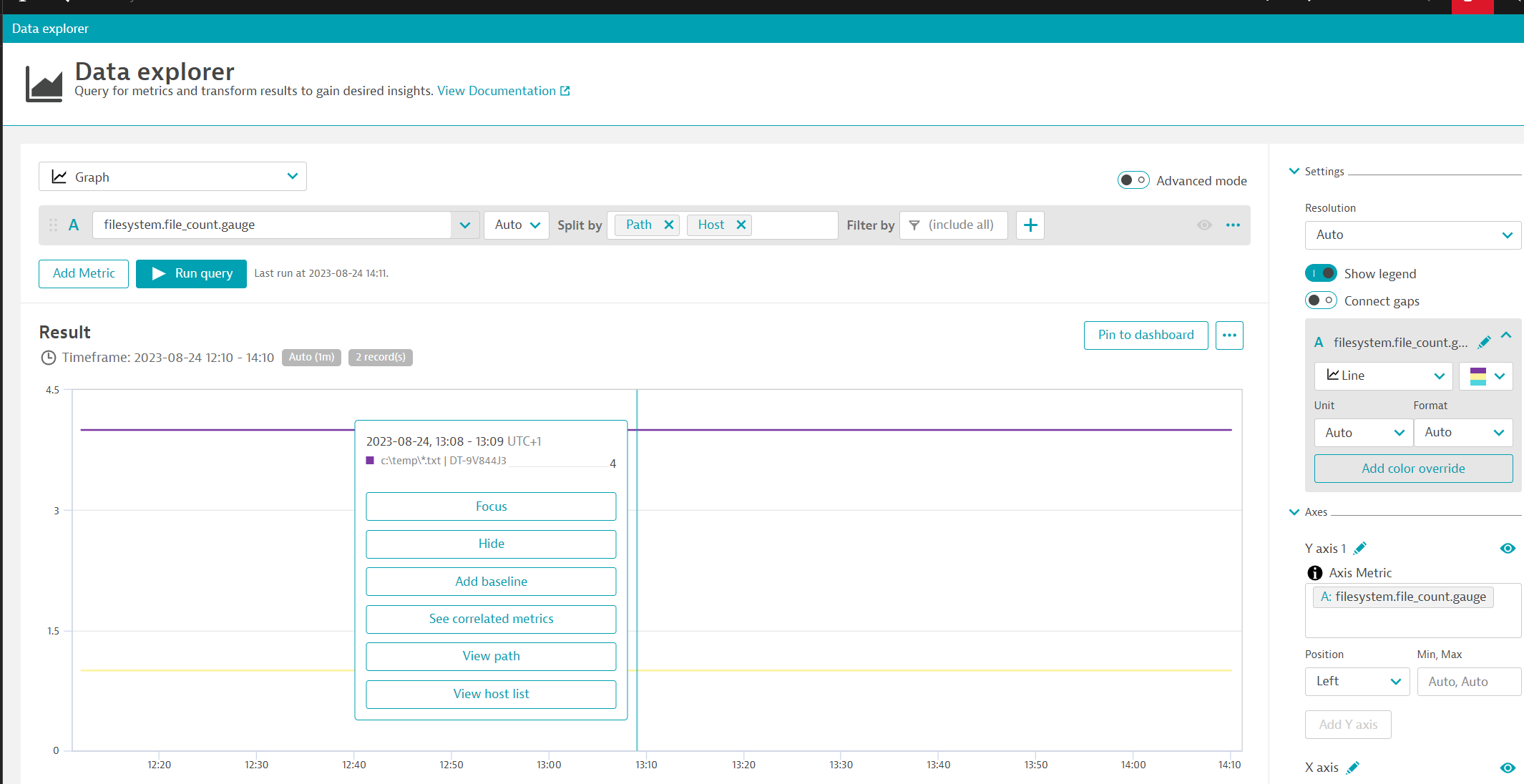
File count: Number of files matching a pattern
-
File age count: Number of files matching a pattern and an age
-
File age: Age of a specific file (oldest or newest when returning more than 1 file)
-
File size: Size of the files in bytes
-
Mount point: Is a mount point mounted on Unix NFS
Use cases
- Monitor count of files and directories within a specific directory
- Check the newest or oldest file in a directory
- Verify if a file exists on a schedule
- Verify if a mount is present
- Check the count of files over a certain age
- Validate if a file is the proper size
Get started
For more information on the installation and configuration, please see Filesystem monitoring extension in the Dynatrace Documentation.
Details
Compatibility information
This a OneAgent extension compatible with Windows and Linux.
Cluster version 1.318 and OneAgent 1.310 minimum.
Azure blob storage is supported
Full version history
To have more information on how to install the downloaded package, please follow the instructions on this page.
ReleaseDate
Full version history
IMPORTANT: This version requires a minimum Dynatrace version of 1.318 and OneAgent version of 1.310
New Features
-
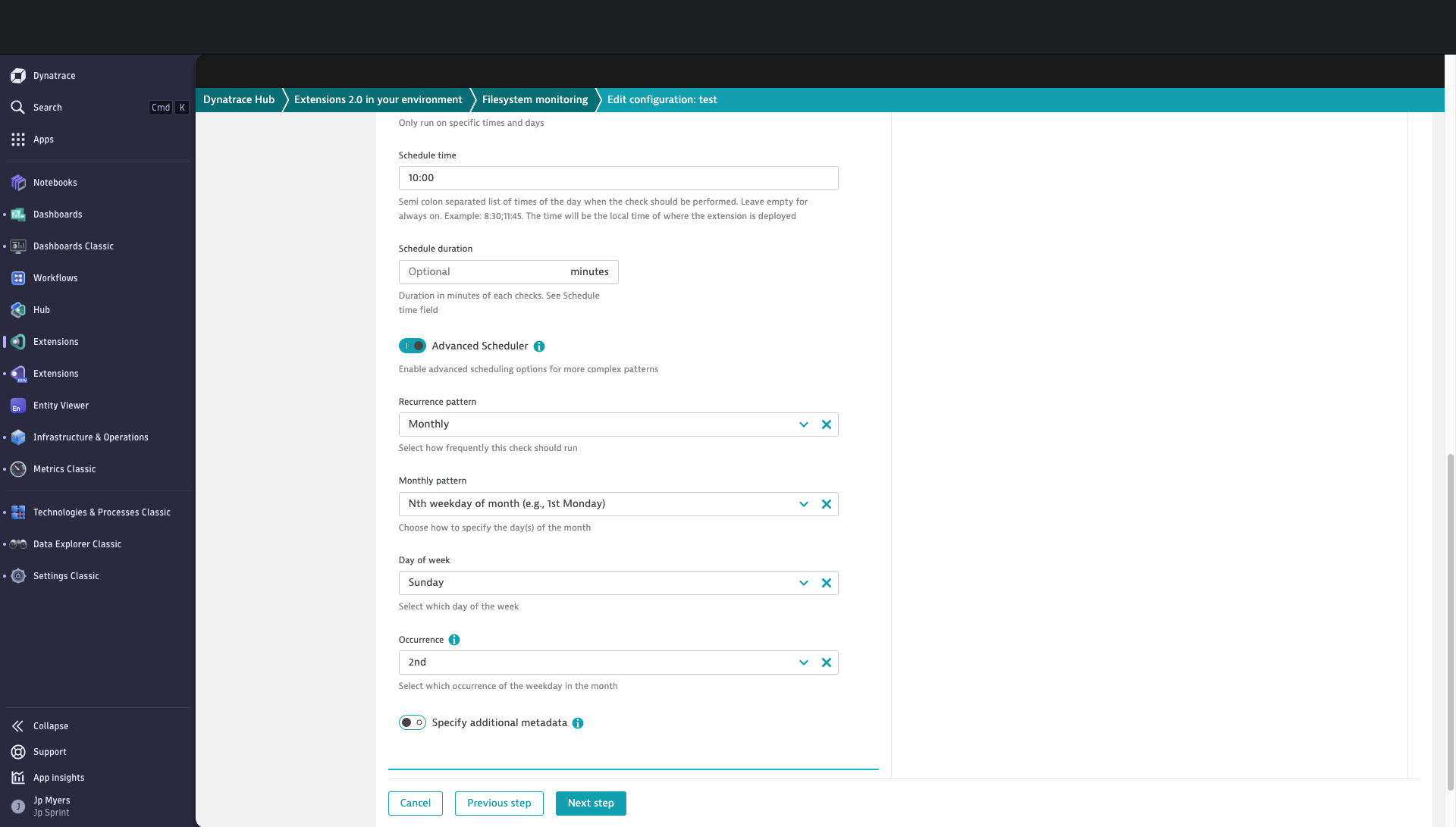
Advanced Scheduler
- Added support for more customized run schedules, allowing greater flexibility in configuration.
-
Dynamic Date Functionality
- Dynamic dates such as MMDDYYYY continue to function as before. However, you can now append paths like C:\DDMMYYYY|-1d, which will dynamically set the date to the day before the current run time. The extension performs the date calculation at each run.
-
Classic and Platform Dashboards bundled with extension
Security Improvements
- Implemented additional validation of path parameter to prevent command injection.
- Implemented additional validation of Azure account parameter to prevent SSRF.
Vulnerabilities Resolved
- Resolved CVE-2026-21441 by removing unused urllib3 library dependency.
Improvements
- Implemented Endpoint Status reporting for each path in configuration for greater status granularity.
- Enhanced logging by including Dynatrace Error Codes for improved debugging and issue tracking.
- Defined screen for path entity in I&O app.
Bug Fixes
- Resolved an intermittent issue where monitoring configurations with multiple assumed_user entries, each with different dimensions, could cause checks to fail.
- Resolved an issue that affected execution due to daylight time change.
Full version history
New Features
sesuhas been added in the assume user options for linux hosts.
Full version history
Bugfix
run_as Linux: dtuser correctly callssudowhen a username is omitted.
Full version history
New Feature
- Run As functionality implemented in Linux.
- This uses sudo when running checks. Which will call
sudoasdtuser. But if the username field has a value it will runsudo -u <username>
- This uses sudo when running checks. Which will call
Bug Fixes
- Modification Age check has been fixed on glob patterns, now returns correct age.
Full version history
- Improves feel of monitoring configuration screen by moving check descriptions to Check type field tooltip
Full version history
BugFix
- Run_As functionality works as expected again
Full version history
New Features
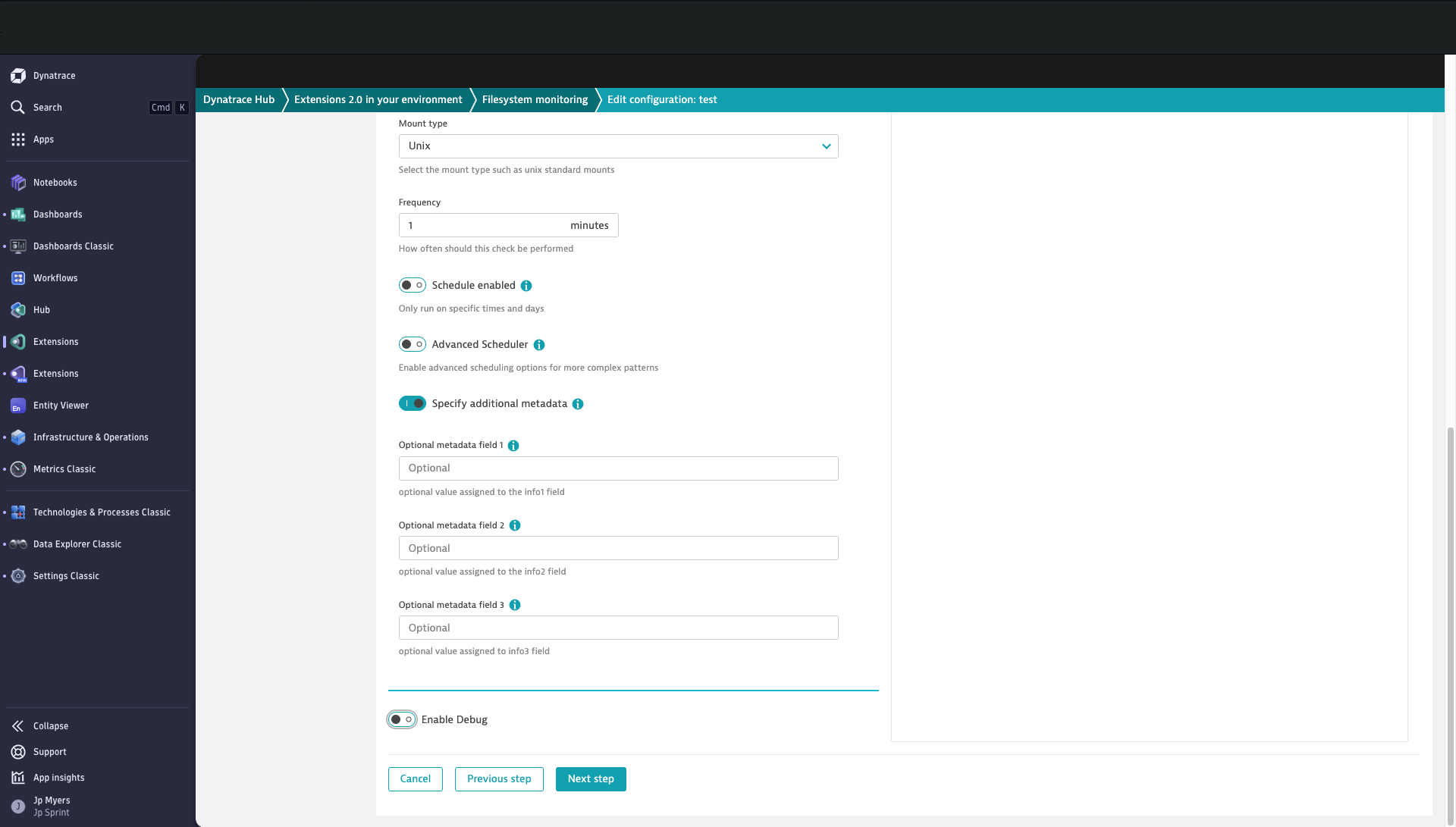
- Added ability to enrich metrics with up to 3 additional metadata fields
Full version history
New Feature
- 3 new dynamic dates where the month is a 3 character identifier
- DDMMMYYYY ex: 17MAR2025
- DDMmmYYYY ex: 17Mar2025
- DDmmmYYYY ex: 12mar2025
Bug Fixes
General
- AzureFileCount works again.
Run_As bugfixes
- Spaces in FileName will no longer break checks
- Backslashes no longer disappear on the path dimension upon ingest to tenant
- Logging Fix
Full version history
New feature
- Now has the ability to run as another user on windows hosts.
- Running as user with permission to access network drives on windows hosts you are now able to query those network drives with selected check.
Full version history
Fixed metric file age count when a file is modified during the check.
Full version history
Added detection of modification time on folders.
Use /tmp/myfolder as path (with no wildcard) to return the most recently modified file date inside the folder.
Useful when files are very transient (appear less than 60 seconds) or with a very large number of files (no scanning required).