


All
0 Results filtered by:

We couldn't find any results
You can search all listings, or try a different spelling or keyword. Still nothing? Dynatrace makes it easy to create custom apps.
 Eclipse Jetty
Automatically and intelligently monitor and analyze your Jetty applications.
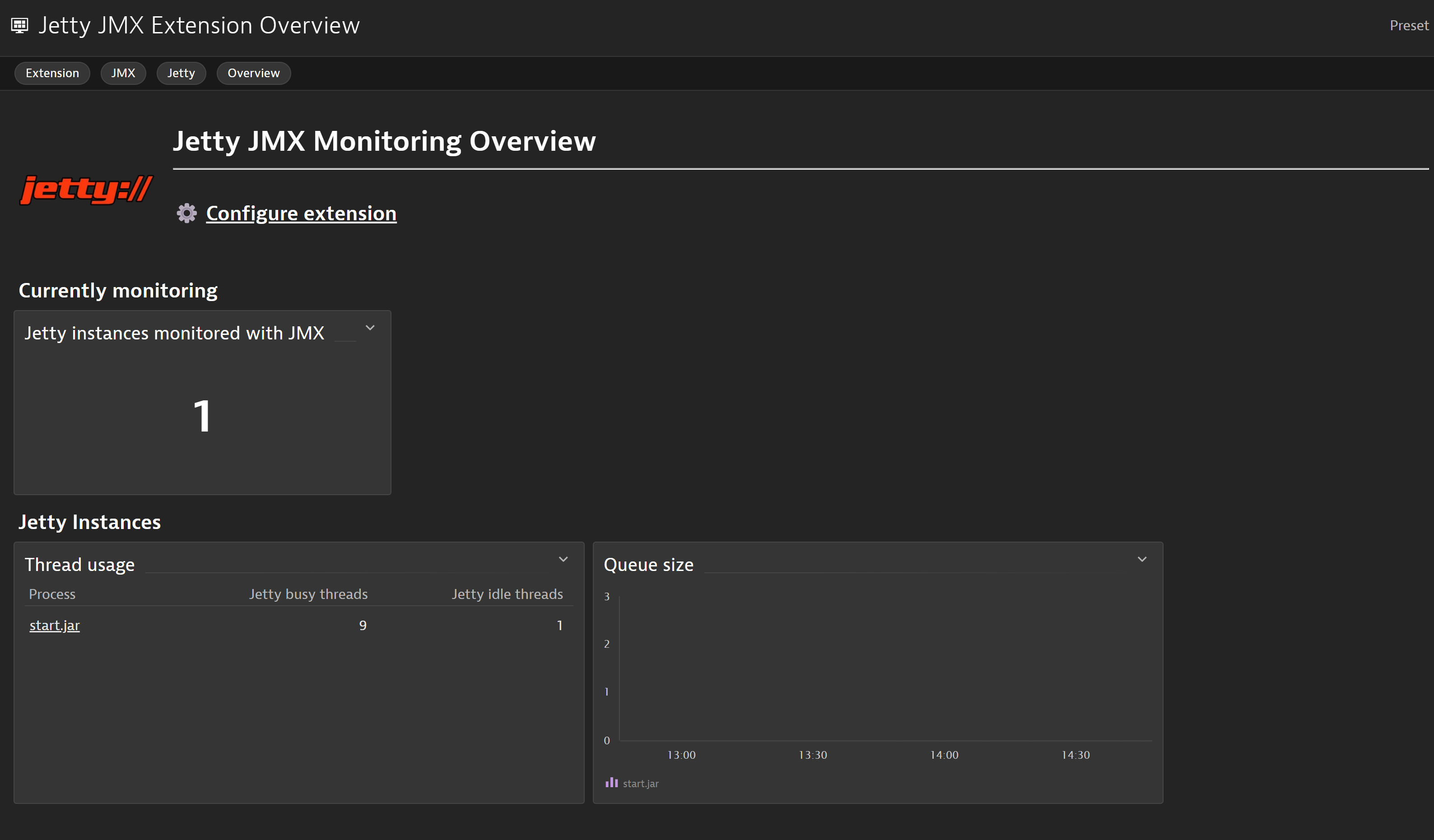
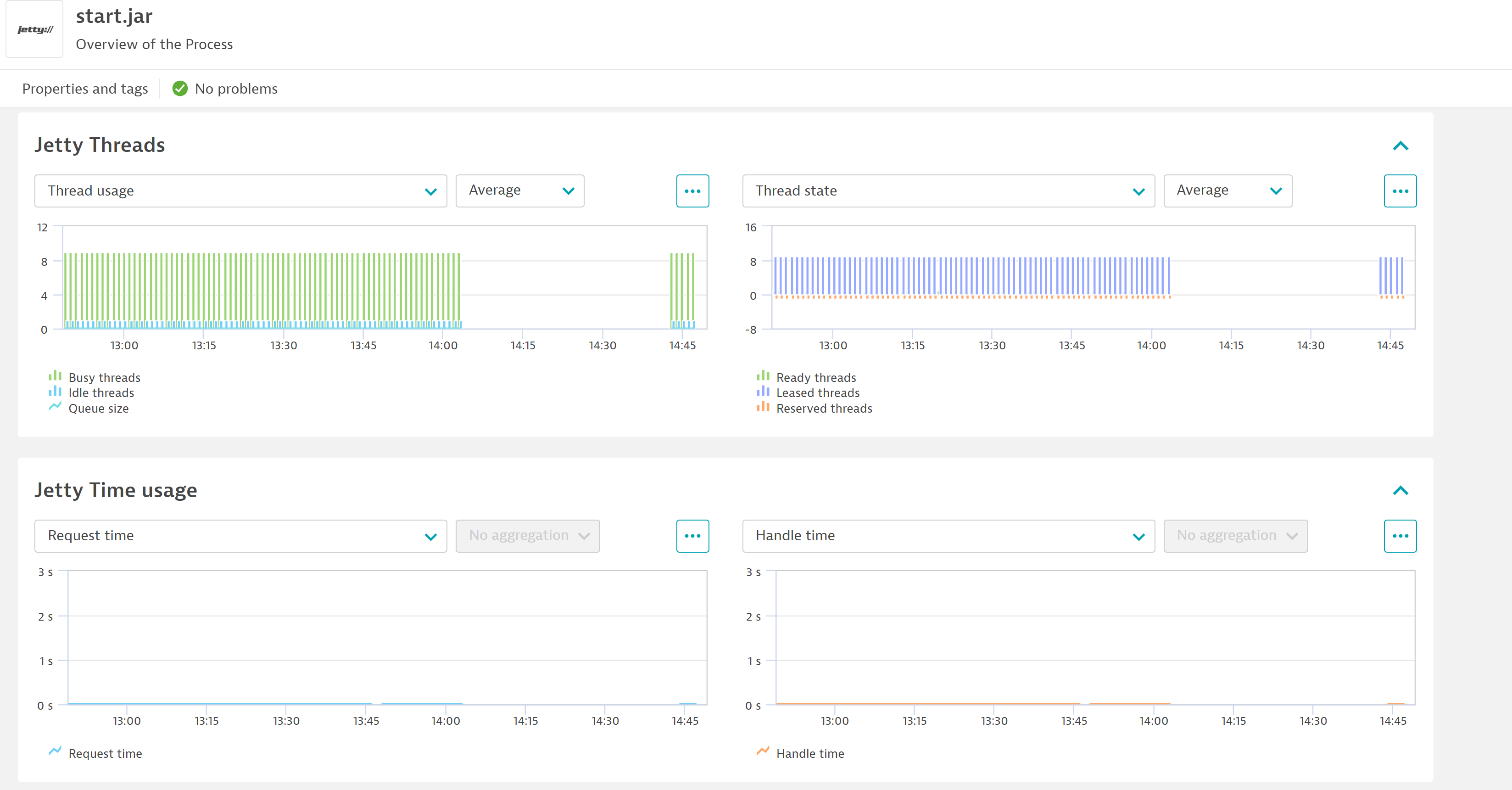
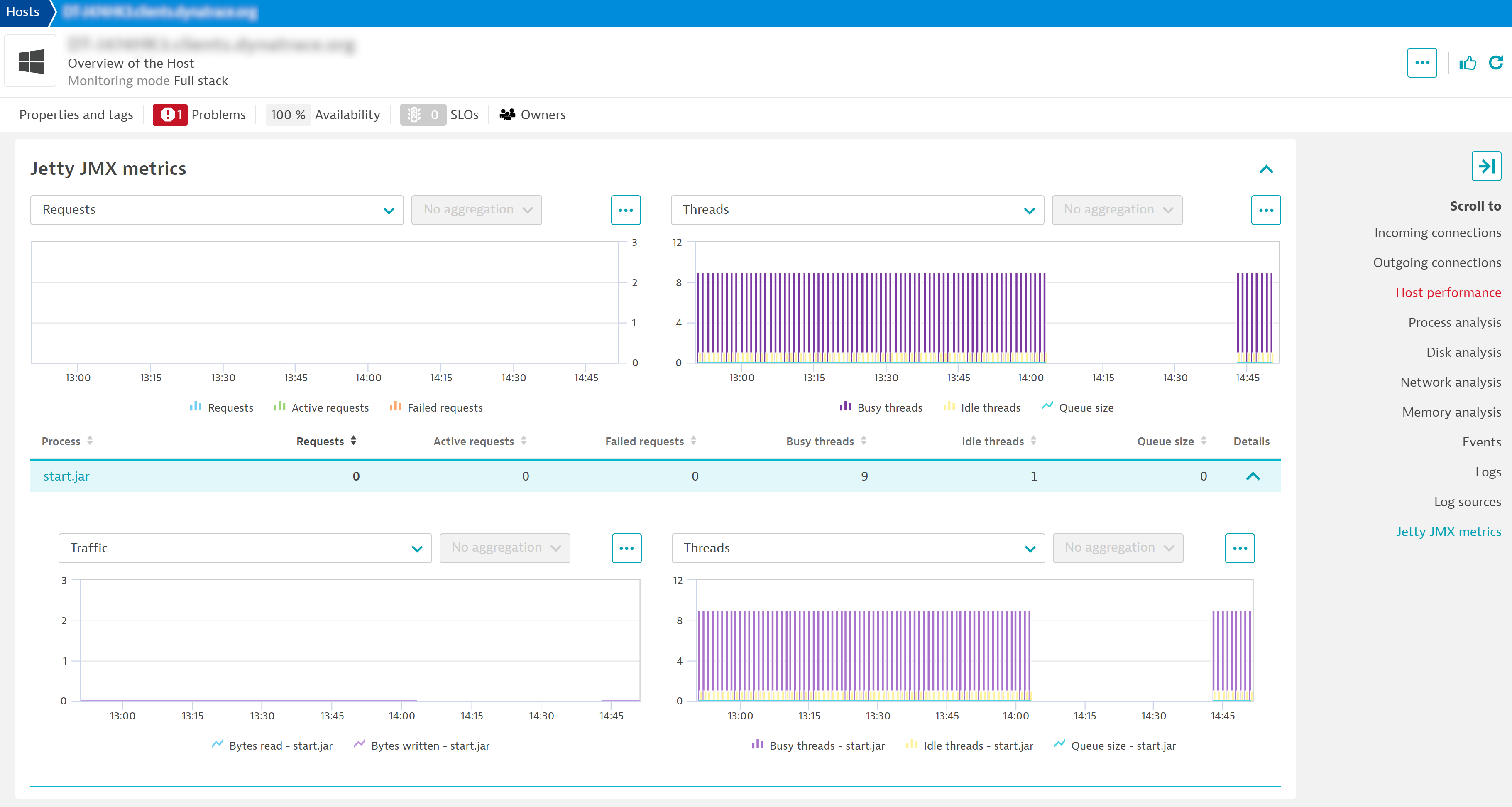
ExtensionWith Dynatrace, you can get observability for all applications and microservices deployed in your Jetty web server, including automatic end-to-end tracing, metrics and log insights. Dynatrace deep code level insights will give you CPU profiling insights including method hotspots, insights into calls to databases, error/exception analysis, and much more. Comprehensive out-of-the-box metrics will give you insights into memory allocation, garbage collection, and thread behavior.
errors and responsesBytesTotalfailures, bytesRead, bytesWrittenand handleTimeBelow is a complete list of the feature sets provided in this version. To ensure a good fit for your needs, individual feature sets can be activated and deactivated by your administrator during configuration.
| Metric name | Metric key | Description | Unit |
|---|---|---|---|
| Jetty busy threads | jetty.busyThreads | - | Count |
| Jetty idle threads | jetty.idleThreads | - | Count |
| Metric name | Metric key | Description | Unit |
|---|---|---|---|
| Jetty messages in | jetty.messagesIn.count | - | Count |
| Jetty messages out | jetty.messagesOut.count | - | Count |
| Metric name | Metric key | Description | Unit |
|---|---|---|---|
| Jetty total response bytes | jetty.responsesBytesTotal.count | - | Byte |
| Jetty bytes read | jetty.bytesRead | - | Bytes |
| Jetty bytes written | jetty.bytesWritten | - | Bytes |
| Metric name | Metric key | Description | Unit |
|---|---|---|---|
| Jetty leased threads | jetty.leasedThreads | - | Count |
| Jetty ready threads | jetty.readyThreads | - | Count |
| Jetty reserved threads | jetty.reservedThreads | - | Count |
| Metric name | Metric key | Description | Unit |
|---|---|---|---|
| Jetty total request time | jetty.requestTime.count | - | Second |
| Jetty total handle time | jetty.handleTime.count | - | Second |
| Metric name | Metric key | Description | Unit |
|---|---|---|---|
| Jetty request queue size | jetty.queueSize | - | Count |
| Jetty request count | jetty.requestCount.count | - | Count |
| Jetty request failures | jetty.failures.count | - | Count |
| Jetty request errors | jetty.errors.count | - | Count |
| Jetty active request count | jetty.requestsActive.count | - | Count |
| Metric name | Metric key | Description | Unit |
|---|---|---|---|
| Jetty new connections | jetty.connections.count | - | Count |
| Jetty open connections | jetty.connectionsOpen | - | Count |
| Metric name | Metric key | Description | Unit |
|---|---|---|---|
| Jetty 1xx responses | jetty.response1xx.count | - | Count |
| Jetty 2xx responses | jetty.response2xx.count | - | Count |
| Jetty 3xx responses | jetty.response3xx.count | - | Count |
| Jetty 4xx responses | jetty.response4xx.count | - | Count |
| Jetty 5xx responses | jetty.response5xx.count | - | Count |
New in this version: