


All
0 Results filtered by:

We couldn't find any results
You can search all listings, or try a different spelling or keyword. Still nothing? Dynatrace makes it easy to create custom apps.
 Connection Pools: JBoss
Application server method of pooling and sharing connections to a database.
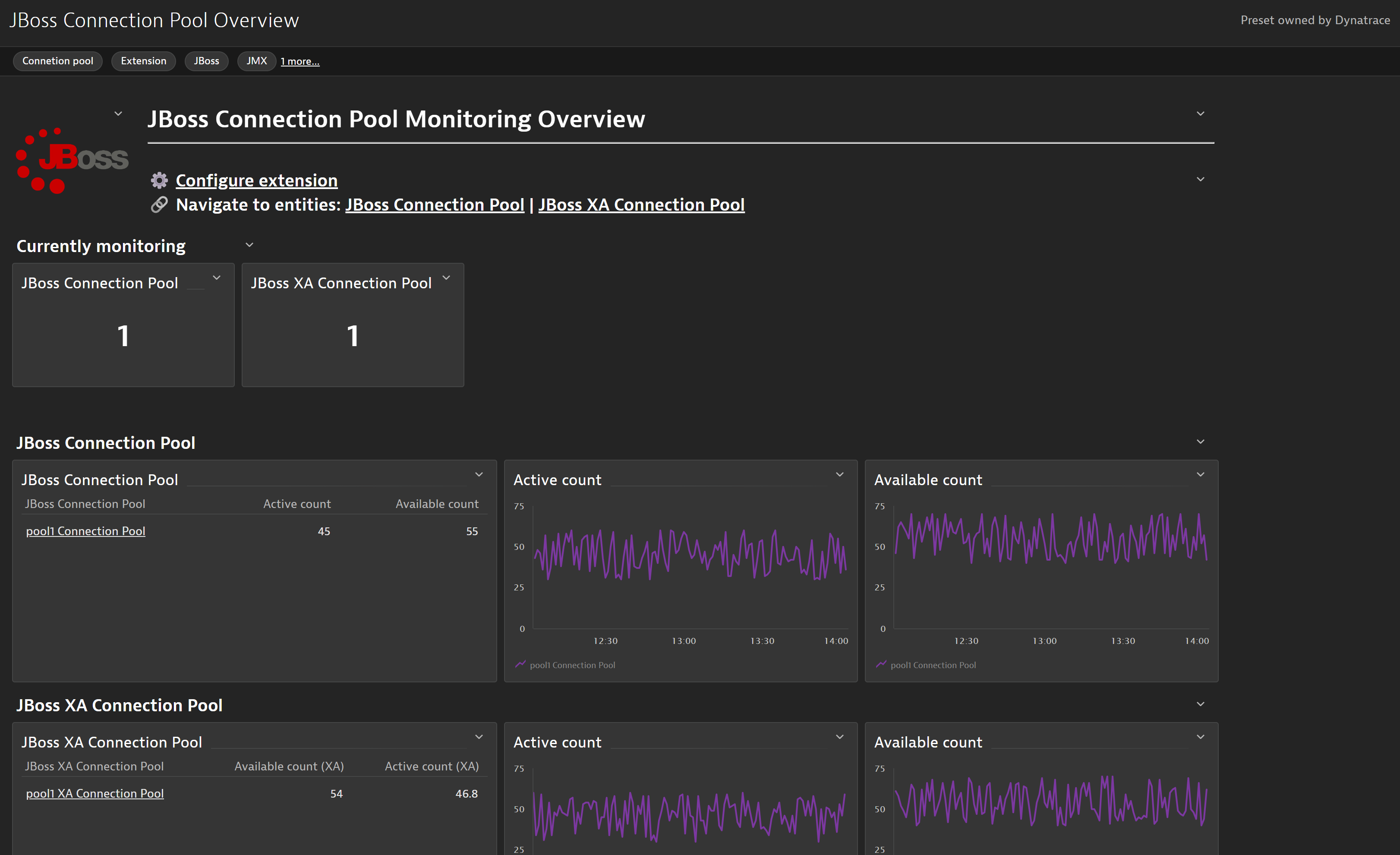
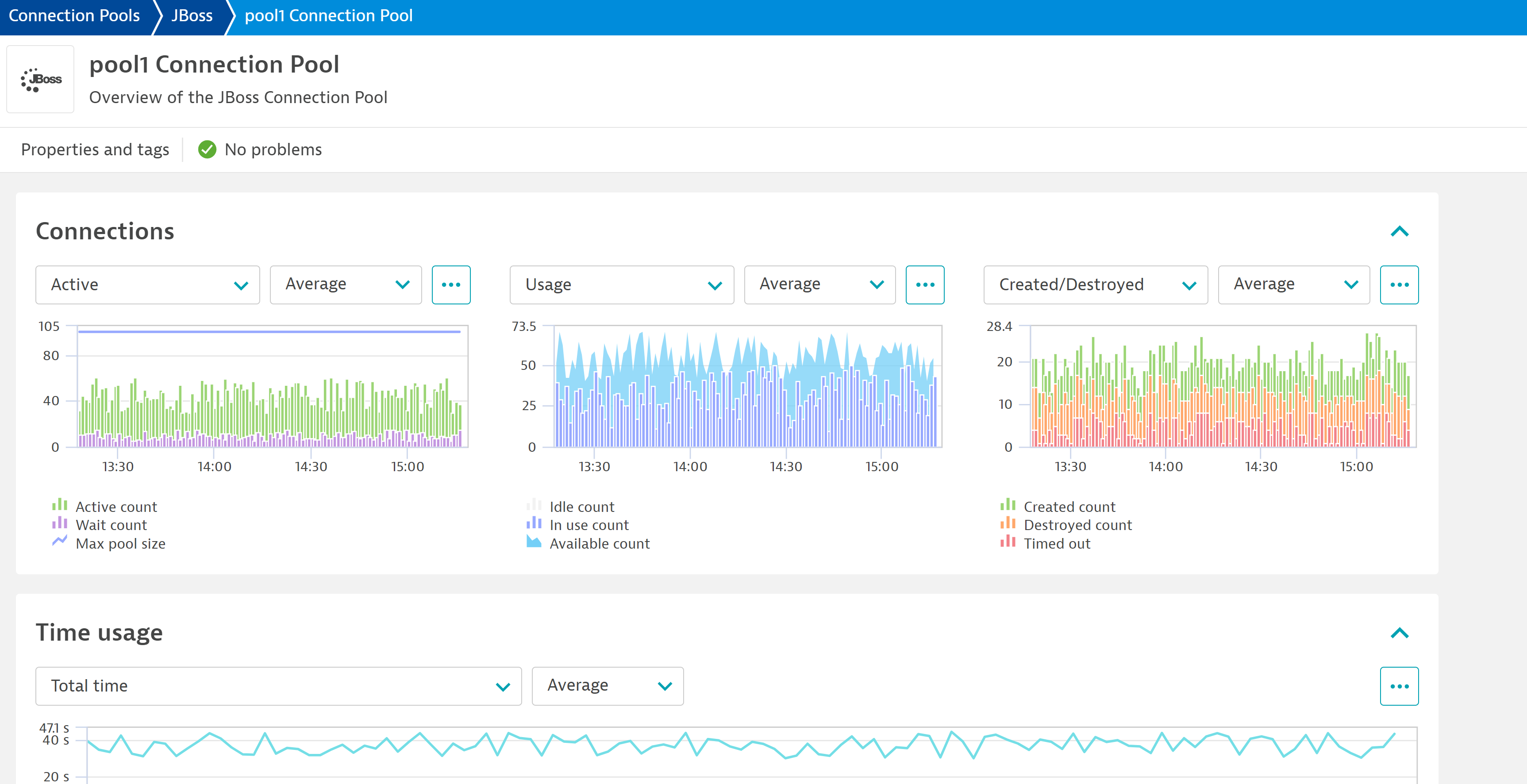
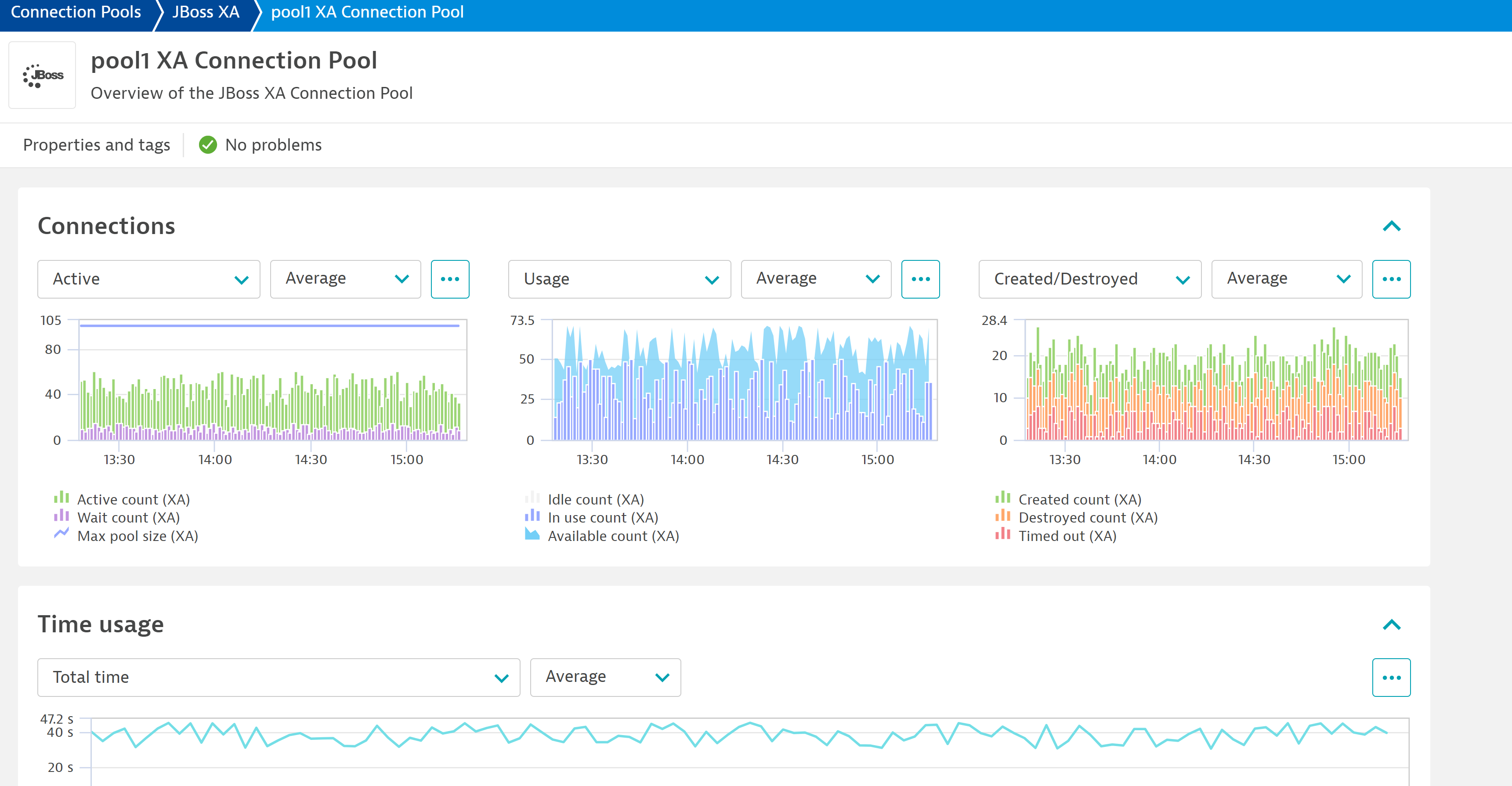
ExtensionSeveral built-in OneAgent extensions provide insight into connection pool performance and issues such as connection leaks. The extensions cover the following technologies: Apache Tomcat, Oracle WebLogic, IBM WebSphere Application Server, IBM WebSphere Liberty, and Red Hat JBoss and Wildfly.
Below is a complete list of the feature sets provided in this version. To ensure a good fit for your needs, individual feature sets can be activated and deactivated by your administrator during configuration.
| Metric name | Metric key | Description | Unit |
|---|---|---|---|
| Max pool size | jboss.connectionPool.maxPoolSize | - | Count |
| Active count | jboss.connectionPool.ActiveCount | - | Count |
| Available count | jboss.connectionPool.AvailableCount | - | Count |
| Created count | jboss.connectionPool.CreatedCount.count | - | Count |
| Destroyed count | jboss.connectionPool.DestroyedCount.count | - | Count |
| Idle count | jboss.connectionPool.IdleCount | - | Count |
| In use count | jboss.connectionPool.InUseCount | - | Count |
| Timed out | jboss.connectionPool.TimedOut.count | - | Count |
| Wait count | jboss.connectionPool.WaitCount.count | - | Count |
| Metric name | Metric key | Description | Unit |
|---|---|---|---|
| Total blocking time | jboss.connectionPool.TotalBlockingTime.count | - | MilliSecond |
| Total creation time | jboss.connectionPool.TotalCreationTime.count | - | MilliSecond |
| Total pool time | jboss.connectionPool.TotalPoolTime.count | - | MilliSecond |
| Total get time | jboss.connectionPool.TotalGetTime.count | - | MilliSecond |
| Total usage time | jboss.connectionPool.TotalUsageTime.count | - | MilliSecond |
| Metric name | Metric key | Description | Unit |
|---|---|---|---|
| Total blocking time (XA) | jboss.connectionPool.TotalBlockingTimeXA.count | - | MilliSecond |
| Total get time (XA) | jboss.connectionPool.TotalGetTimeXA.count | - | MilliSecond |
| Total creation time (XA) | jboss.connectionPool.TotalCreationTimeXA.count | - | MilliSecond |
| Total usage time (XA) | jboss.connectionPool.TotalUsageTimeXA.count | - | MilliSecond |
| Total pool time (XA) | jboss.connectionPool.TotalPoolTimeXA.count | - | MilliSecond |
| Metric name | Metric key | Description | Unit |
|---|---|---|---|
| Max pool size (XA) | jboss.connectionPool.maxPoolSizeXA | - | Count |
| Active count (XA) | jboss.connectionPool.ActiveCountXA | - | Count |
| Available count (XA) | jboss.connectionPool.AvailableCountXA | - | Count |
| Created count (XA) | jboss.connectionPool.CreatedCountXA.count | - | Count |
| Destroyed count (XA) | jboss.connectionPool.DestroyedCountXA.count | - | Count |
| Idle count (XA) | jboss.connectionPool.IdleCountXA | - | Count |
| In use count (XA) | jboss.connectionPool.InUseCountXA | - | Count |
| Timed out (XA) | jboss.connectionPool.TimedOutXA.count | - | Count |
| Wait count (XA) | jboss.connectionPool.WaitCountXA.count | - | Count |
New in this version:
Fix a bug where Generic Types (Connection Pool and Connection Pool XA) were not being created.
EF1.0 conversion to EF2.0: