 Logstash
Logstash
Stream log data from Logstash and analyze it in Dynatrace.
Technology by Community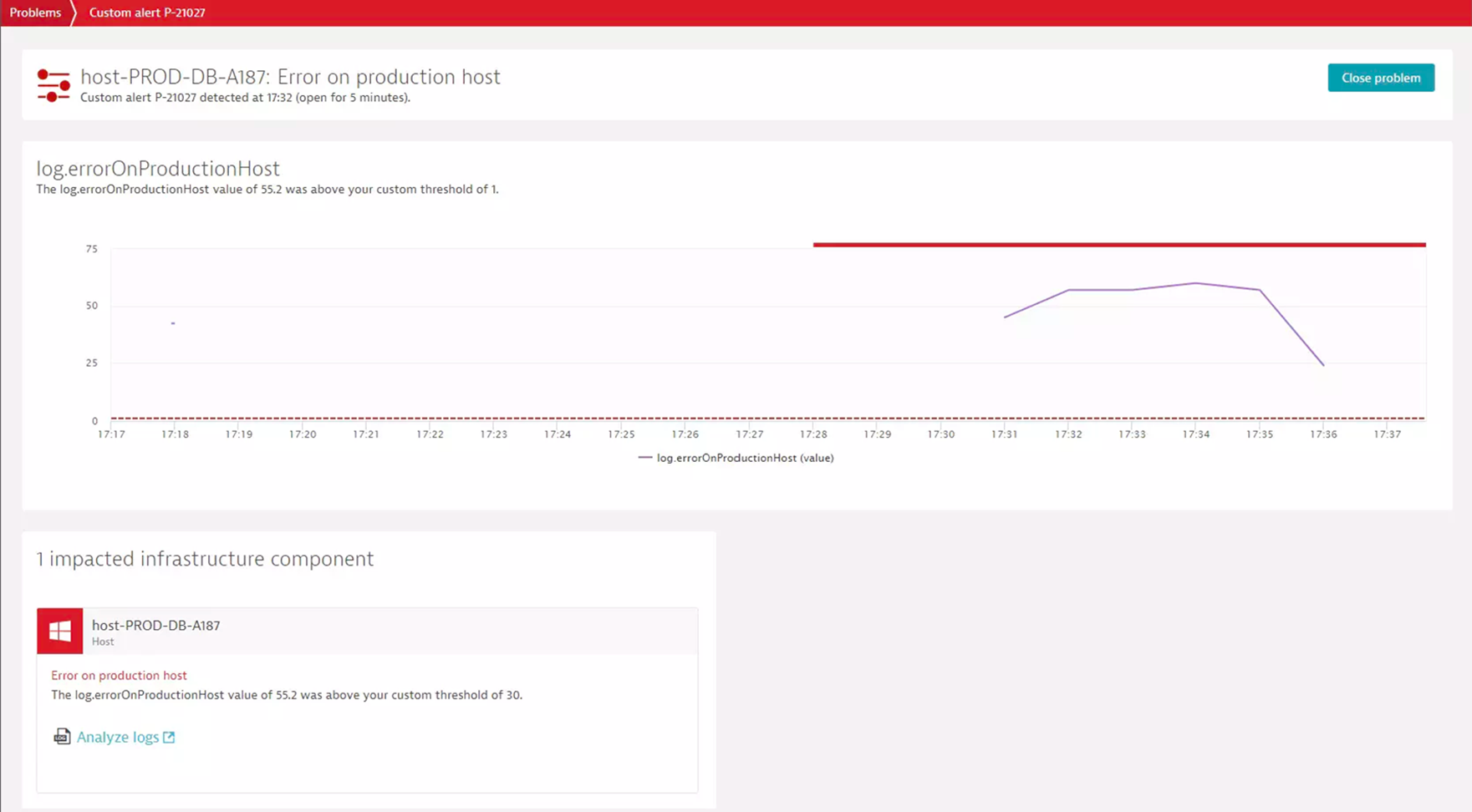
- Product information
Overview
Logstash is a free, open-source data processing pipeline that ingests data such as logs and events from a multitude of sources. Logstash transforms log data and sends it to your backend service of choice.
By integrating logs with Dynatrace, you get intelligent observability and automatic root cause analysis for additional log and event data captured and processed by Logstash.
Use cases
- Leverage any of the 50+ input plugins from Logstash to get logs and events from your application into Dynatrace where you can immediately benefit from Dynatrace AI-driven root cause analysis.
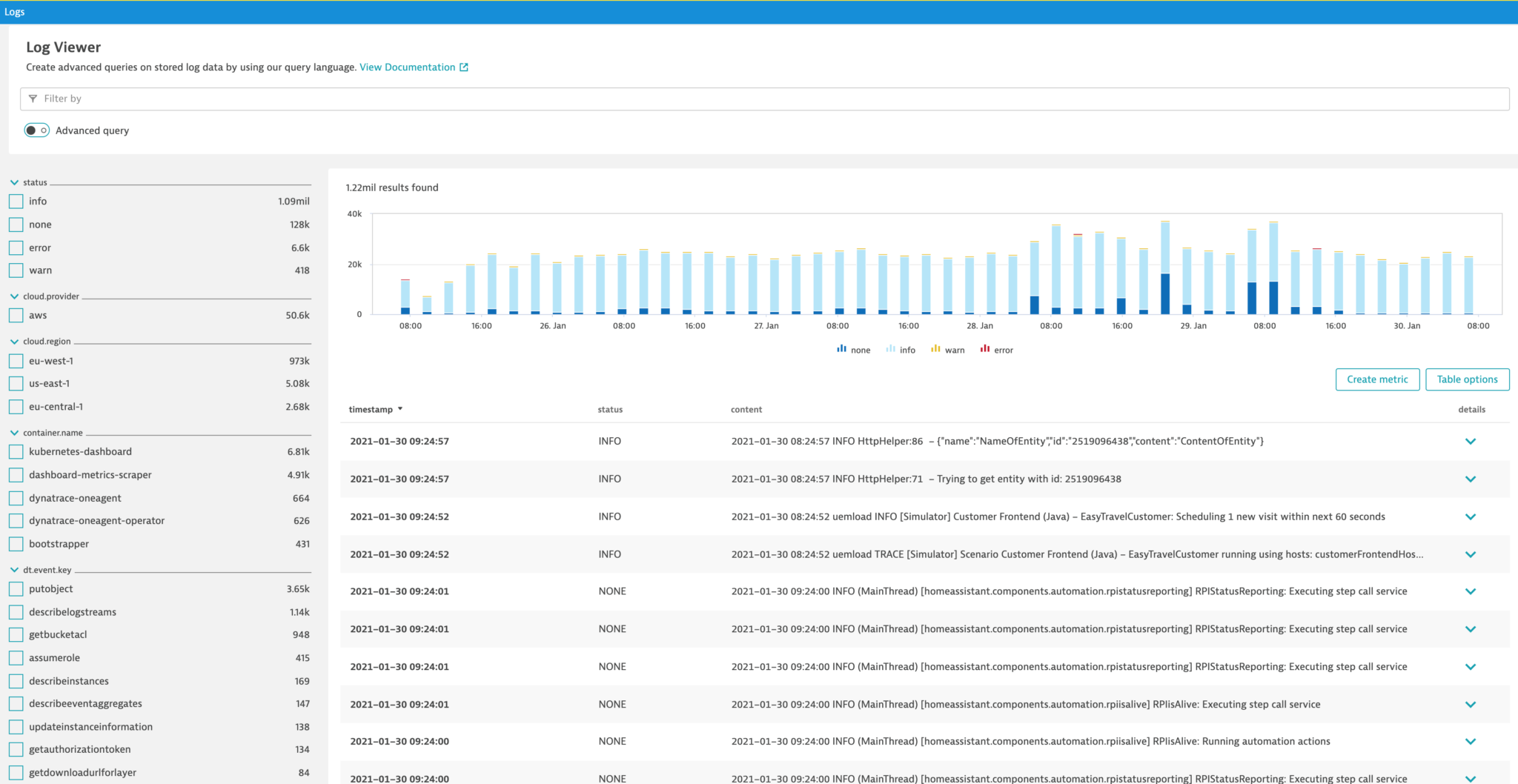
- Quickly search, explore, and analyze log and event data from a multitude of sources.
Get started
The Dynatrace Logstash output plugin allows you to forward logs to Dynatrace for in-context analysis.
- Get a Dynatrace API token with the Ingest Logs scope to integrate with Dynatrace generic log ingest API
- Deploy Logstash
- Use the Dynatrace Logstash output plugin to stream logs to Dynatrace cluster
Details
Details
For more details, please refer to the following resources:
- Logstash reference
- Output Plugin documentation
- Dynatrace output plugin in GitHub
- Log monitoring Documentation:
Also, have a look at this Dynatrace performance clinic recording as well as this related blog post
Get Started
Retrieve the Dynatrace plugin (hosted on the RubyGems.org public repository) and install it.
To install the plugin, run bin/logstash-plugin install logstash-output-dynatrace. See Working with plugins in the Logstash reference for more details.
Compatibility information
- An ActiveGate with the Generic log ingest API v2 enabled
- A Dynatrace API token with the
logs.ingest(Ingest Logs) scope
Customer story BT
“When the system went live, it felt like we had a thousand log analysts helping us understand where to focus efforts to improve our services.”
Chris Deane
Senior Engineering Manager, Cloud Platform Services