


All
0 Results filtered by:

We couldn't find any results
You can search all listings, or try a different spelling or keyword. Still nothing? Dynatrace makes it easy to create custom apps.
 IBM WebSphere Liberty
Automatically and intelligently monitor and analyze your application server.
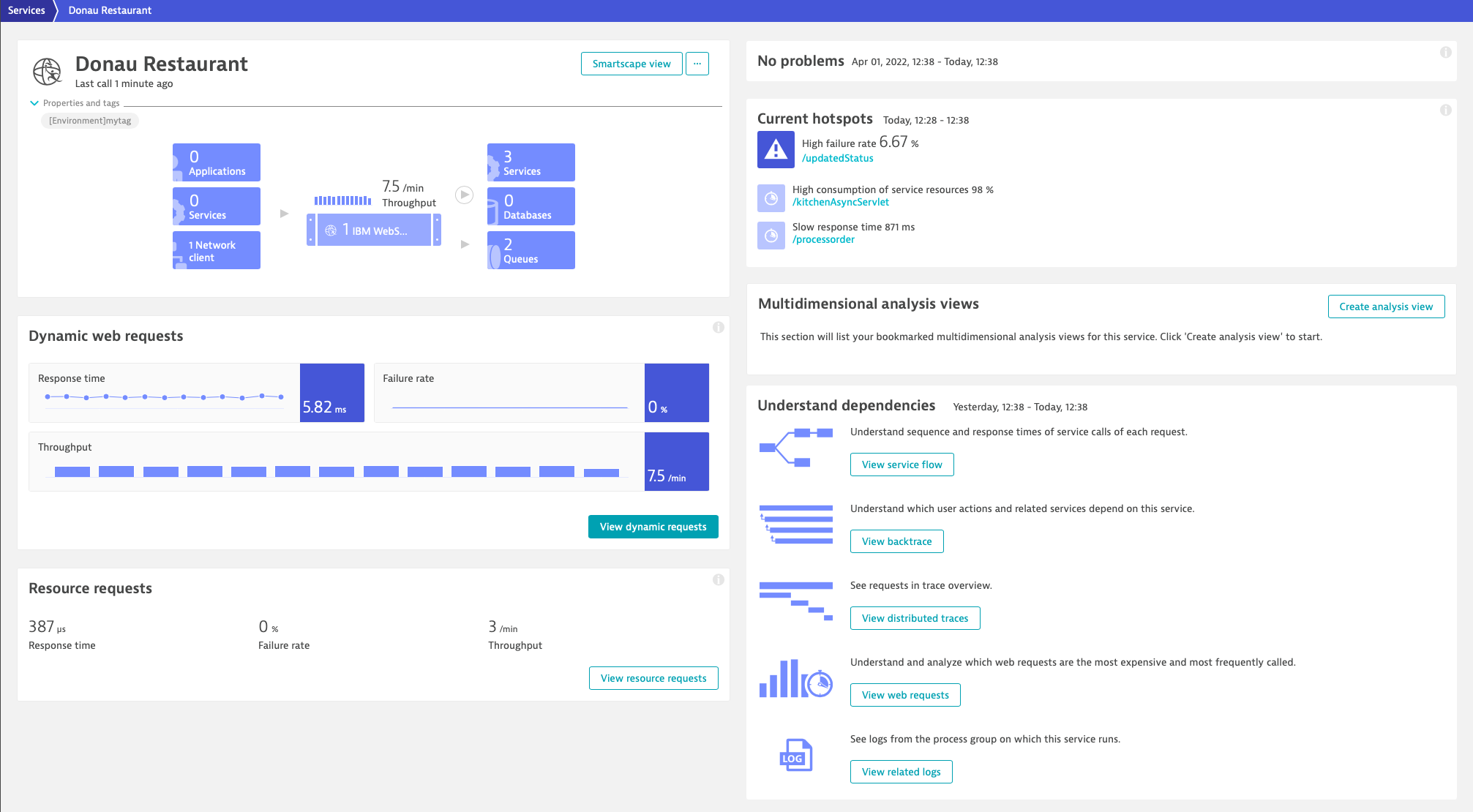
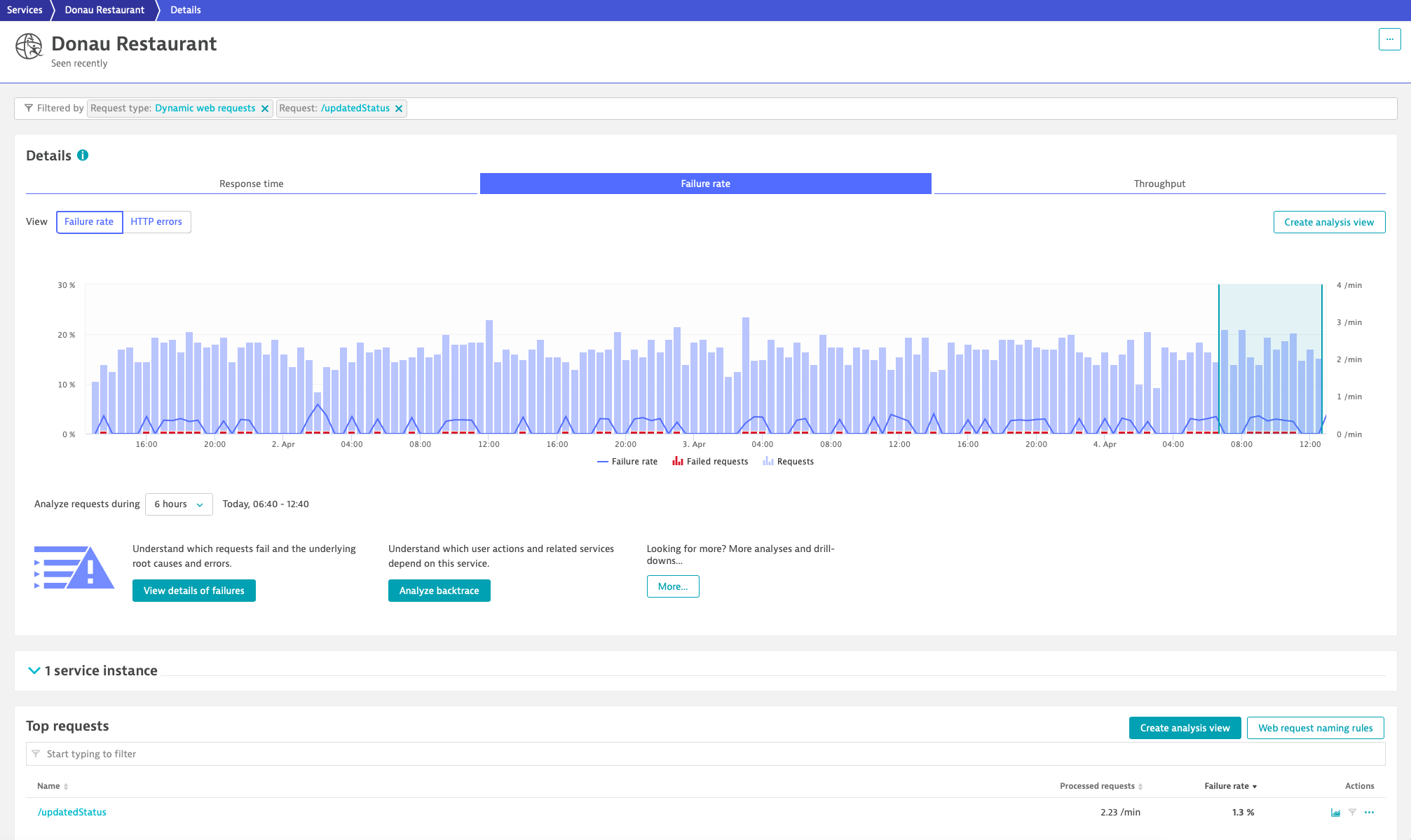
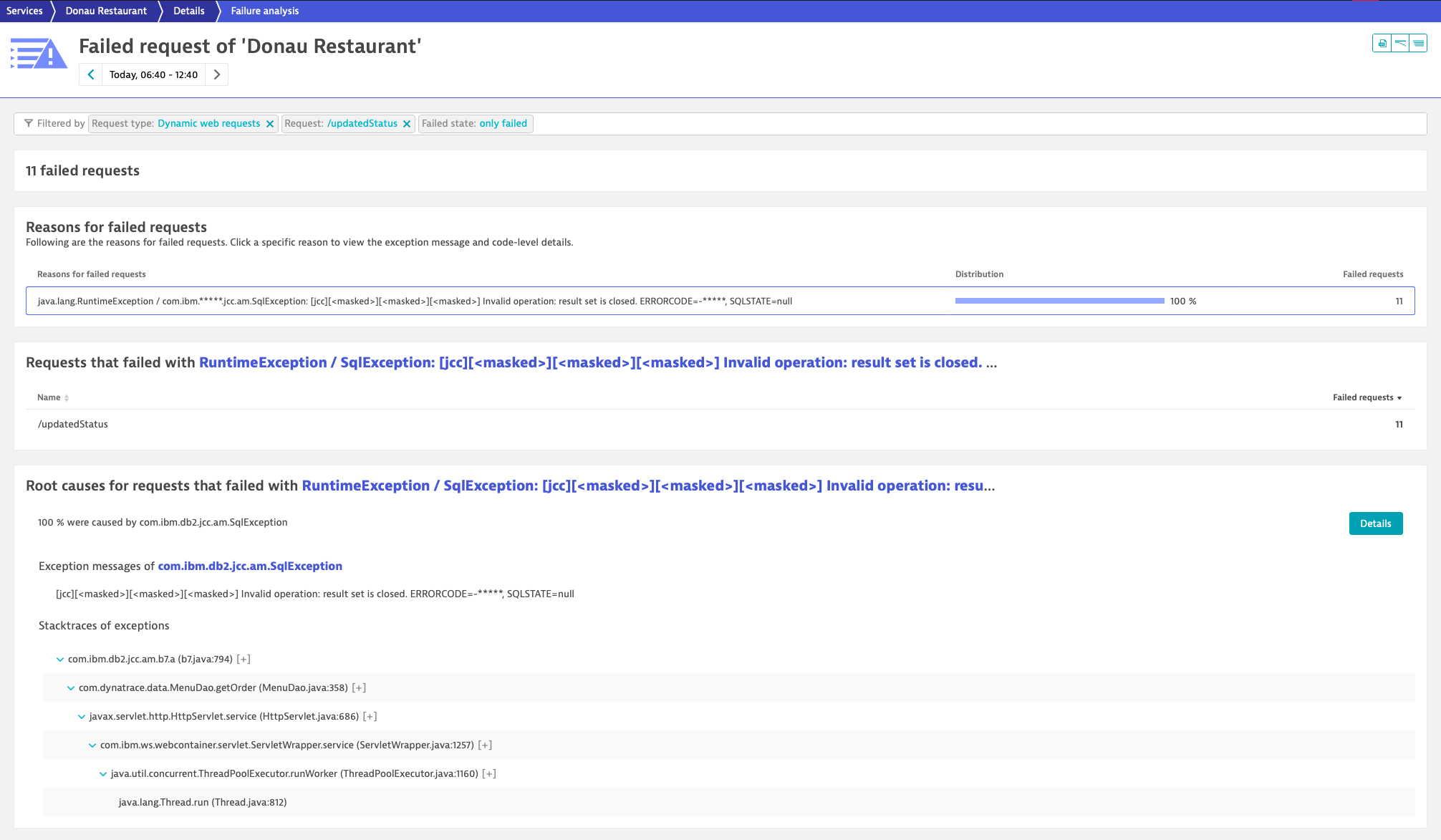
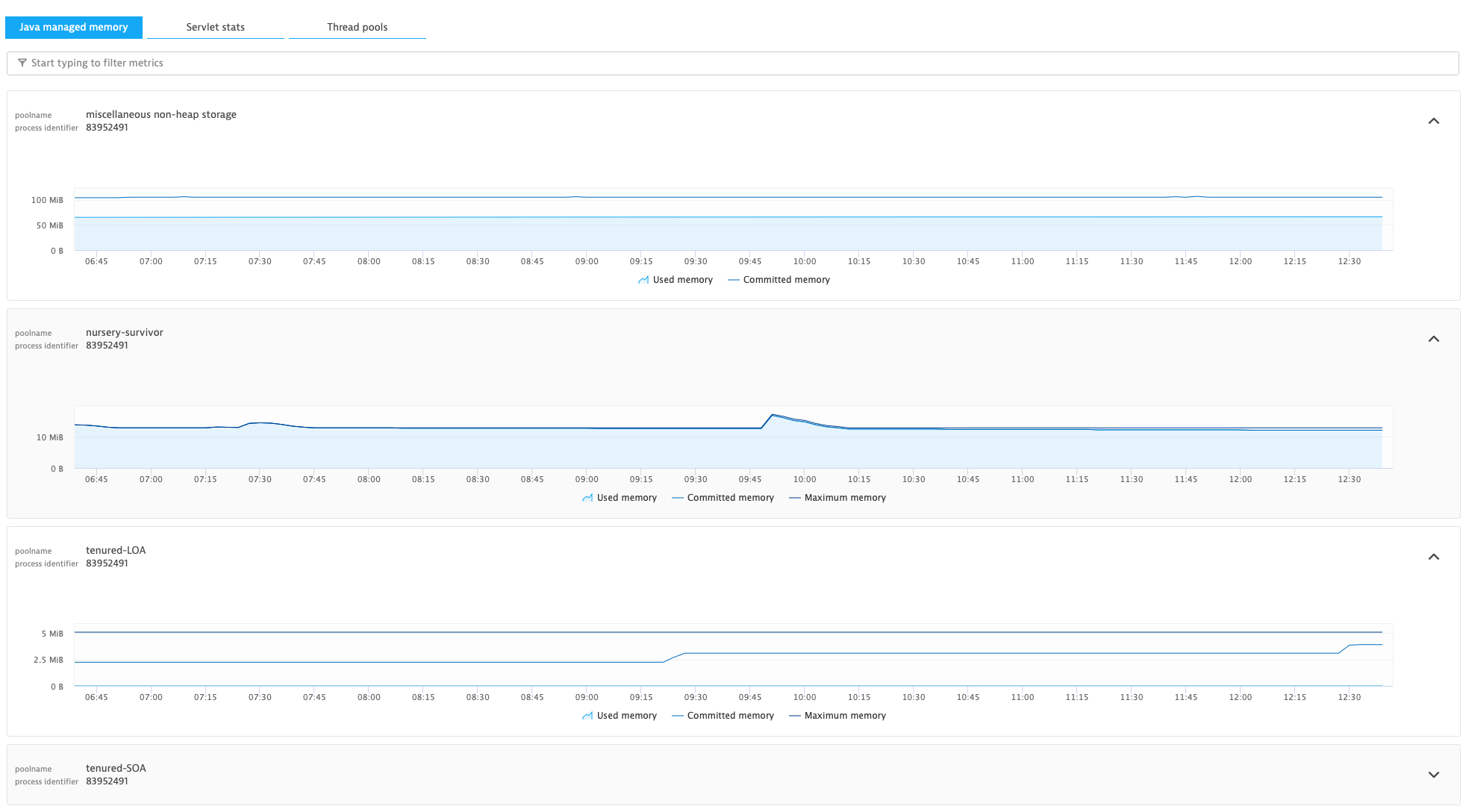
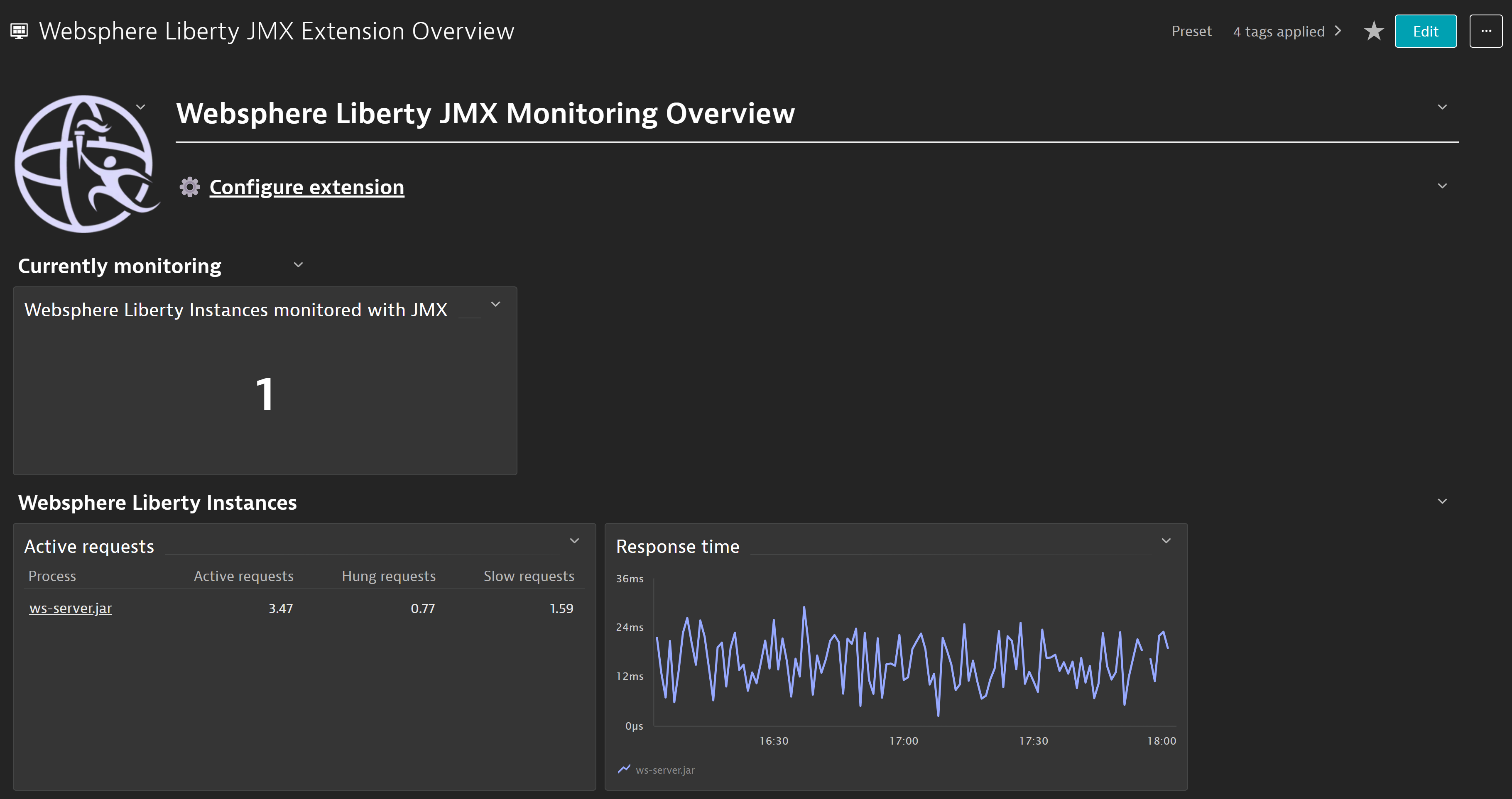
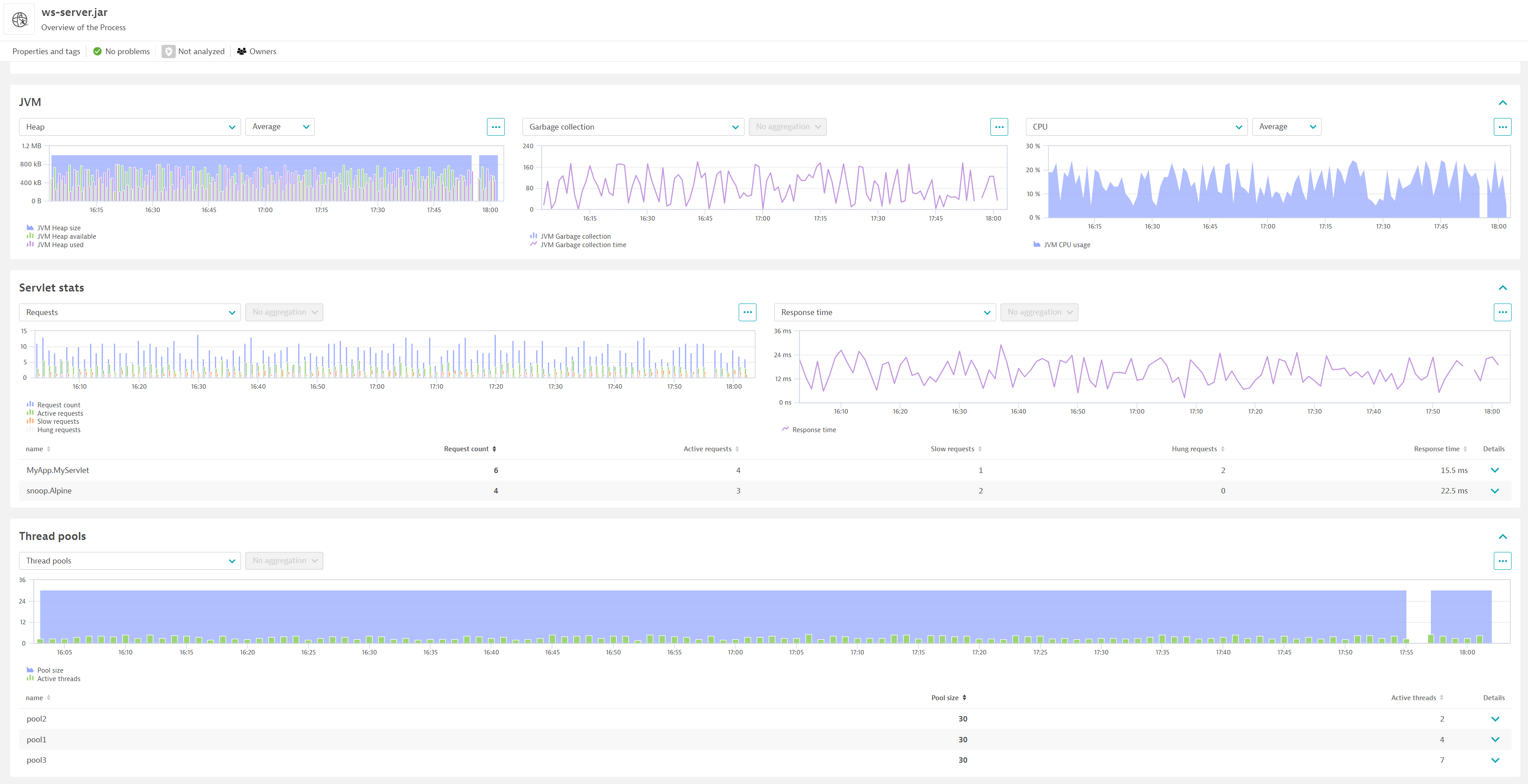
ExtensionDynatrace automatically detects all applications and microservices deployed in your application server and provides automatic end-to-end tracing, application server metrics and log insights. Dynatrace visualizes your web application and its dependencies from website to application to container, infrastructure and cloud. It diagnoses anomalies in real-time with AI and pinpoints the root-cause down to the broken code before your customers are even affected. Deep code-level insights combined with market-leading profiling capabilities like method hotspots, error/exception analysis, memory profiling, and thread analysis will help you leverage the robustness of your production environment.
Below is a complete list of the feature sets provided in this version. To ensure a good fit for your needs, individual feature sets can be activated and deactivated by your administrator during configuration.
| Metric name | Metric key | Description | Unit |
|---|---|---|---|
| Active requests | websphere.liberty.ActiveRequestCount | Number of active requests | Count |
| Slow requests | websphere.liberty.SlowRequestCount | Number of slow requests | Count |
| Hung requests | websphere.liberty.HungRequestCount | Number of hung requests | Count |
| Metric name | Metric key | Description | Unit |
|---|---|---|---|
| Active threads | websphere.liberty.ActiveThreads | Active threads | Count |
| Pool size | websphere.liberty.PoolSize | Pool size | Count |
| Metric name | Metric key | Description | Unit |
|---|---|---|---|
| JVM Heap size | websphere.liberty.jvm.Heap | Total heap size for websphere liberty | Byte |
| JVM Heap available | websphere.liberty.jvm.FreeMemory | Free heap available for websphere liberty | Byte |
| JVM Heap used | websphere.liberty.jvm.UsedMemory | Used heap for websphere liberty | Byte |
| JVM CPU usage | websphere.liberty.jvm.ProcessCPU | Percentage of CPU consumed by this JVM | Percent |
| JVM Garbage collection | websphere.liberty.jvm.GcCount.count | Number of times that GC happened | Count |
| JVM Garbage collection time | websphere.liberty.jvm.GcTime.count | Amount of time spent on garbage collection | MilliSecond |
| JVM uptime | websphere.liberty.jvm.UpTime | Time since the JVM started | MilliSecond |
| Metric name | Metric key | Description | Unit |
|---|---|---|---|
| Request count | websphere.liberty.RequestCount.count | Request count | Count |
| Response time | websphere.liberty.ResponseTime | Response time | NanoSecond |

Application server method of pooling and sharing connections to a database.

Optimize Java performance with E2E monitoring and AI-driven root cause analysis

Automatically and intelligently monitor, analyze, and optimize your application server and all applications deployed on it.
Conversion from EF1.0 to EF2.0: