Skip Navigation Links

dynaTrace is the only software solution for Application Performance Engineering that you can use proactively and reactively to:

  • Free-up Resources for Building New Features
  • Prevent Performance Regressions Early On
  • Tune Applications for Optimal Performance
  • Review and Validate Software Architecture

Free-up Resources for Building New Features

Software developers love to develop features and functionality and spend less time fixing performance issues. With dynaTrace you will have a happier team of developers, they will be more productive, and when they hand off code to your QA team, they will have fewer bugs to squash. This will also accelerate your QA cycle time.

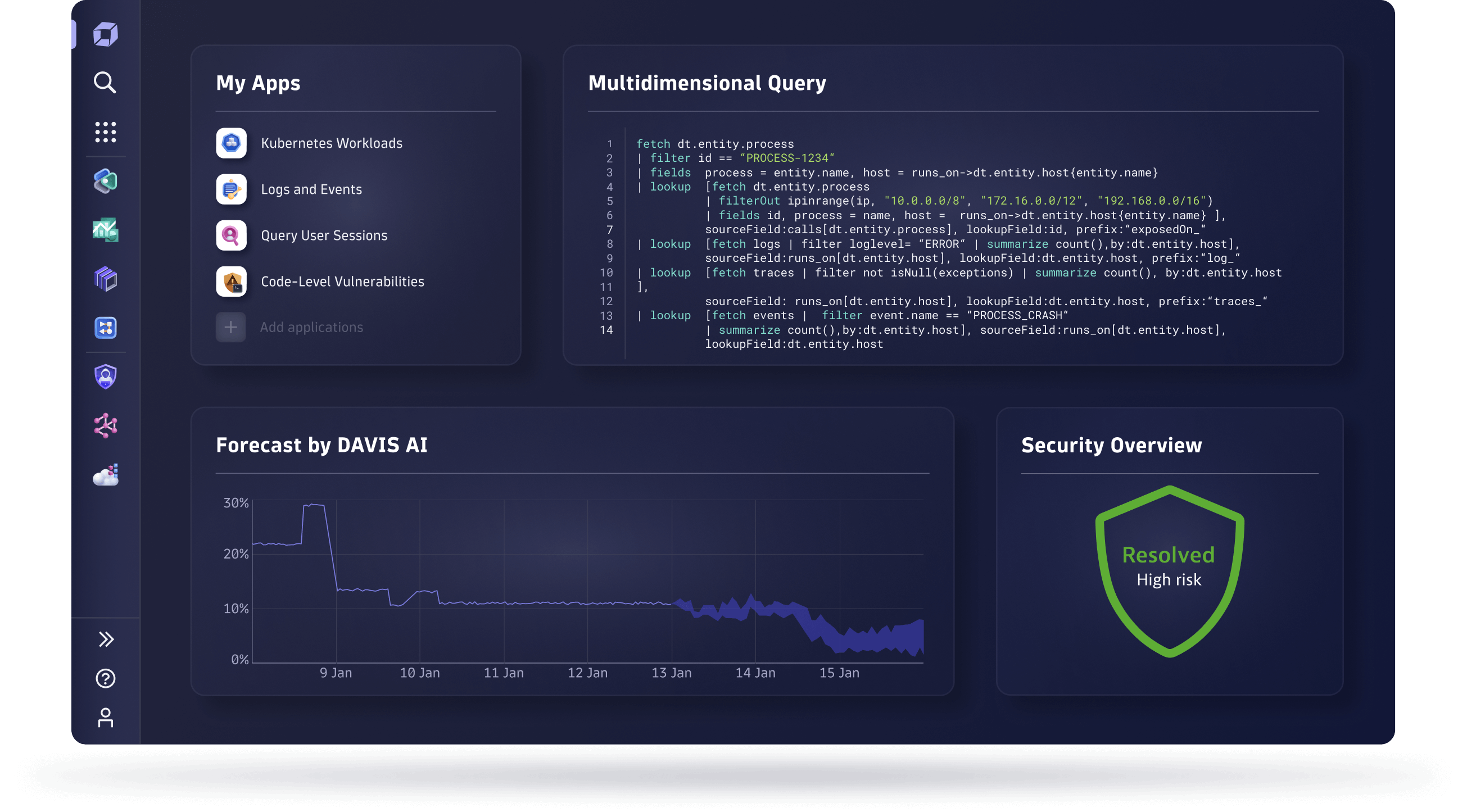
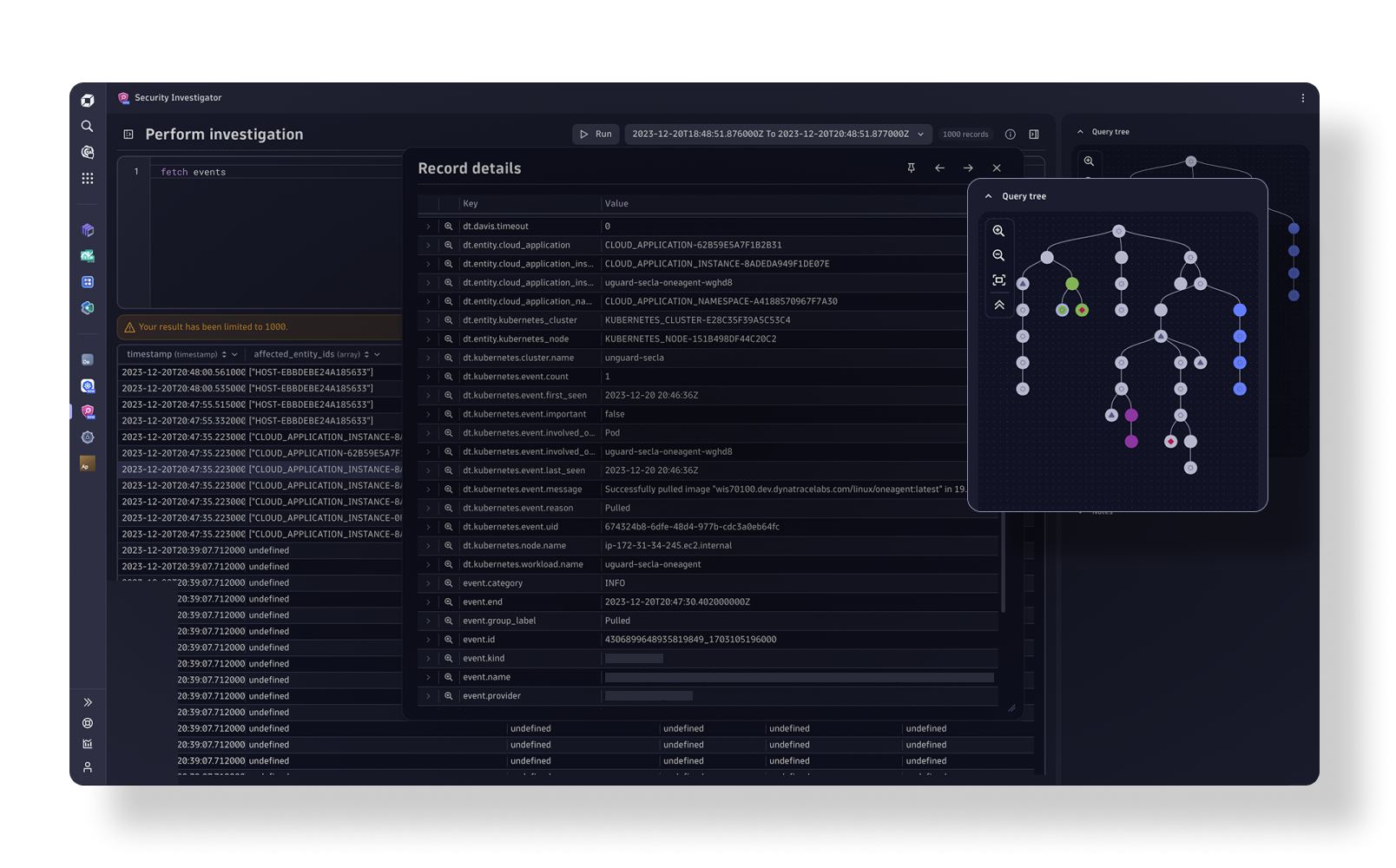
dynaTrace identifying a performance bottleneck dynaTrace identifying a performance bottleneck

dynaTrace achieves on average an 80% reduction in Mean-Time-To-Repair (MTTR) through an accelerated diagnosis and resolution process of performance problems. Straightforward reconstruction of problem scenarios (instead of having to reproduce them) using PurePath Technology allows developers to see and analyze exactly what has happened in a QA or production environment. This enables rapid diagnosis of the problem’s precise root cause deep down in the application’s code – even without requiring access to its source. A tight integration with IDEs such as Eclipse and Microsoft Visual Studio accelerates applying the necessary code changes to resolve the issue.

Prevent Performance Regressions Early On

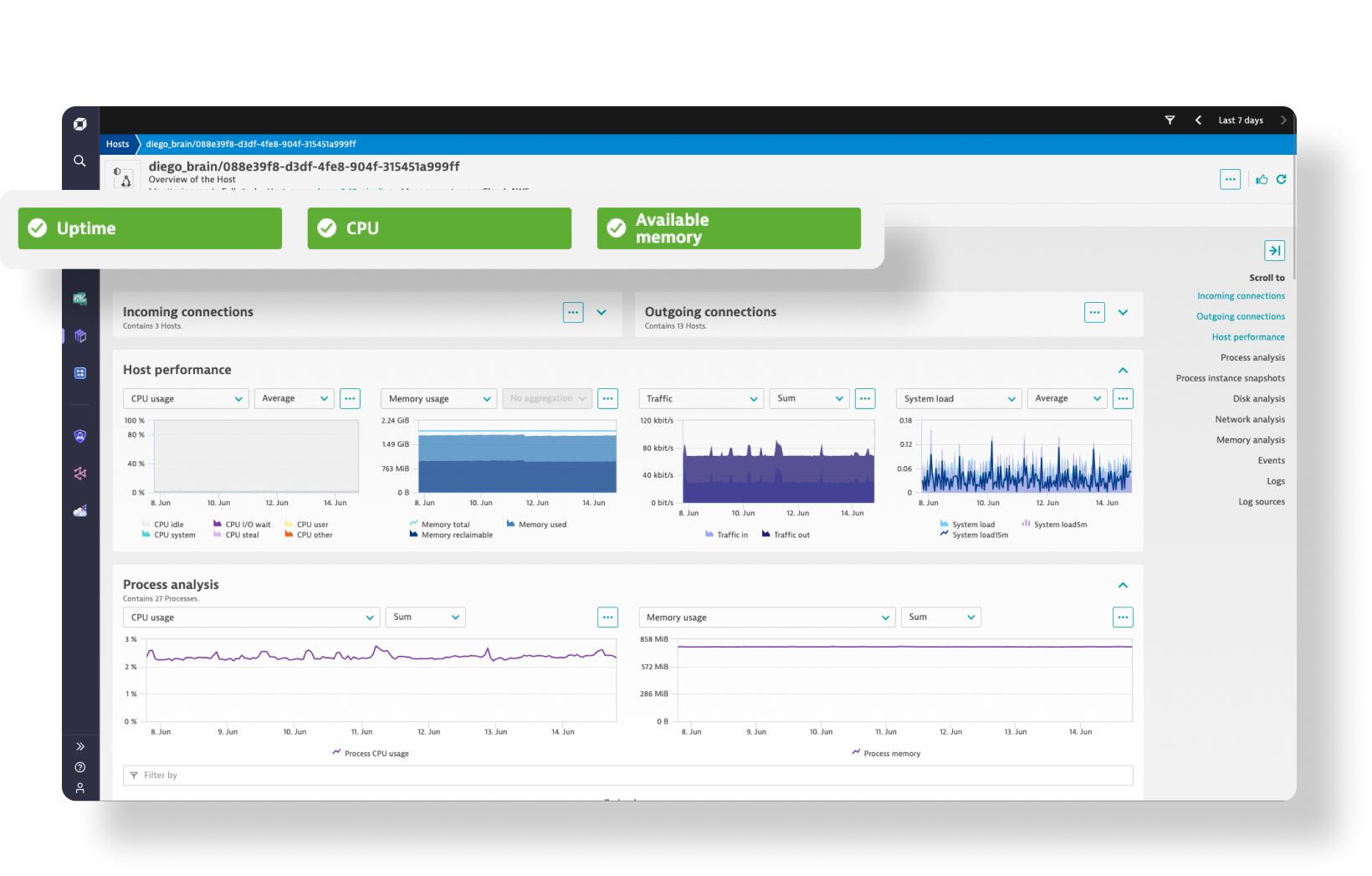
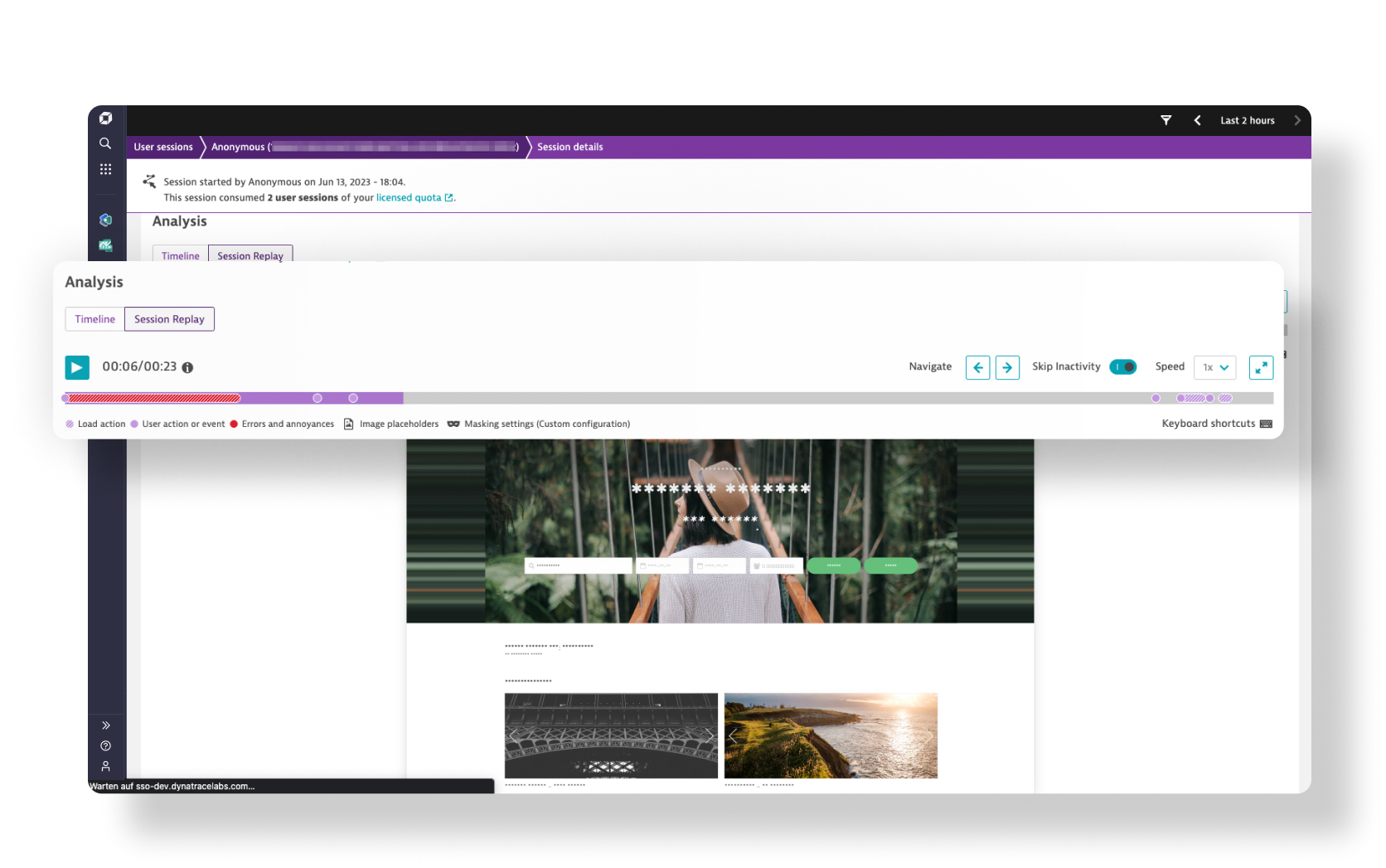
dynaTrace identifying performance regressions

The costs for resolving defects grow exponentially in each later phase of the application lifecycle. Thus, testing the performance of every available build during continuous integration to detect and avoid performance regressions early on provides a high return on investment.

That is why dynaTrace provides performance regression management through integration with your automated build-and-test systems. Automatically run white-box performance tests and analysis on updated software components with every available build. dynaTrace lets you easily compare and analyze the performance delta between subsequent builds to see if application performance has improved or has declined. This way, you can easily avoid performance regression issues early on, avoiding costly rework later in the development life cycle.

Tune Applications for Optimal Performance

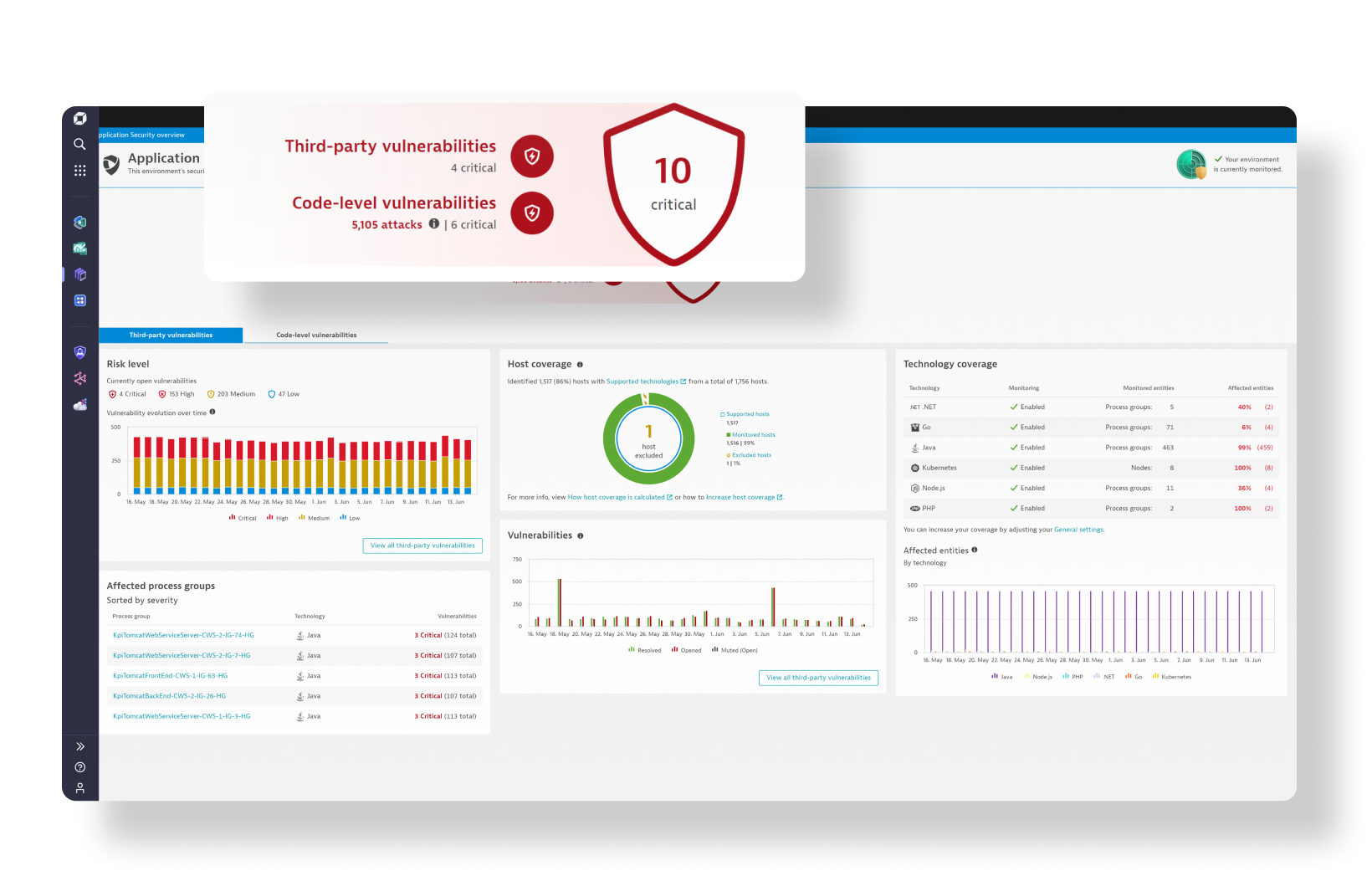
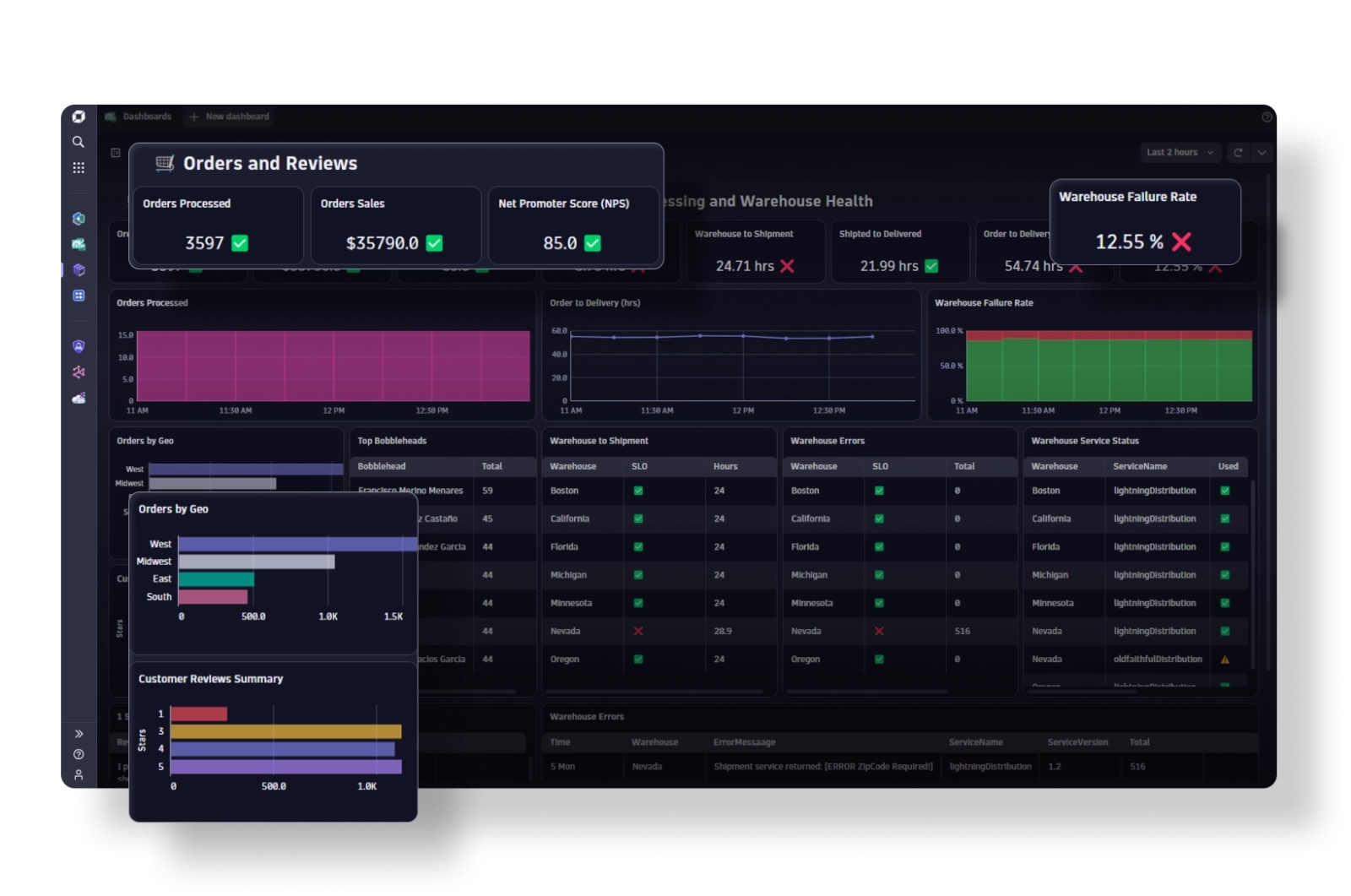
dynaTrace identifying potential tuning areas

Conventional developer tools such as code profilers, while useful in the earliest stages of software development, offer only marginal value for performance tuning during testing and production phases due to their excessive overhead. Traditional monitoring tools, however, don’t provide enough insight into the application to enable developers to truly understand what’s going on while the application is under load in staging or production.

However, staging and production environments are distinctly different from development environments. dynaTrace breaks through this barrier and lets you easily analyze the performance of your application on code-level during transaction execution under load – through its PurePath Technology – enabling efficient performance tuning.

Validate and Review Software Architecture

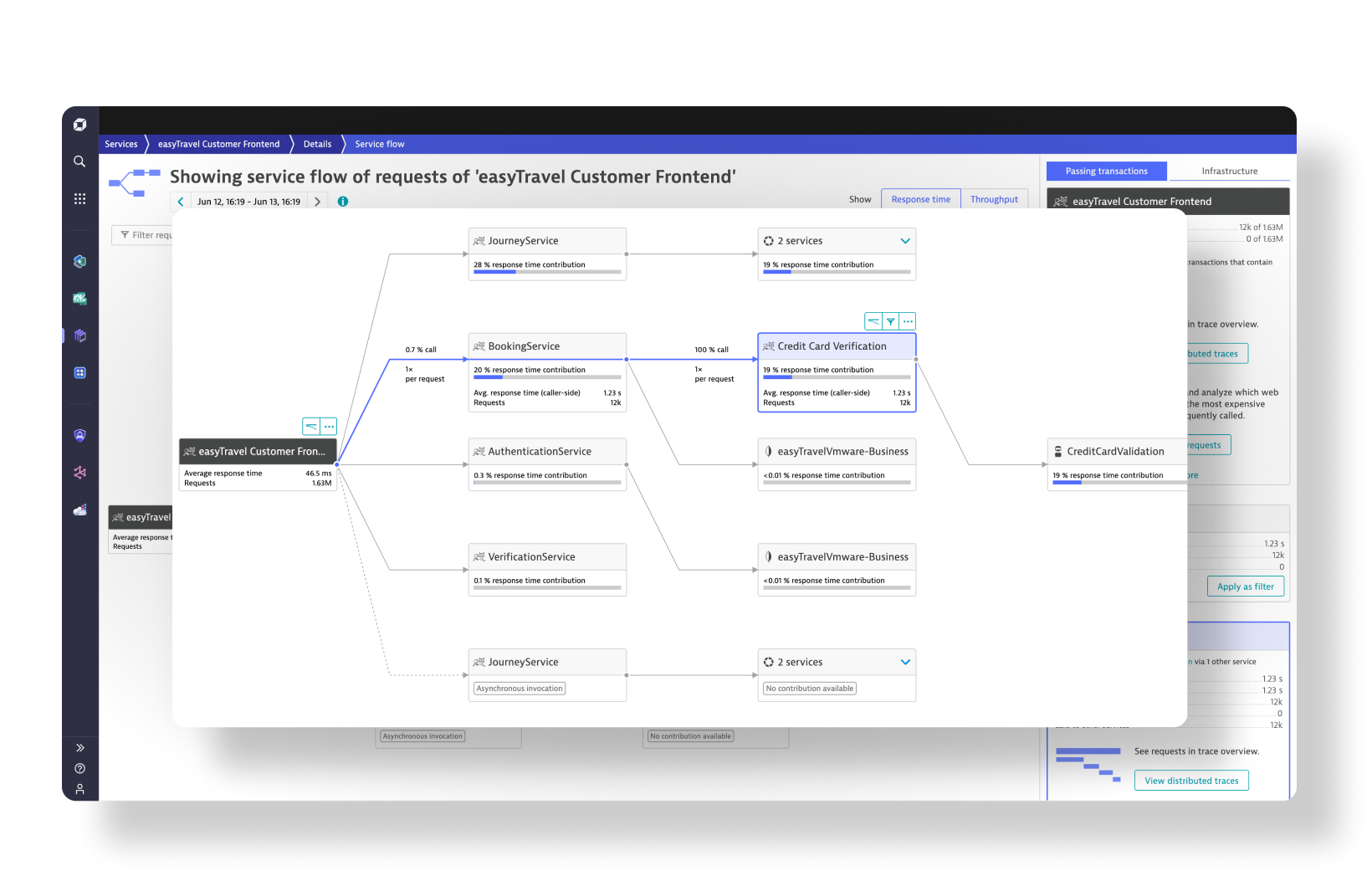
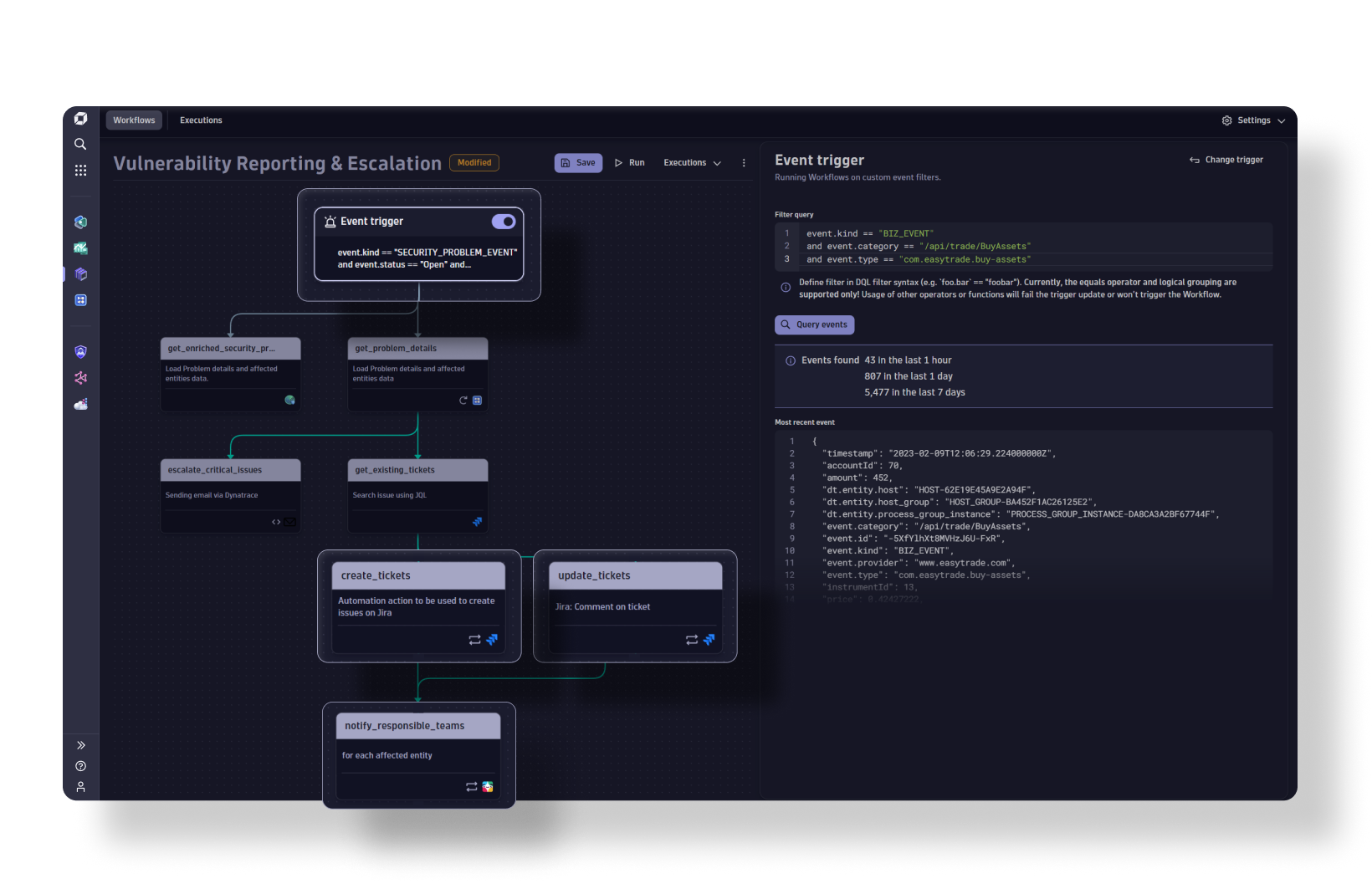
dynaTrace analyzing the dynamic application behavior

Do you want to know early on if your software architecture will live up to your performance expectations? Do you wonder if your development team or outsourcing partners are following your software design specifications? If so, dynaTrace with its PurePath Technology provides the solution for you:

  • Analyze the dynamic behavior of your application architecture
  • Automatically document application behavior with UML diagrams
  • Audit software adherence to architecture specifications
  • Rapidly ramp new employees on your application’s software architecture
  • See what’s going on inside 3rd party code

Key Features

  • Issue reconstruction vs. reproduction
  • Rapid root-cause analysis
  • Code-level visibility
  • Integration with IDEs
  • Performance regression testing (white-box)
  • Integration with build and test systems
  • Documentation of dynamic application behavior

Success Stories

Questions?

Contact